



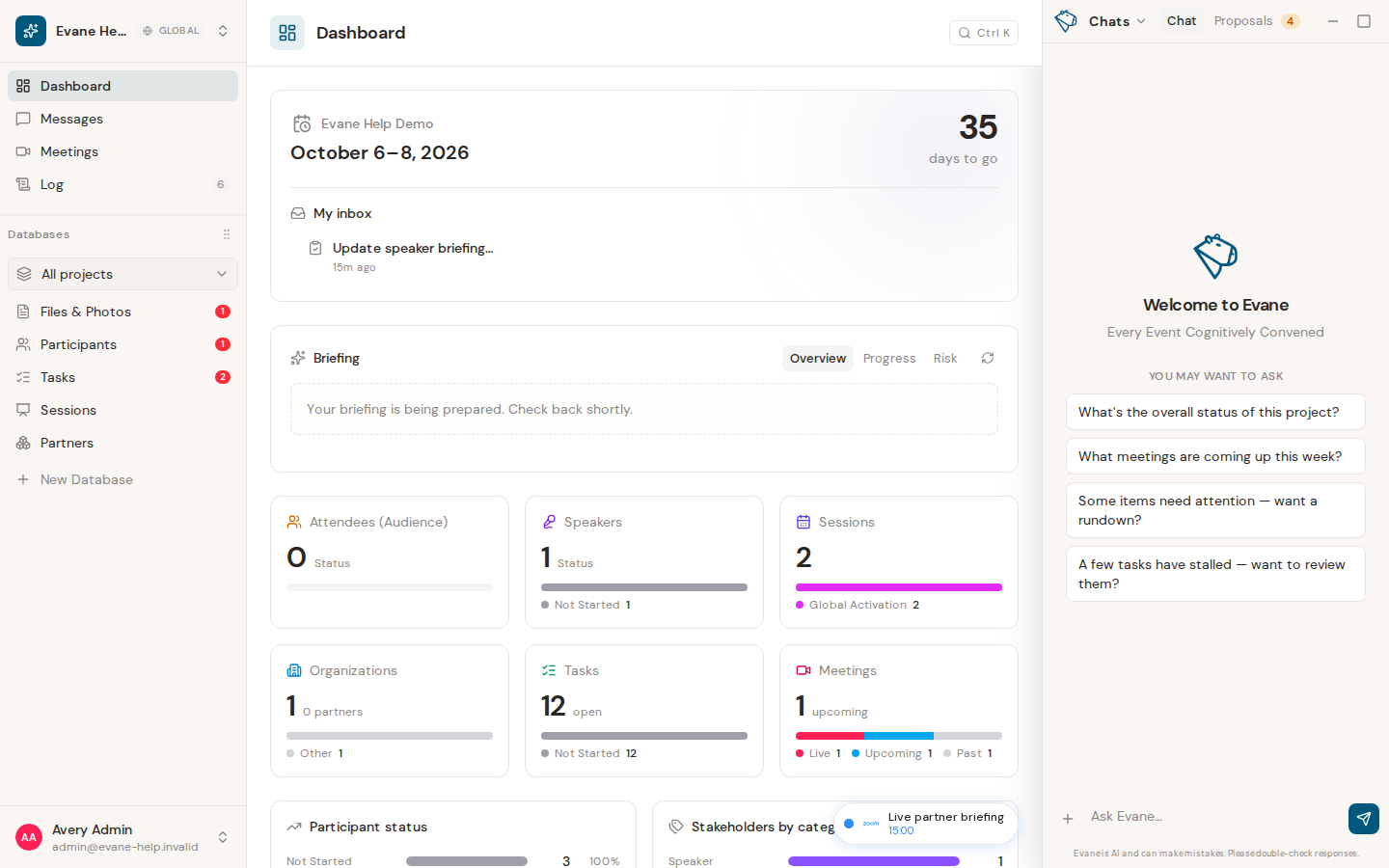
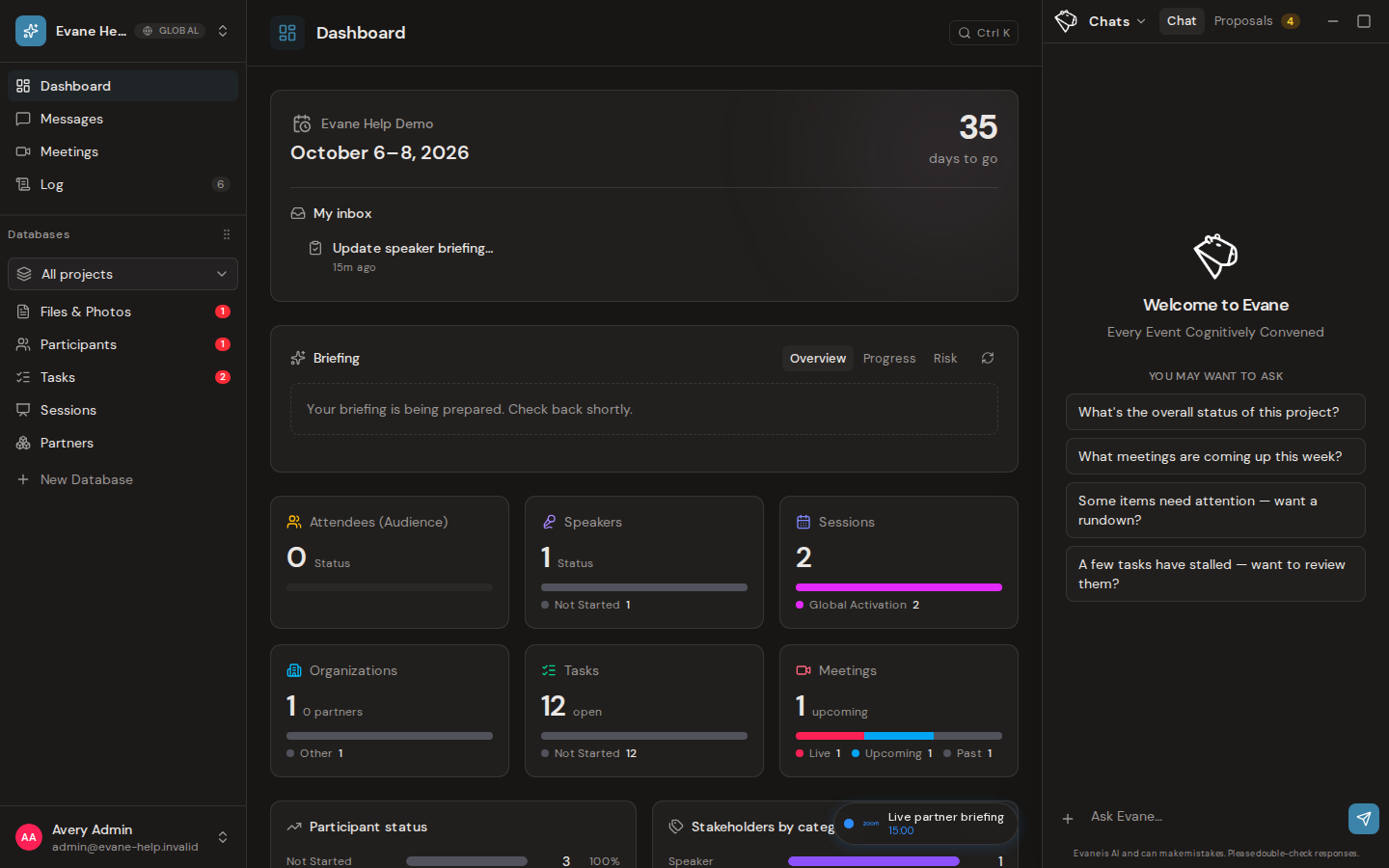
Evane AI answers in the context of the workspace currently open in the product. It can search accessible records, inspect supported files, and use available tools, but it never expands your account permissions.
Give the assistant useful context
Ask one concrete question at a time. Mention a Task, Session, Participant, Meeting, or file when the answer should focus on that record. You can also attach a supported file from the composer. The answer streams into the conversation and may include links to the records or sources it used.
Requests that change workspace data can produce a Proposal instead of editing immediately. Review the proposed fields before an eligible Editor, Admin, or Owner approves or rejects them; protected targets can still require an Owner or Admin.
When the answer is incomplete
Check that the correct workspace is selected and that the referenced record is visible to you. A missing connector, unindexed file, model error, or exhausted AI allowance can limit the answer. Rephrase the question with a narrower scope rather than assuming unavailable information.

