



Messages are organized by delivery state so you can separate incoming mail, unfinished work, and completed correspondence.
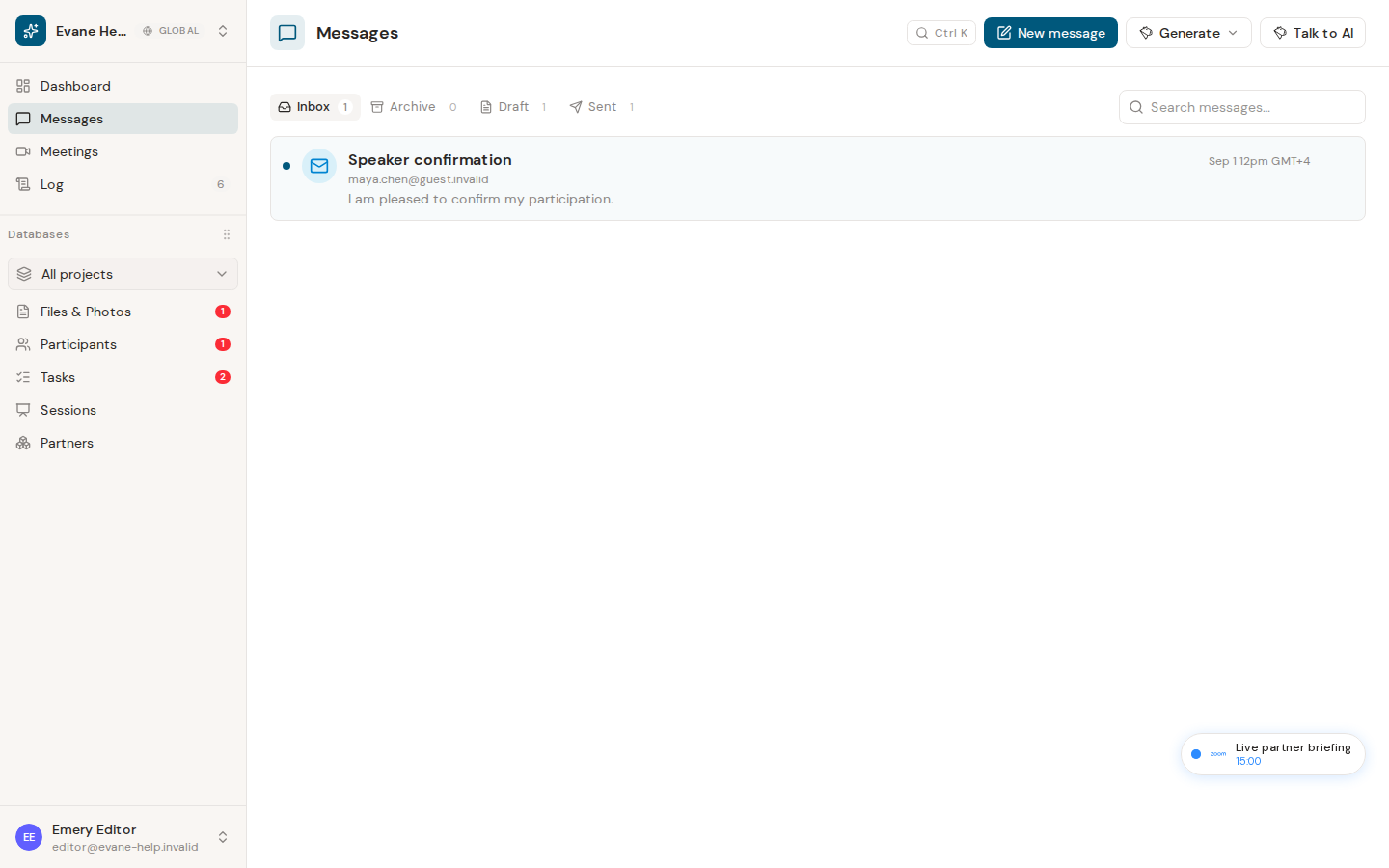
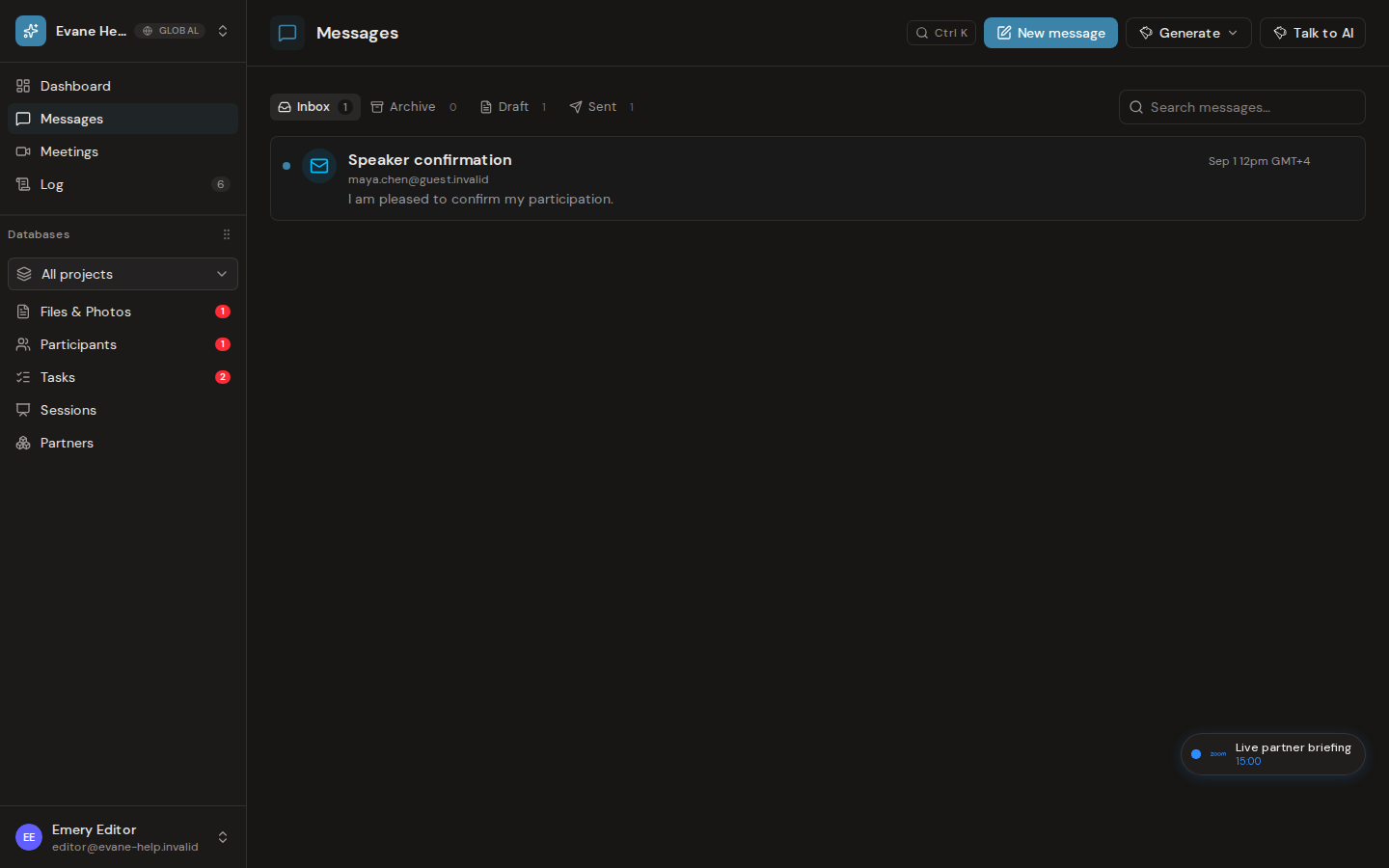
What each folder contains
- Inbox shows received workspace messages.
- Sent shows messages successfully handed to the connected mailbox.
- Draft keeps saved messages that have not been sent.
- Archive holds messages removed from the active inbox without deleting them.
Select a message to read its recipients, subject, body, linked files, and available actions. Search narrows the current message collection; unread state and archive actions update the appropriate row.
A draft stays in Draft until sending succeeds. If a message appears in the wrong folder, reopen it and check its delivery state. Connector sync can update Inbox and Sent independently from locally saved drafts.

