



Open Settings > Billing to review the workspace's billing state. Every member can open the panel, but usage details and actions that change billing are restricted by role.
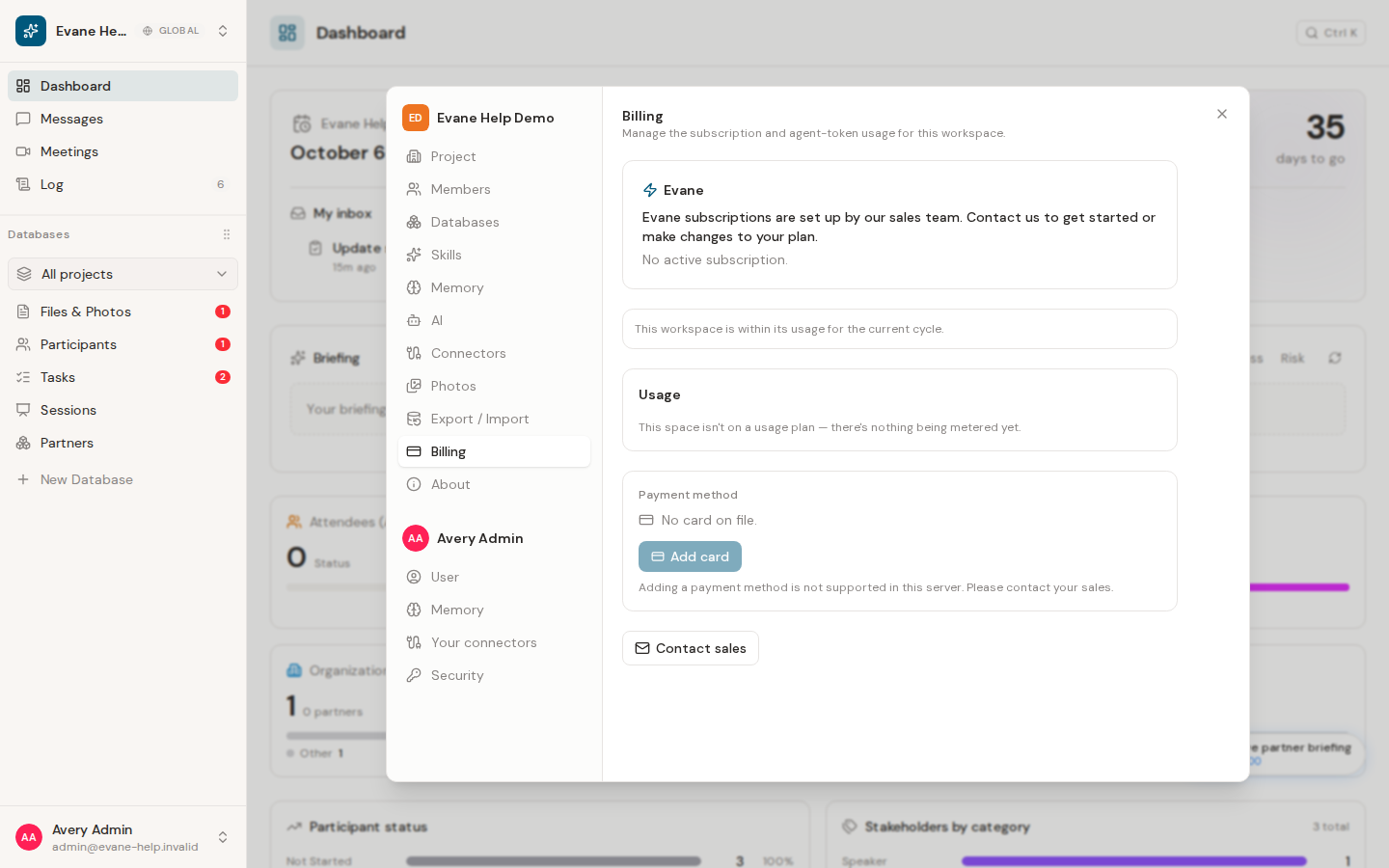
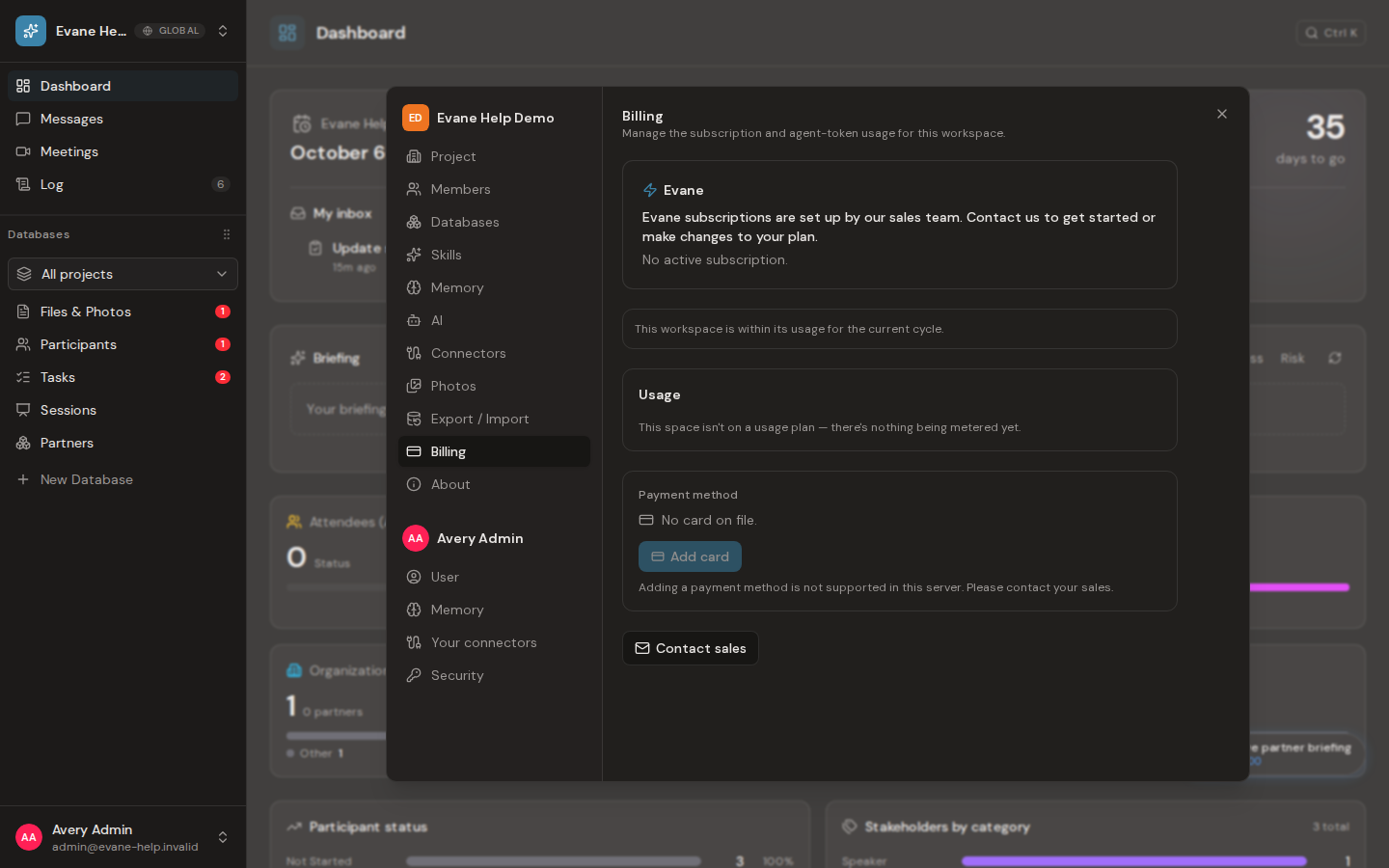
Review subscription and usage
The plan card shows the workspace's effective plan name when one is active. A public plan price appears only when the deployment explicitly publishes one; the panel does not expose hidden pricing configuration. For a Stripe subscription, it also shows subscription status and renewal date. Owners and Admins can see the rolling usage windows and their reset times. If usage is over the configured allowance, the panel distinguishes blocked usage from enabled additional usage and shows an accrued amount only when the backend supplies one.
No active subscription, no usage plan, or no billing provider is a valid state. Evane reports that state directly instead of presenting a zero-percent allowance that would imply a calculated limit.
Manage the payment method
An Owner or Admin can add, replace, or remove the card used for additional usage when Stripe card setup is available. Card details are collected by Stripe Elements; Evane receives display metadata rather than the full card number. Removing the card does not cancel an existing subscription.
An existing Stripe subscription can expose Manage subscription to the Owner and open the provider portal. Workspaces without a subscription use the contact-sales path; the interface does not offer an unsupported checkout button. A workspace that already has an admin-granted plan shows that plan without a purchase or portal action.
An AI quota or rate-limit error can still come from the workspace allowance, model availability, or the upstream provider. Do not edit billing rows directly to bypass it; keep the error name and ask an administrator to check the applicable limit.

