



Skills are reusable workspace instructions. A Skill can contain a description, a detailed specification, attached files, an enabled state, and one hook that controls where it is offered.
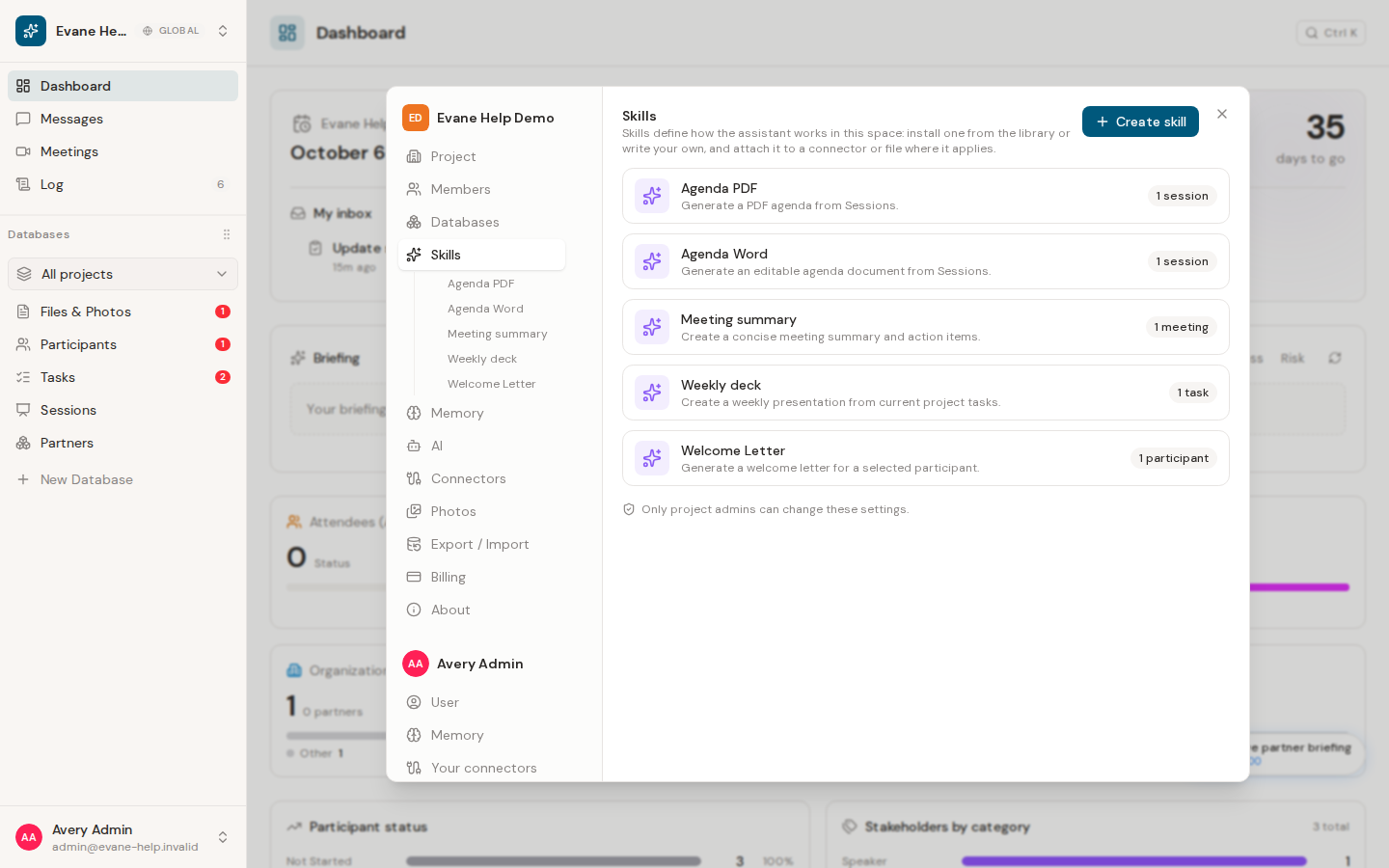
What a hook changes
- Everything makes the Skill available as a general AI capability.
- An entity hook such as Participants, Sessions, or Meetings offers the Skill in that part of Evane.
- A connector hook attaches the Skill to one compatible connection. For Airtable, the Skill drives the agentic sync. For SharePoint, normal synchronization still runs directly and the Skill adds post-sync review instructions that can propose changes.
- A file hook watches one selected workspace file. When connector sync ingests a new version of that file, the enabled Skill runs automatically; its editor shows the latest run state rather than offering a long-running browser-side Run button.
A Skill has one hook at a time. Changing the hook does not copy the Skill or its attachments.
Enabled and disabled Skills
An enabled Skill can be selected by the AI assistant or a matching Generate action. Disabling it preserves its definition but removes it from normal execution. The enabled switch saves immediately.
Who can configure Skills
Workspace Admins and Owners can create and edit Skills. Other members can inspect Skills that are visible to them and run enabled Skills when their workspace role permits the underlying operation.
When the Skill Library is available, a Skill installed from it stays linked to its package and is updated automatically. Its name, description, hook, specification, attachments, and package cover are read-only in the workspace editor; an Admin or Owner can still enable or disable it and choose its workspace icon. Create a manual Skill when the workspace needs an editable local specification.
Before relying on a Skill
Check its hook, specification, and attachments. A generated file is only complete when Evane returns a stored File record or download link; a prose response is not proof that a document was created.

