



Subtasks use the same Task model with a parent relationship. They stay attached to their parent while retaining their own owner, dates, status, progress, files, and discussion.
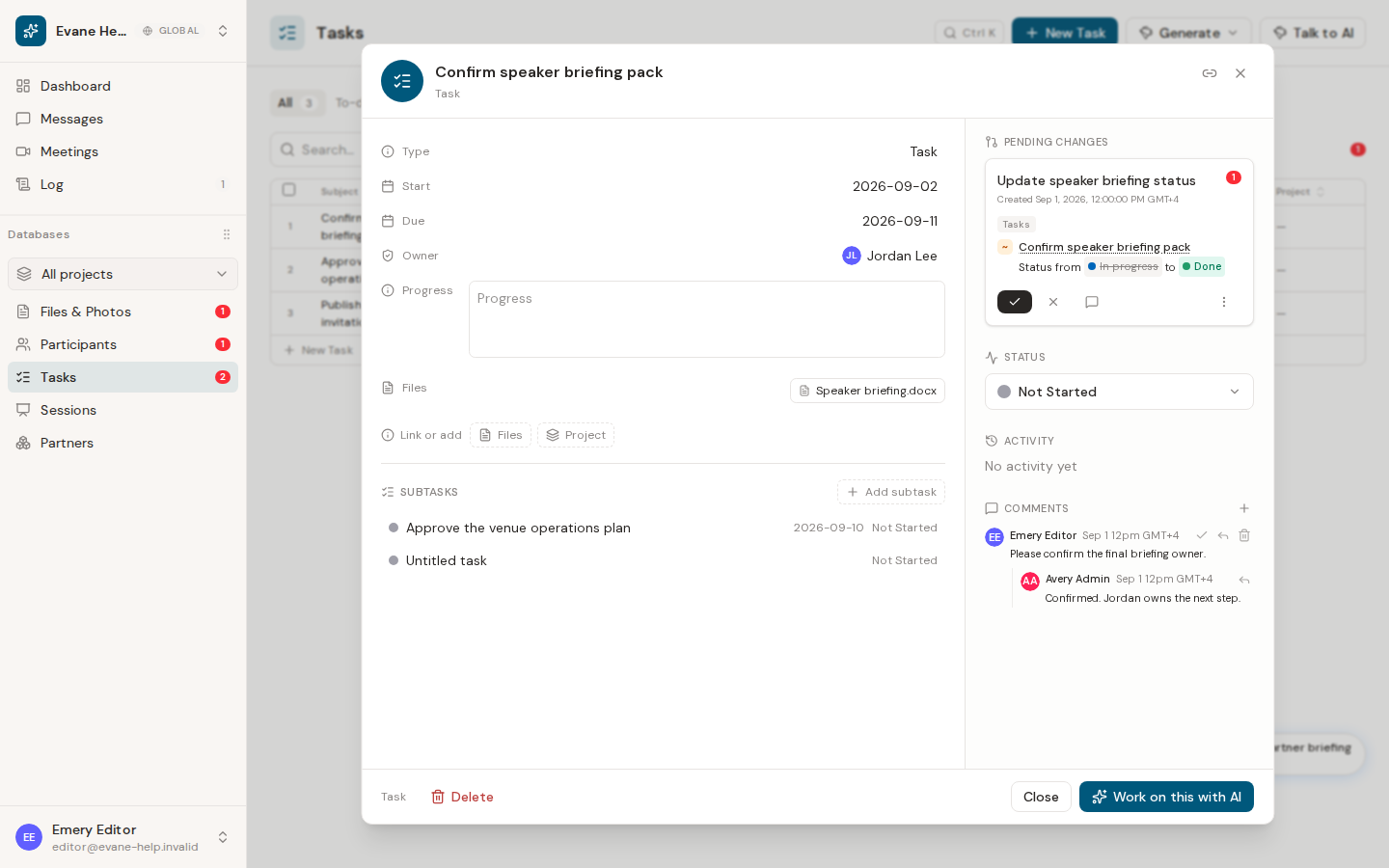
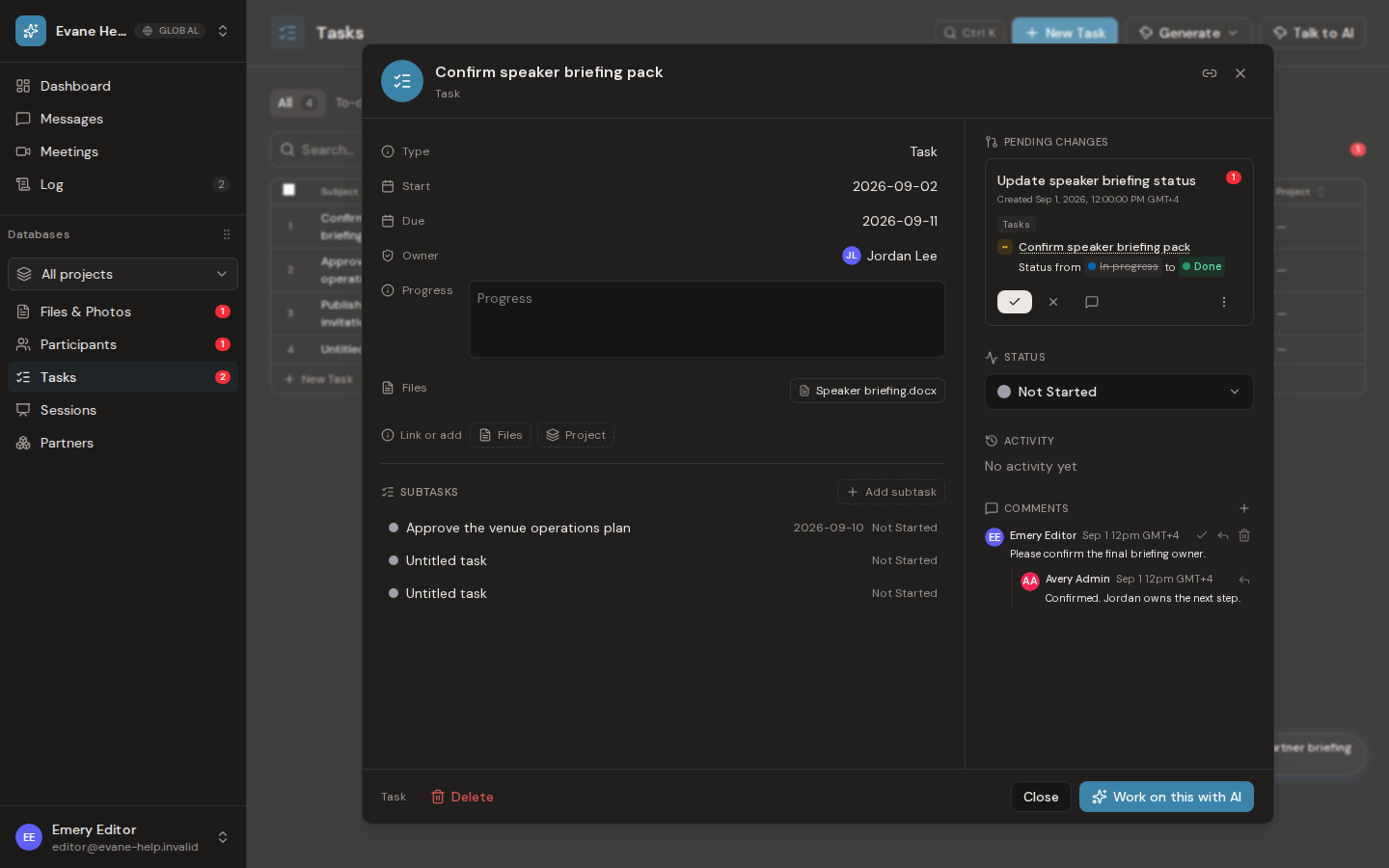
Add a subtask
- Open a task's detail dialog.
- Find Subtasks and select Add subtask.
- Evane creates a child record linked through
parent_task_idand opens it for editing. - Enter the child task details and save.
Write access is required. The Evane service validates that the parent task belongs to the current workspace.
Open and organize child tasks
Existing children appear in the parent detail dialog with their current status and due date when available. Select a child to replace the dialog content with that task. In All, grouping by Parent can nest child tasks under their parent. The Gantt also builds an objective-to-child hierarchy from this relationship.
The child persists as its own task and remains linked after refresh. It can have its own fields, status, files, comments, and activity.
If a subtask cannot be created
The quick-add path supplies an Untitled task subject before opening the child. If Evane returns an error, confirm the parent still exists in the current workspace and that your role has write access.

