



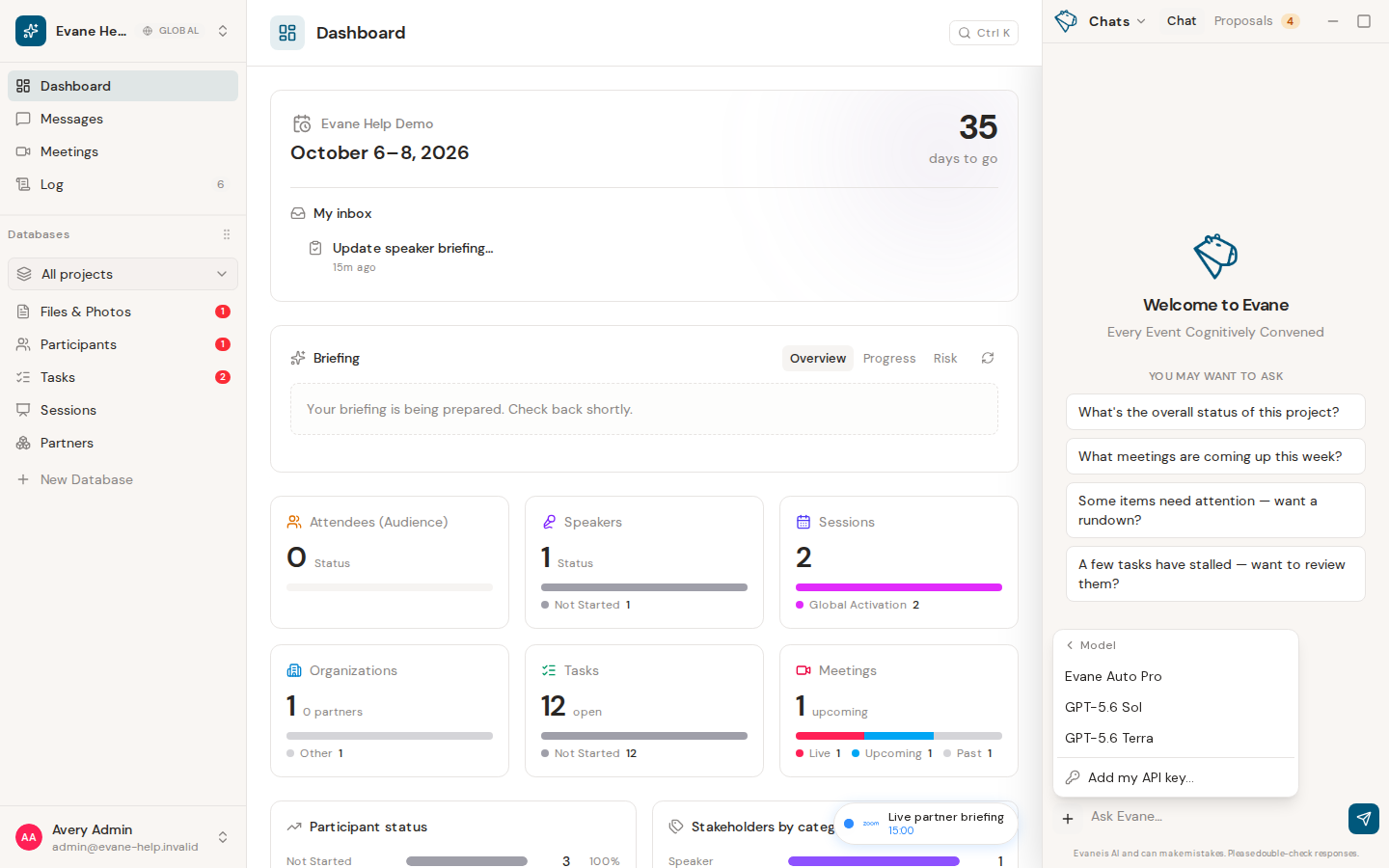
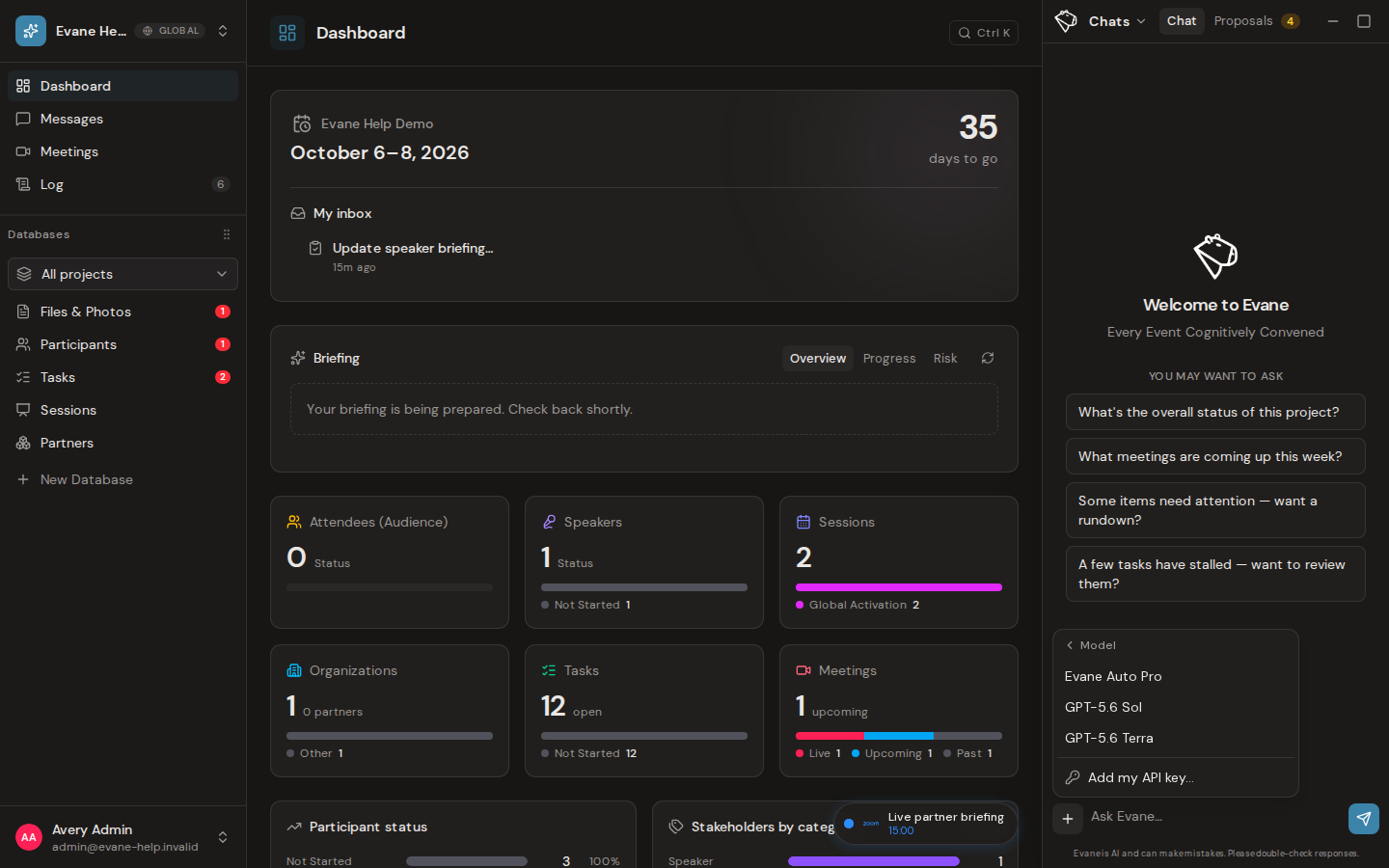
Open the + menu in the AI composer and choose Model to select the backend used for the next response. The available list reflects models configured by Evane; a provider outage or missing deployment can still make a listed model temporarily unavailable.
If the workspace has its own AI provider connection, the picker instead shows one Workspace AI account option, including the provider name when it can be identified. All agent runs in that workspace are routed through that connection's configured model. The picker does not expose unrelated Evane-hosted models, and the Effort control is hidden because that connection does not accept Evane's reasoning-level setting.
Set effort when the model supports it
The Effort control appears only for models whose provider supports the setting. A higher level searches more of the workspace knowledge base and allows more model reasoning before the answer. It can take longer and consume more of the workspace AI allowance, so use it for questions that benefit from broader evidence or deeper analysis.
Changing Effort does not grant access to additional records and does not guarantee a better answer. Models without a supported effort parameter omit the control rather than accepting a setting they cannot use.
Understand context compaction
Long conversations can exceed a model's context limit. When Evane shortens or leaves out older turns for a response, it displays a context compaction notice. The earlier messages remain visible in the conversation history, but the current answer was generated from the retained context described by that notice.

