



A Proposal keeps its lifecycle, discussion, and decisions together. Pending items accept review actions; terminal items preserve who decided, when, and what happened to the proposed change.
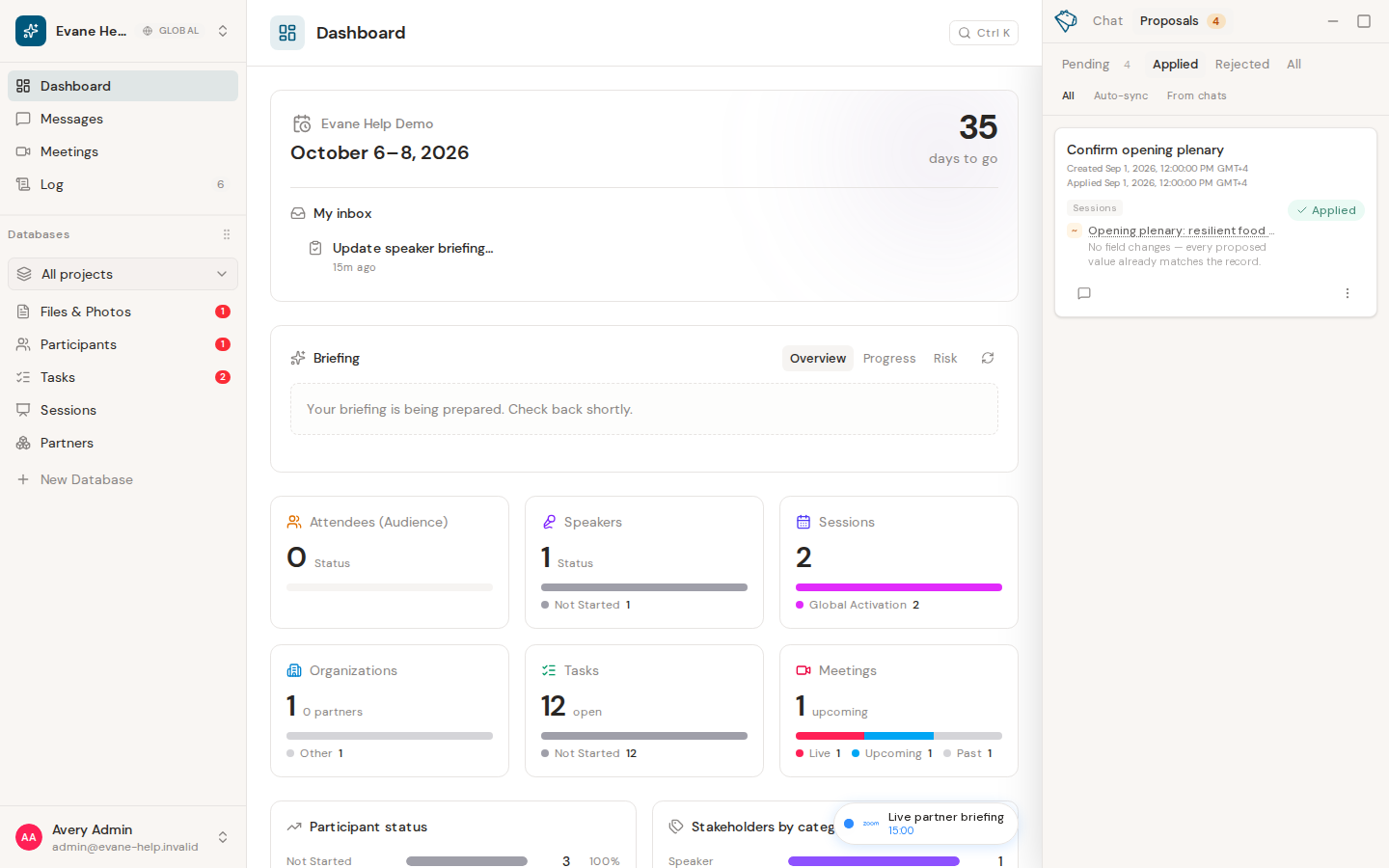
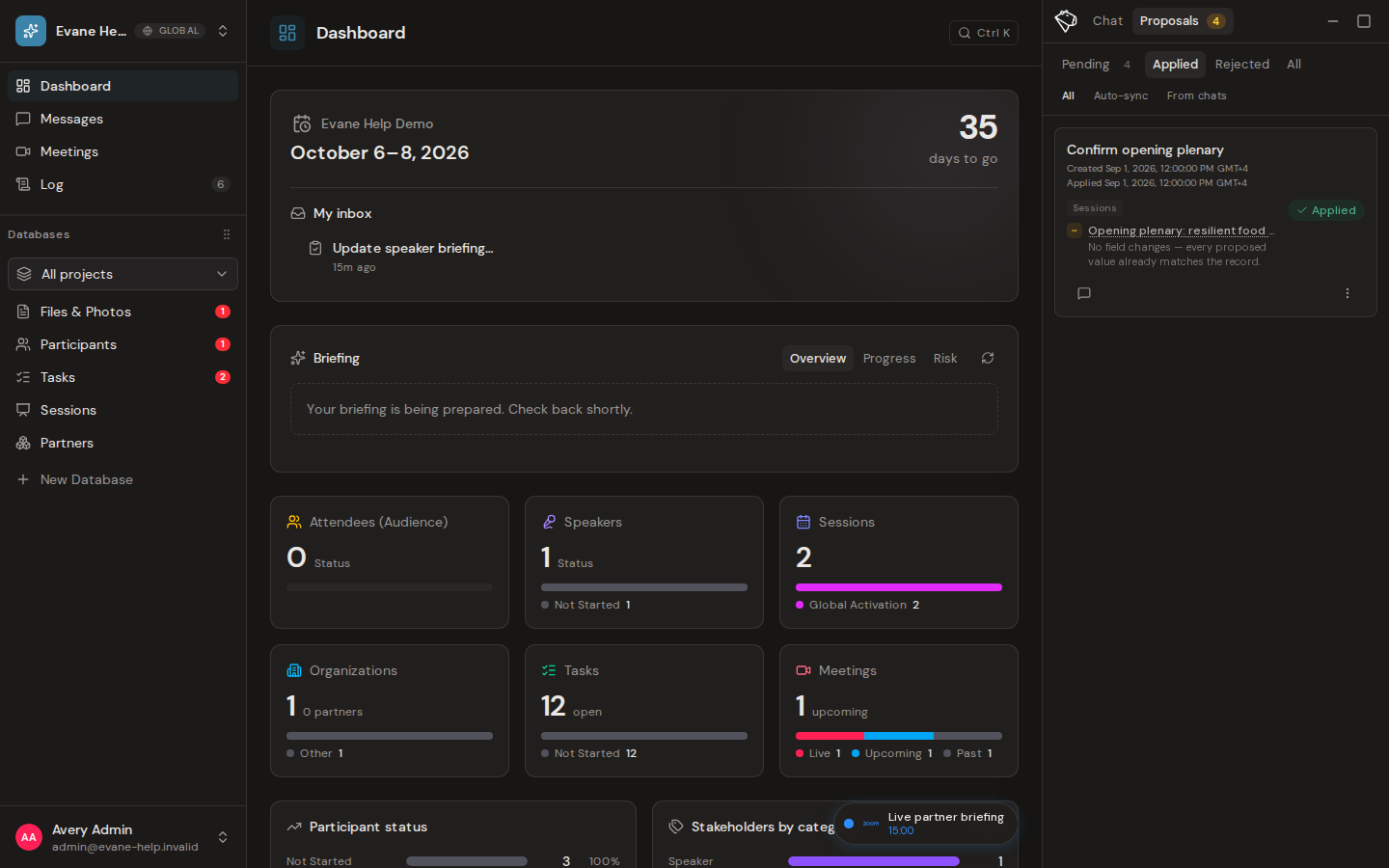
Proposal states
- Pending means the change has not been applied and still awaits a decision.
- Applied means an authorized reviewer approved the Proposal and Evane applied the change.
- Rejected means an authorized reviewer declined the Proposal and Evane did not apply the change.
Discussion and decision history
Open a Proposal to read its comments and approval history. Comments keep review context with the Proposal. The history records who approved, rejected, or recovered it and when the action occurred.
Status updates are shared with other signed-in members through live updates. If a status remains stale after connectivity returns, reopen the Proposals view to refresh it.

