



Evane can extract text from supported files, generate a short summary, and add the content to workspace search. These steps happen after the file record exists, so a file can be visible before processing is complete.
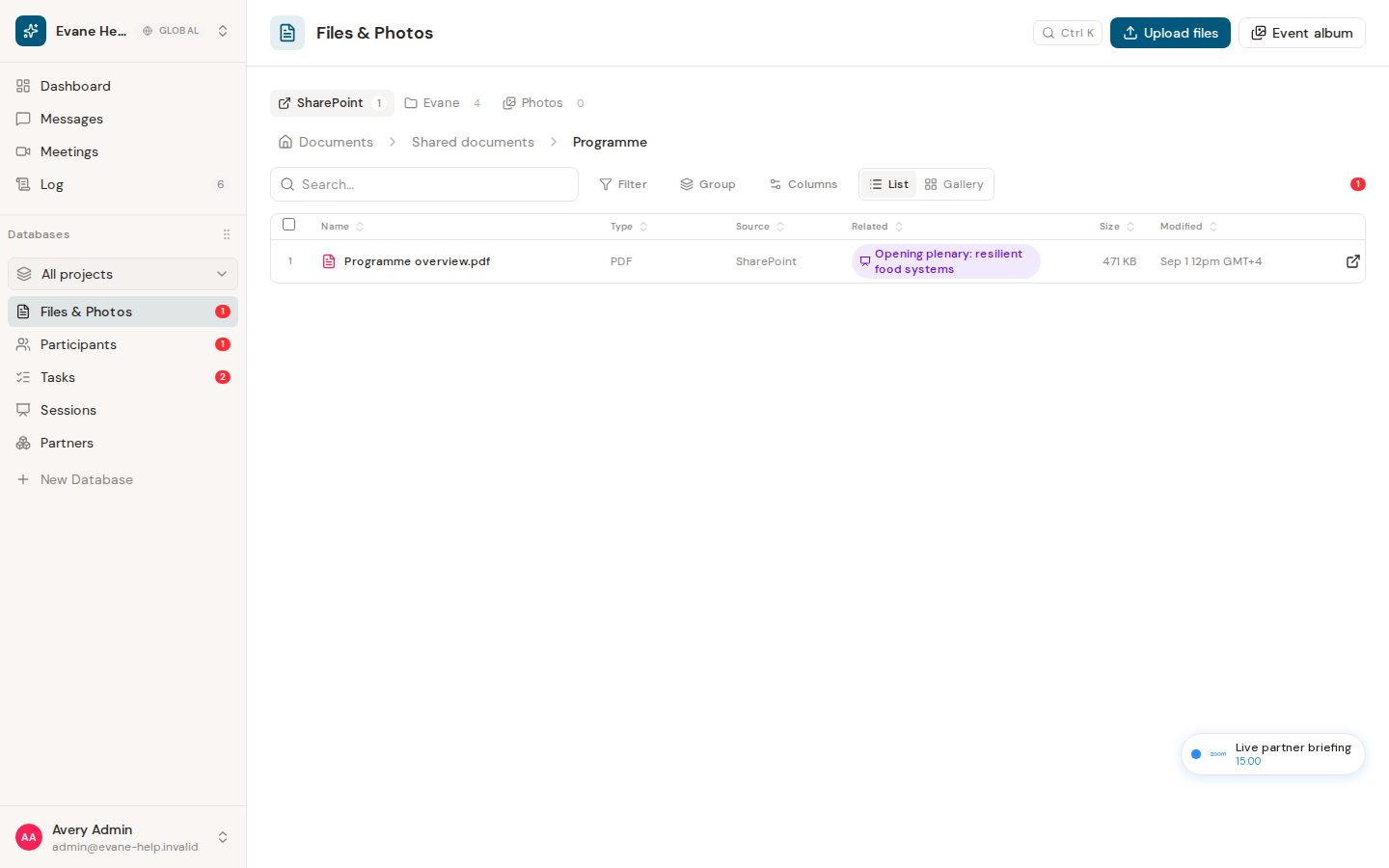
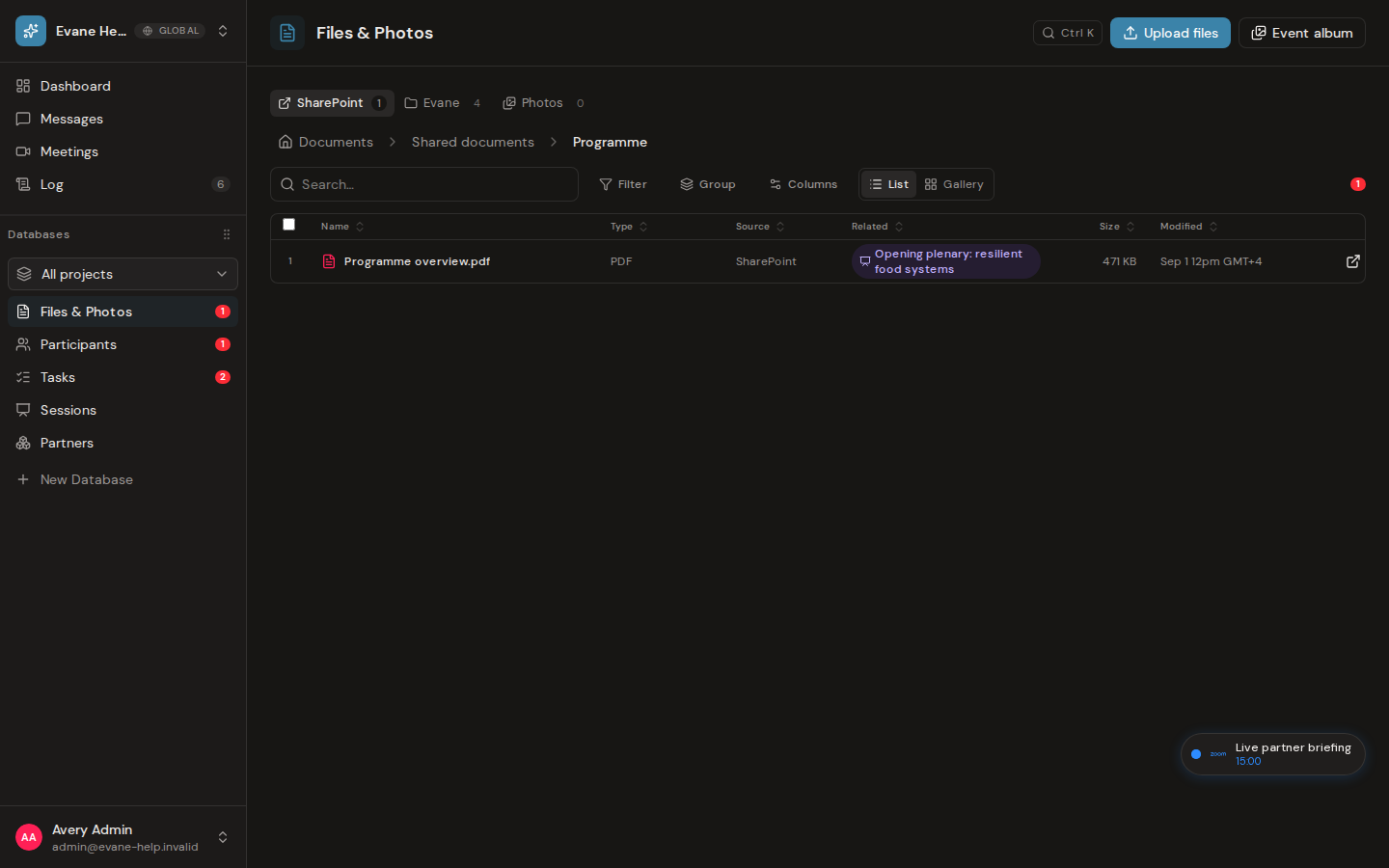
Read the processing state
An indexed file can be found by its extracted content as well as its name. A generated summary helps the AI assistant and file views provide context without opening the full document.
A skip reason means Evane deliberately did not complete one of those steps. Current reasons include an unsupported format, an oversized file, unknown size, empty extracted text, or an empty source object. A newer backend reason that the interface does not recognize is shown as unknown instead of hiding the processing state.
Retry only after the cause changes
Open the file row and review the visible processing or skip information. Correct the source problem first—for example, upload a readable version, restore the missing source object, or reconnect the required service. Connector files are reconsidered by a later sync; an uploaded file may need to be replaced with a corrected copy.
Repeated retries do not help an unsupported format. The original file can still be downloaded even when extraction or summarization is unavailable, provided the stored object still exists and you remain a member of the active workspace.

