



A Session represents one programmed segment of the event. Its Event Name is the primary label used in tables, detail dialogs, Participant relationships, and Agenda exports.
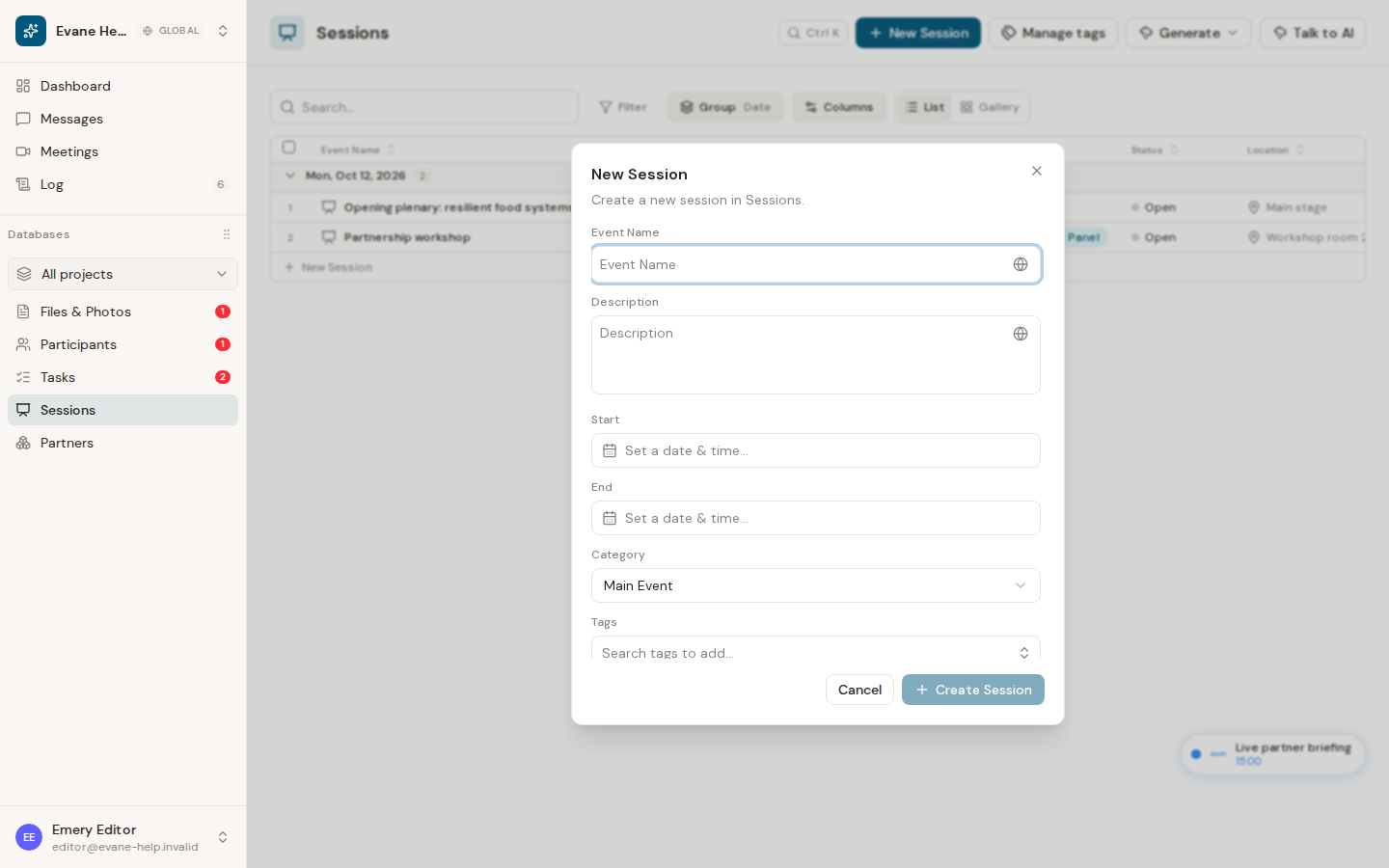
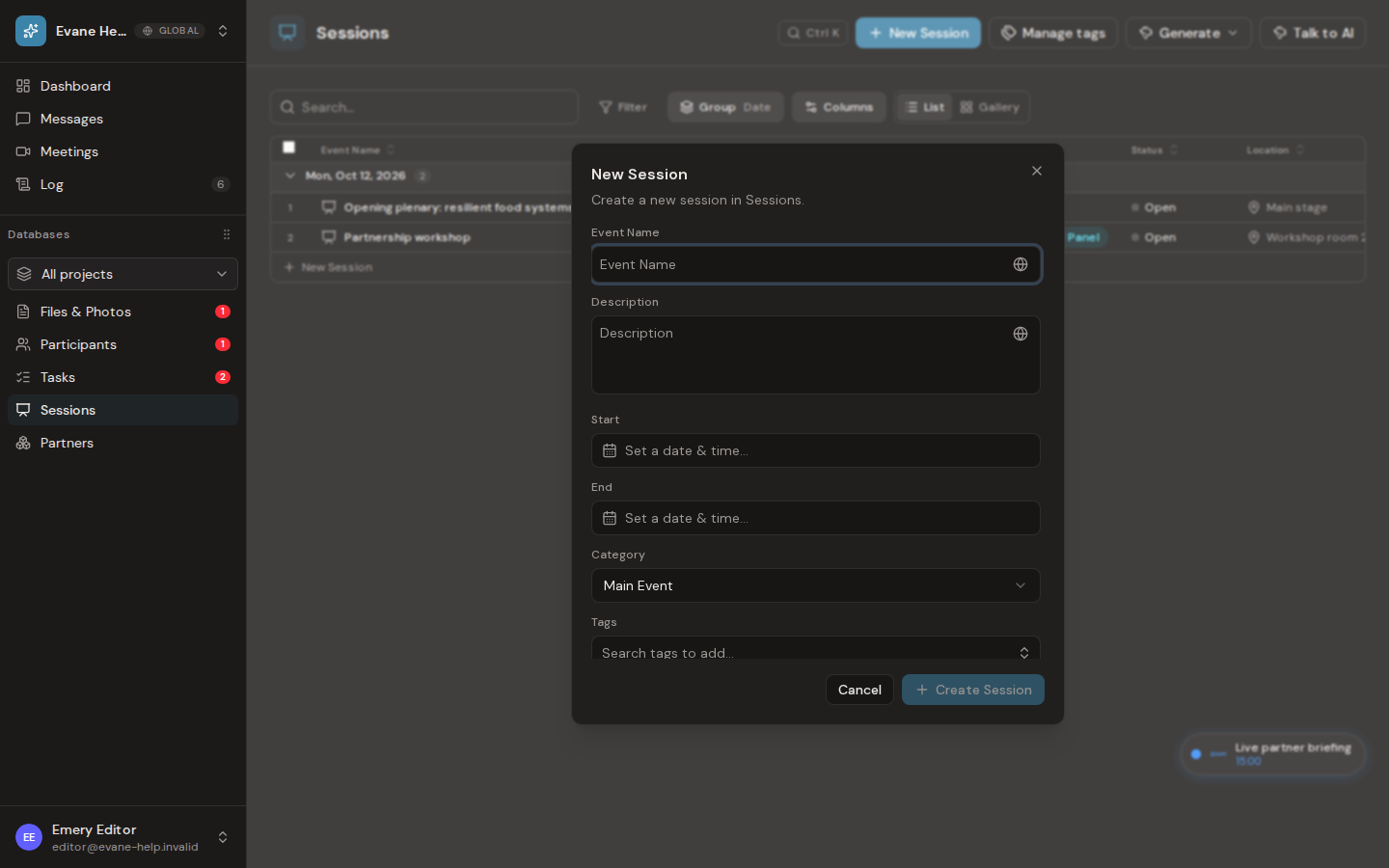
Add a Session
- Open Sessions and select New Session.
- Enter the Event Name.
- Add Start and End date-times, Description, Location, Tags, and any workspace fields that apply.
- Save and open the new row to review the complete record.
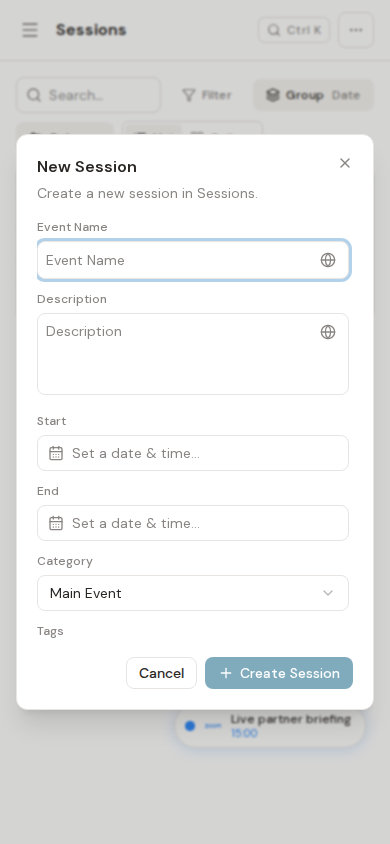
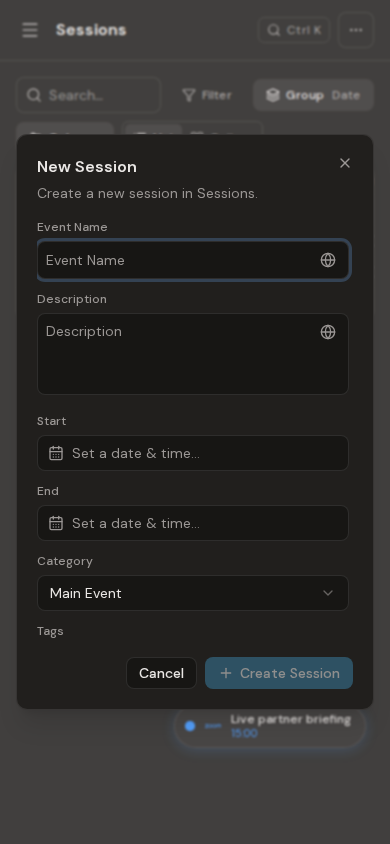
Dates and times are interpreted and displayed in the workspace time zone. Description uses a multiline field for longer program copy. Session does not have a separate Type field; Tags provide its program classification.
Make changes later
Open a row, edit the available fields, and use Save when the dialog reports unsaved changes. Successful field and status changes appear in Activity and update the table. A missing Event Name or invalid date value is rejected rather than saved as an incomplete Session.

