



Session Participants are relationships between a Session and an Individual. The relationship carries its own role, so the same person can be a Speaker in one Session and a Moderator in another.
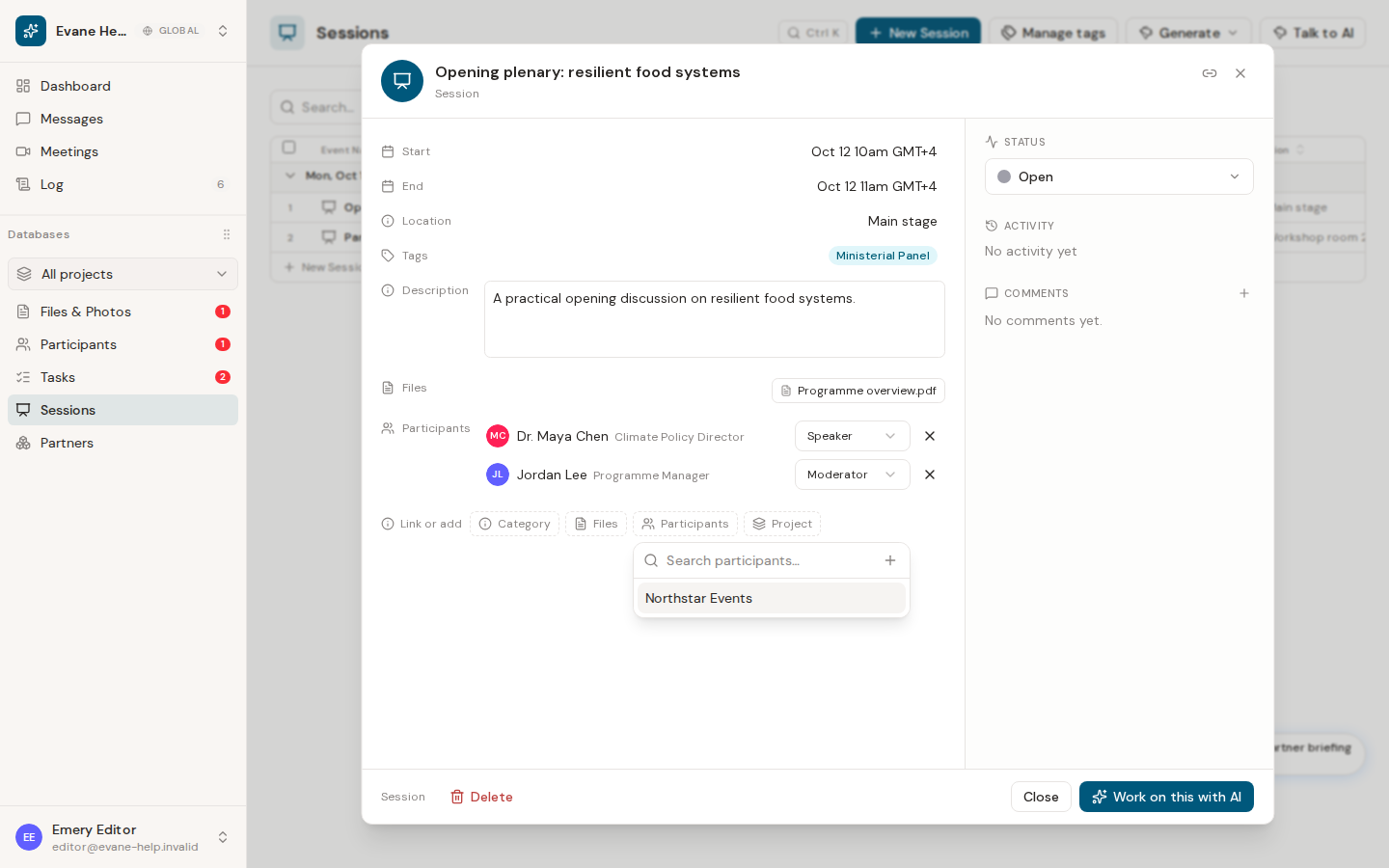
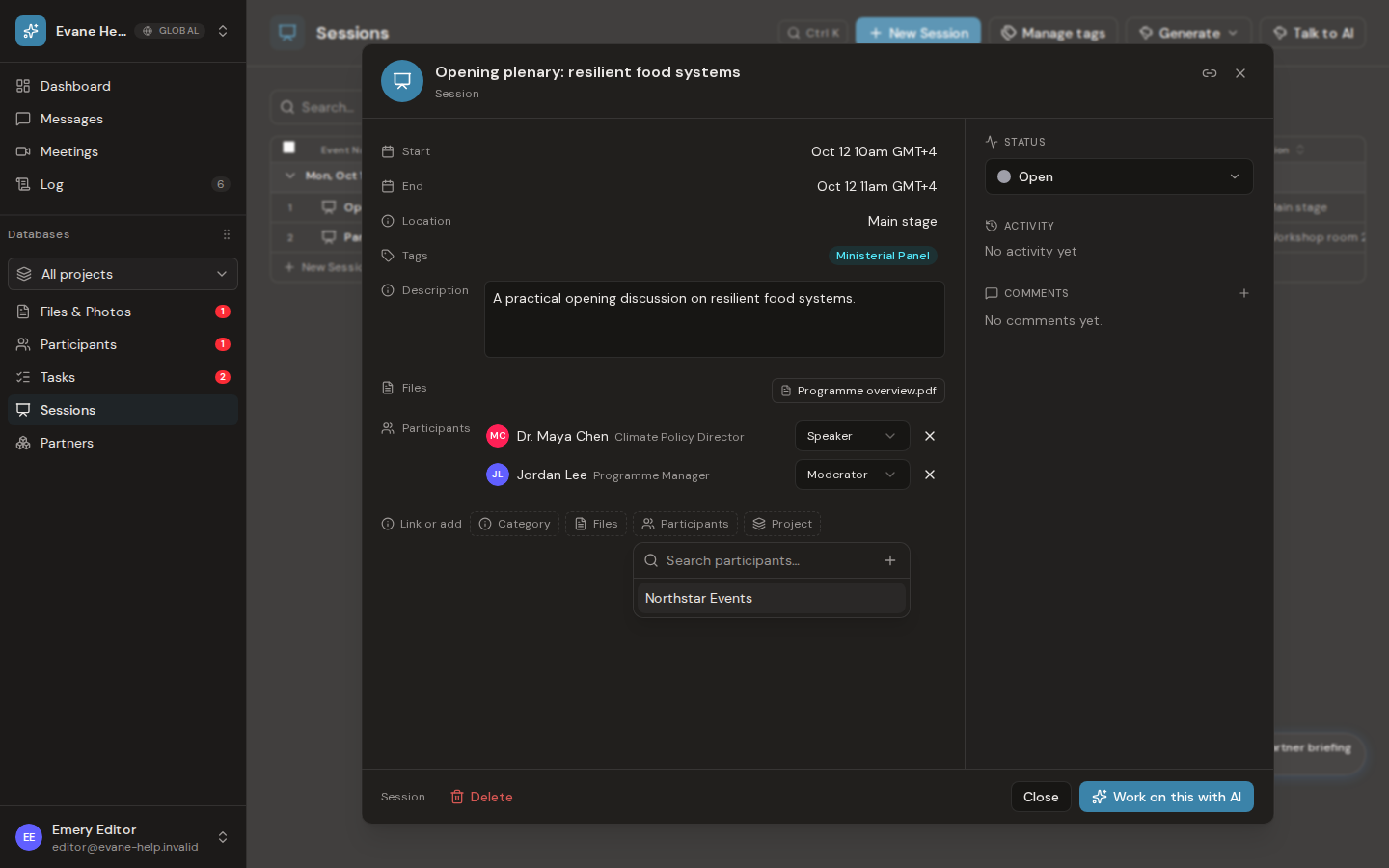
Link an existing Participant
Open the Session detail, expand Participants, choose one or more people, and assign Speaker, Moderator, Panelist, Audience, or Organizer. Save the detail dialog to persist additions, removals, and role changes.
Use the plus action inside the Participant picker when the person does not yet exist. The compact create dialog adds an Individual and defaults the new relationship to Speaker for the current Session; you can select another Session Role before saving.
The relationship appears from both the Session and Participant details. Activity records use the person's display name rather than only an internal ID. If a person appears twice, reopen the record and confirm that only one relationship exists for that Session and Participant pair.

