



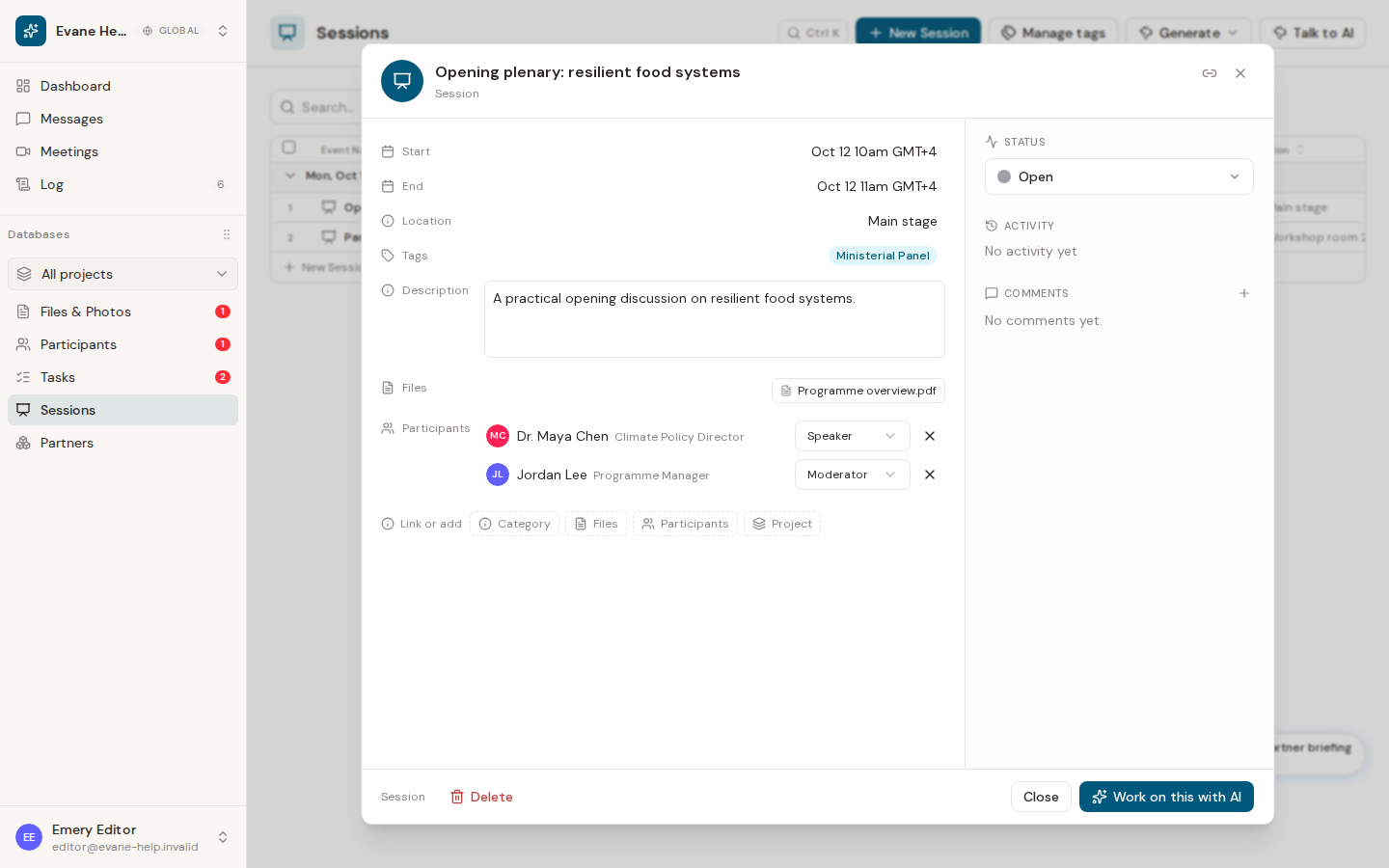
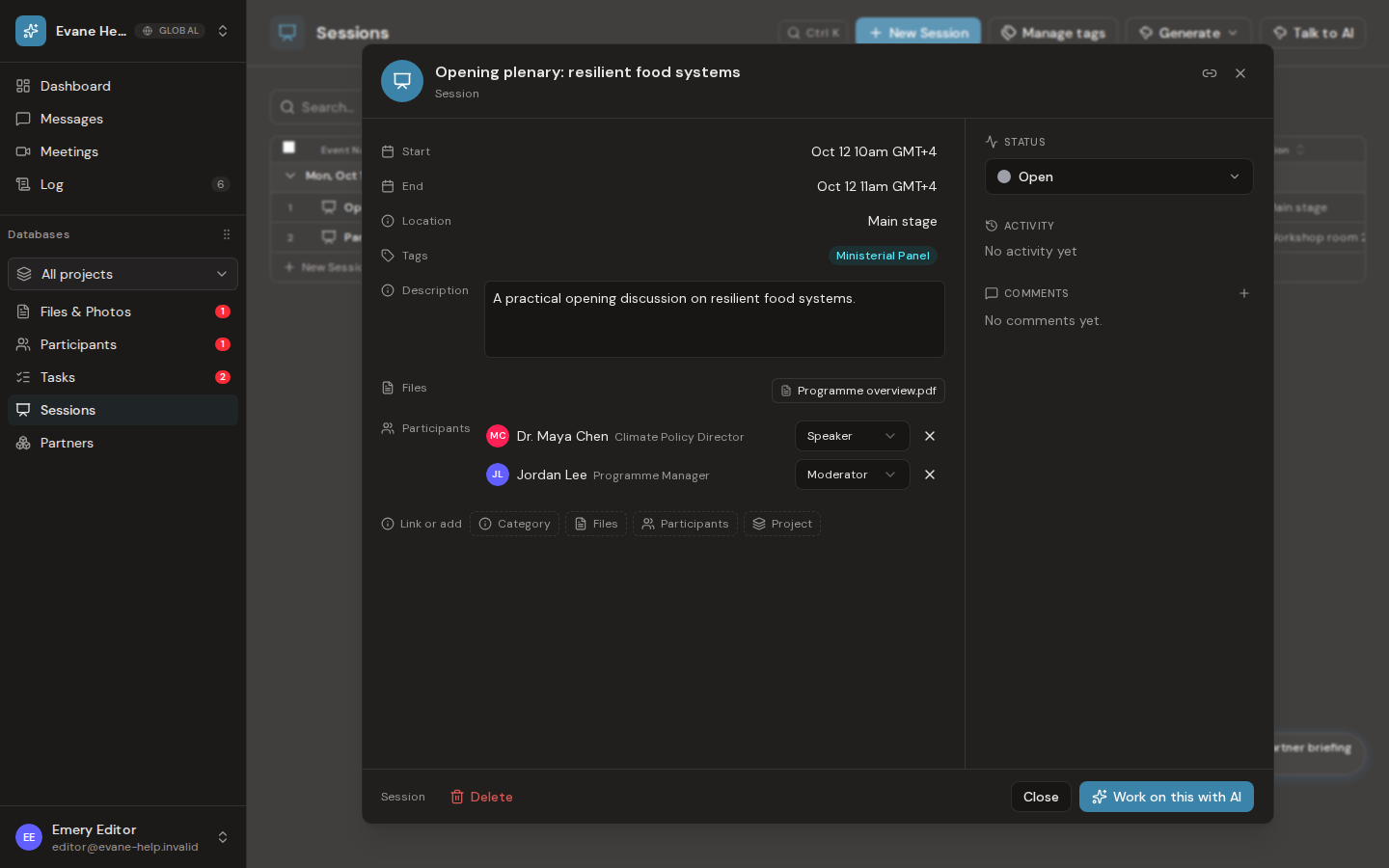
The Session detail dialog brings the program record and its collaboration history together. The Event Name appears in the dialog header; the body focuses on schedule, description, location, Tags, Participants, and workspace fields.
Work in the detail view
- Use Status to read or change the current point in the Sessions status chain.
- Use Files to upload or link supporting documents.
- Use Comments for discussion and replies tied only to this Session.
- Use Activity to review saved field, status, Participant, and role changes.
Editors and administrators can save changes and participate in comments. Viewers can inspect the record but cannot write. Authors can delete their own comments; administrators can remove any comment.
After Save, the table and other signed-in clients should receive the updated Session. Activity is durable audit history: if an entry appears briefly and disappears after reload, the write did not complete correctly and should be reported rather than recreated manually.

