



The Databases area defines the record types, fields, and status chains used by workspace tables and detail dialogs. Changes affect every member, so this area is limited to workspace administration.
Shape a database
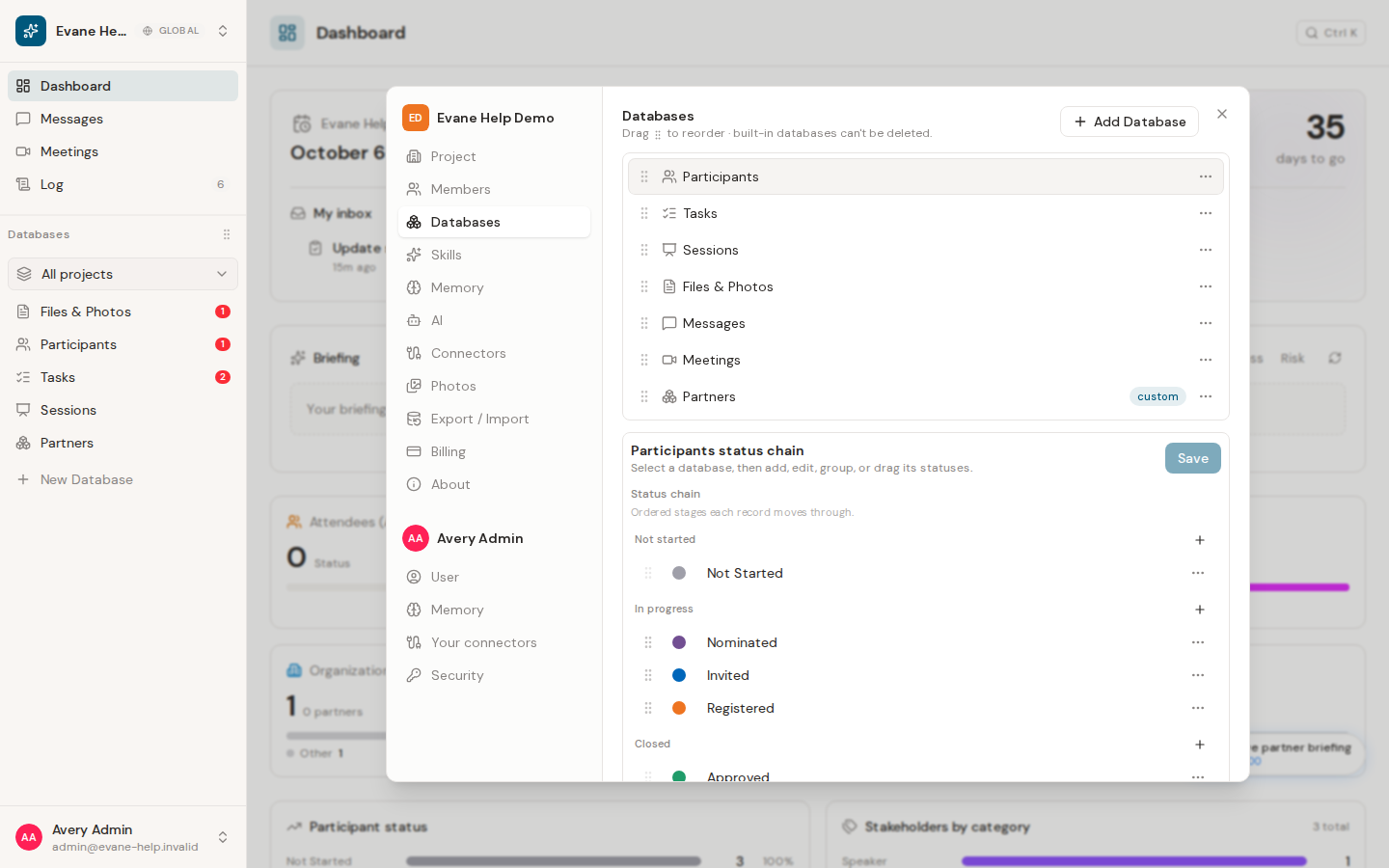
Select an entity type, then review its visible fields and field settings. Add supported custom fields, adjust labels or options, and save. Built-in identifiers and protected system fields cannot be removed or changed into incompatible types.
Status chains are managed separately for entities that support Status. Add, rename, reorder, recolor, or remove a stage while preserving at least one valid stage. Existing records continue to reference their saved status point, so review affected rows before deleting a stage.
After a successful change, lists and detail dialogs reload the shared schema. If a field does not appear, confirm that it is enabled for the current entity and view rather than creating a duplicate.

