



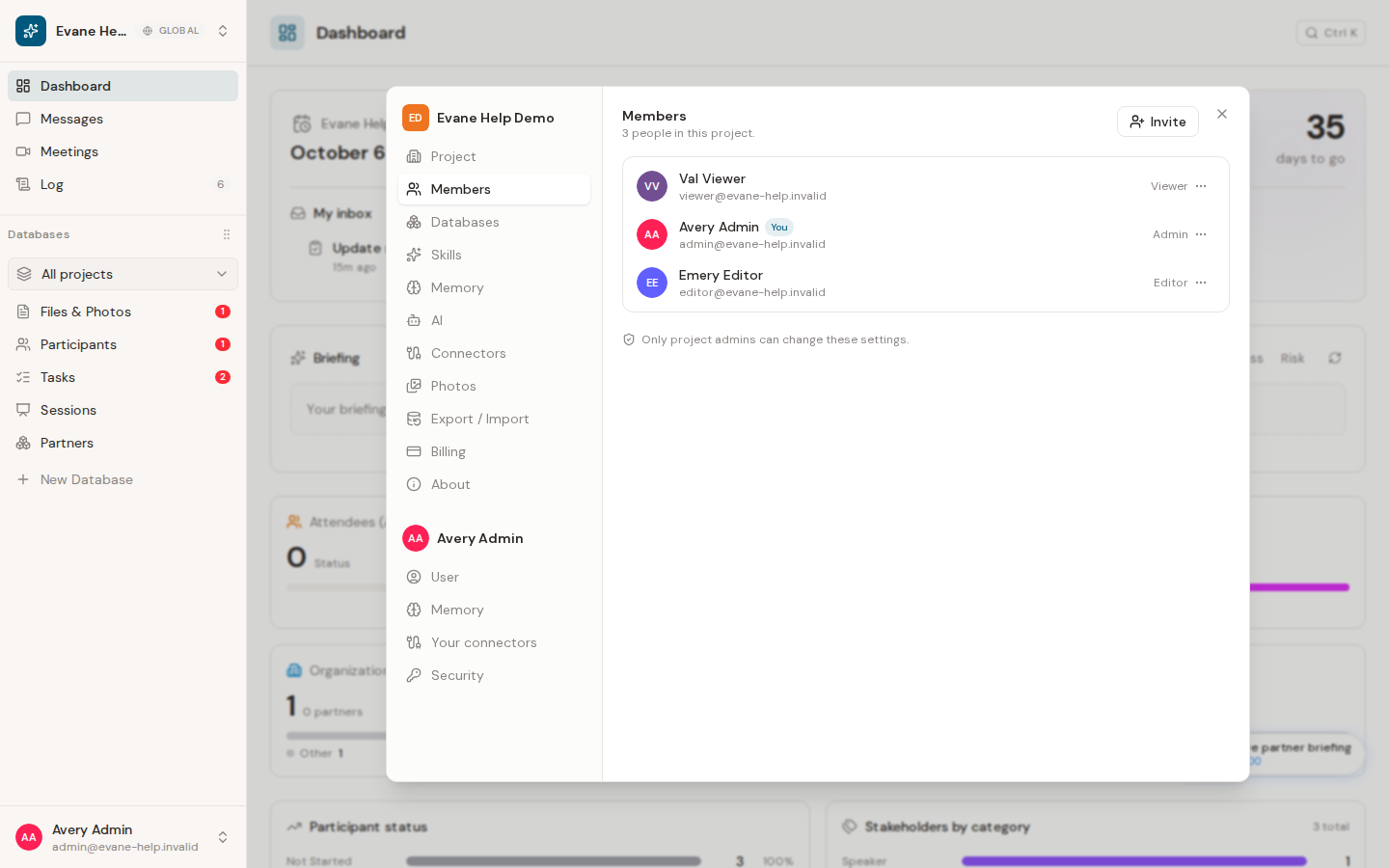
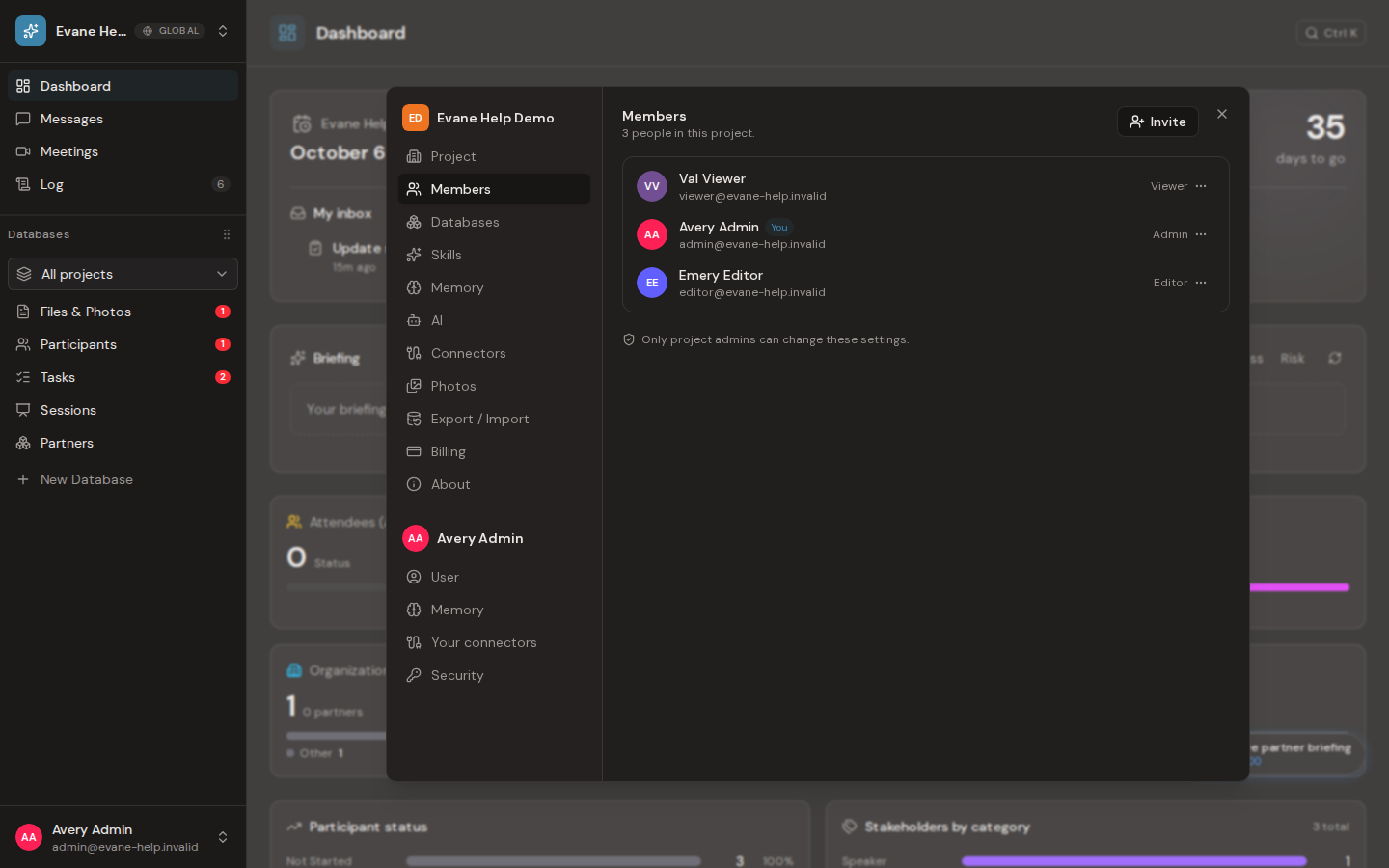
Owners and Admins manage membership from Settings > Members. Workspace roles control only this workspace; they do not grant platform-wide administration.
Invite someone
Enter the member's email, choose Admin, Editor, or Viewer, and send the invitation. The recipient must sign in with the invited address before the membership is available. Pending invitations can be reviewed and revoked from the same panel.
Change an existing role
Select a new role beside the member and wait for the save to complete. Open sessions receive the new permission state through realtime updates. Owner is reserved for the workspace creator and is not offered as a normal assignment.
The retired Editor & Approver value is not accepted because its capabilities are now part of Editor. Editors can approve or reject AI-authored Proposals when the proposed change is within the Editor write tier. Owner and Admin roles can also decide restricted or human-authored Proposals. Viewer roles cannot decide Proposals. The server still checks the Proposal's target and fields before applying a decision, and rejects attempts to remove required ownership or assign an unknown role.

