



Evane produces a meeting recap by running the Skill your workspace has hooked to Meetings against a captured transcript, meeting notes, or an existing draft. What the recap looks like, how it classifies the meeting, and what it must never invent all come from that Skill's own instructions, not from anything fixed in Evane's code.
Automatic meeting flow
When a Meeting ends with captured content, Evane first uses the Summary Skill explicitly selected for that run or stored on the Meeting. If that Skill is missing, disabled, empty, or no longer hooked to Meetings, Evane falls back to the workspace's first usable enabled Meetings Skill. If the hook is still empty and the deployment catalog provides a default Meetings package, Evane attempts to install that package for the workspace at generation time. Generation returns No Skill only when none of those sources yields a usable Skill; there is no hidden generic summary template. The generated result is stored directly as an Evane-managed Summary file linked to the Meeting.
Generate or regenerate a summary
- Open a Past Meeting and verify that transcript content exists.
- Review the selected Meeting Summary Skill if the Meeting exposes that field.
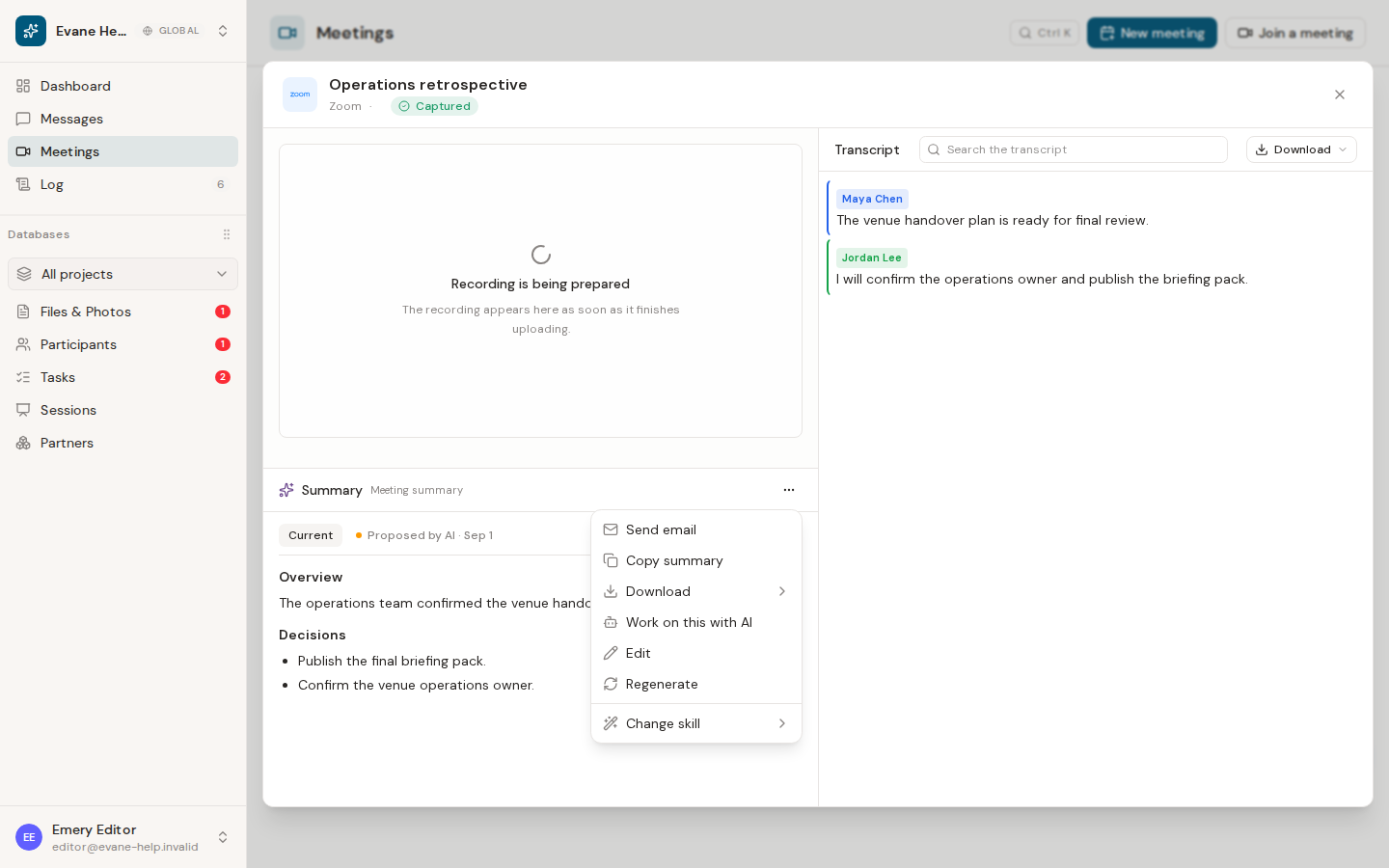
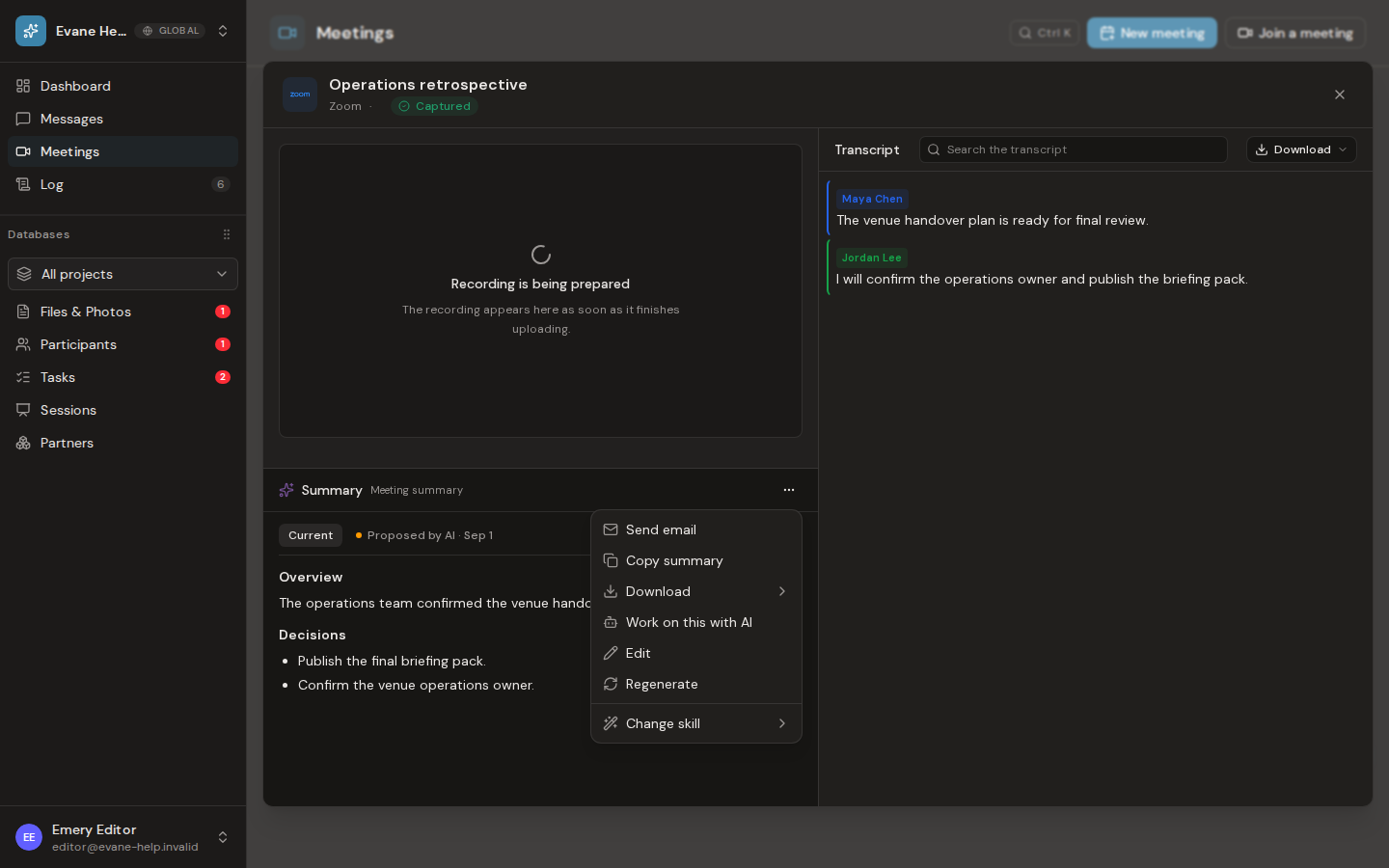
- Choose Regenerate when a new generated version is needed, or Change skill to select another enabled Meeting Skill and regenerate with it.
- Review the updated Summary in the Meeting. Use its download options for PDF, Word, or Markdown. Word and PDF exports render headings, emphasis, lists, and tables as document formatting instead of exposing Markdown markers.
Regeneration replaces the current generated result directly. A manual or AI-assisted edit to the Summary is a different operation: the workspace's AI approval policy decides whether that revision applies immediately or appears as a pending version for review.
The Skill must not invent attendees, decisions, owners, dates, or commitments. If it classifies the meeting into a type, such as a status meeting, a focused working session, or an external partner meeting, that grouping and its section headings are written in the Skill's own text and can be changed there.
When no summary appears
No-content Meetings do not produce a normal summary. No transcript yet means Evane could not load readable transcript text, or the captured transcript contains the no-utterances marker. Transcript and Summary reads use the durable generated-file store when a temporary local cache is no longer present, including compatible legacy Blob-backed records.
Also check whether a Skill is actually hooked to Meetings, the selected or fallback Skill, AI service availability, storage, and any visible quota or rate-limit message. If a previously selected Skill was deleted, disabled, moved to another hook, or left empty, confirm the effective Skill shown in the Summary pane before regenerating.

