



Choose the planning type that matches the record: Task for actionable work, Milestone for a key point in time, and Objective for higher-level structure. The type affects where and how the record appears.
Choose a planning type
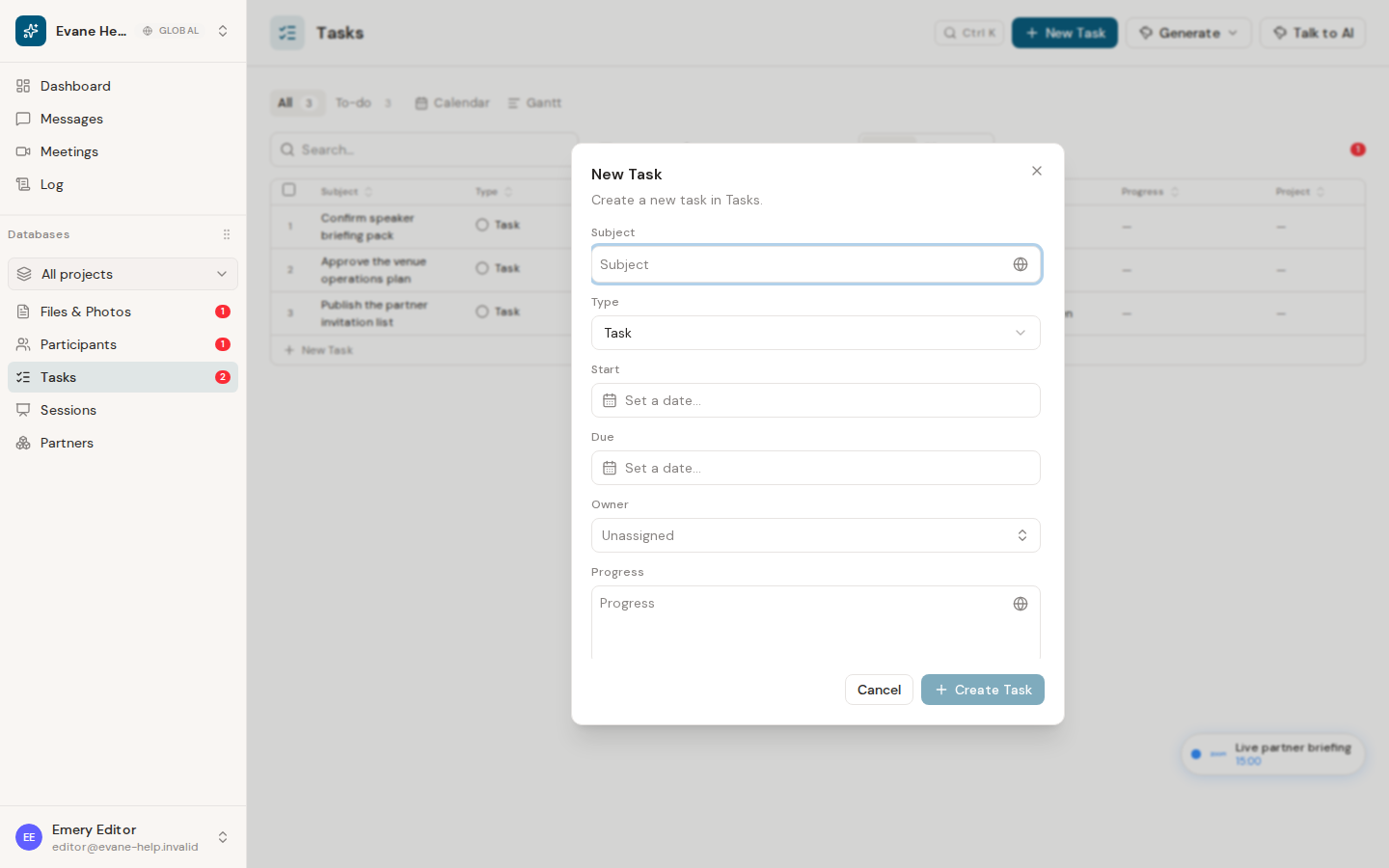
Evane exposes three user-selectable types: Task, Milestone, and Objective. Tasks represent work items, milestones mark important dates, and objectives provide planning structure in the Gantt. Appointment is a system type and is not available in the New Task form.
Create a record
- Open Tasks and select New Task, or use the global quick-add command.
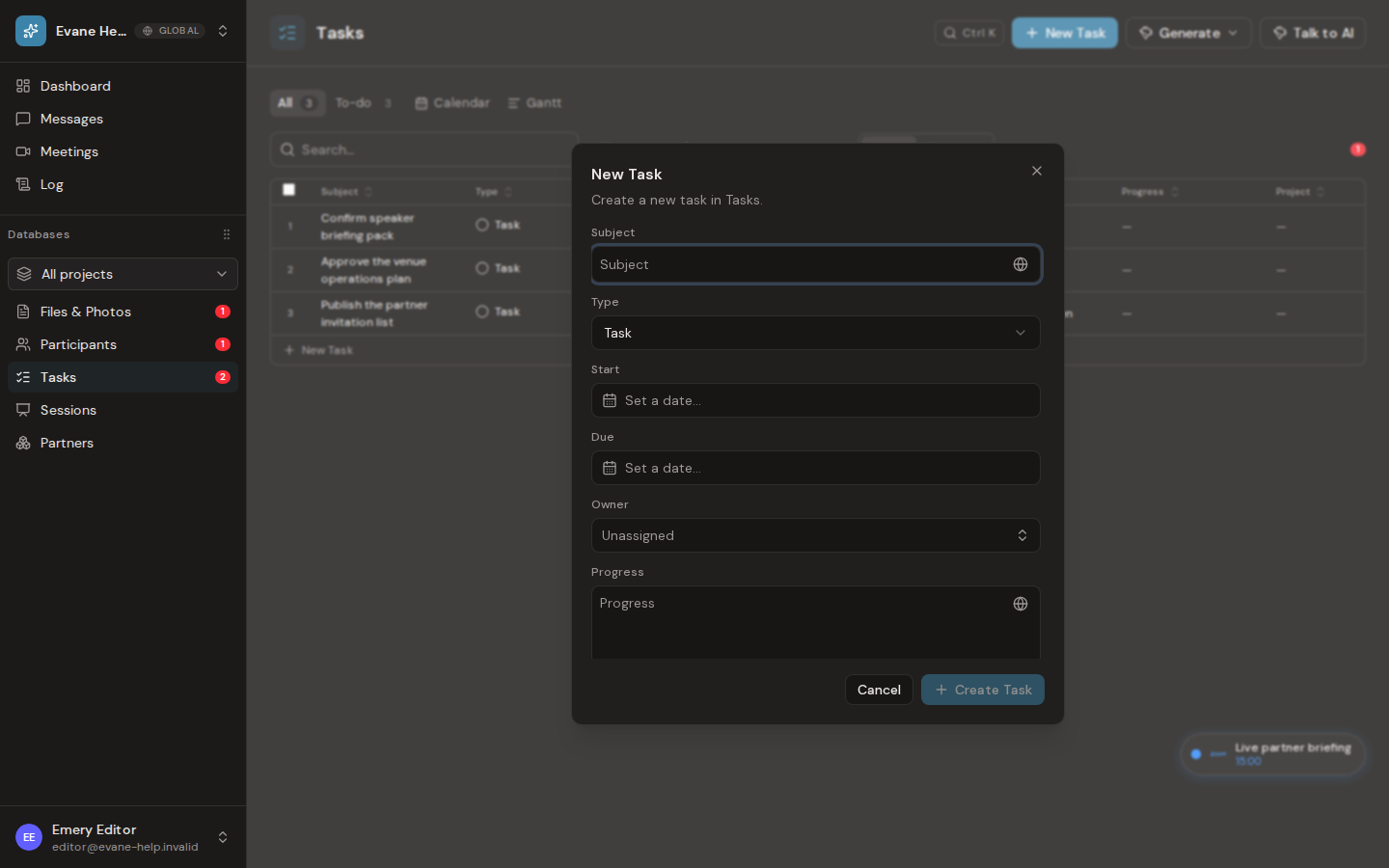
- Enter a Subject and select a Type.
- Optionally set Start, Due, and Owner.
- Save the form.
Creating records requires workspace write access. Viewers can inspect existing records but cannot open the create flow.
The new record belongs to Tasks, but its visible tab depends on Type. Plain Tasks appear in All and, while not terminal, To-do. Milestones and Objectives are planning structure shown in Calendar and Gantt, not rows in the All or To-do tables. Type also controls the Gantt shape: tasks use a bar or circle, milestones use an amber diamond when represented by one date, and objectives use a blue flag-style marker or bar.
If creation fails
Evane removes the optimistic row when the Evane service rejects the request. Check that Subject is present and that any Owner or parent record belongs to the current workspace, then retry.

