



Organizations group related people without duplicating their individual profiles. Associations can be added or removed while each person remains a reusable Participant record.
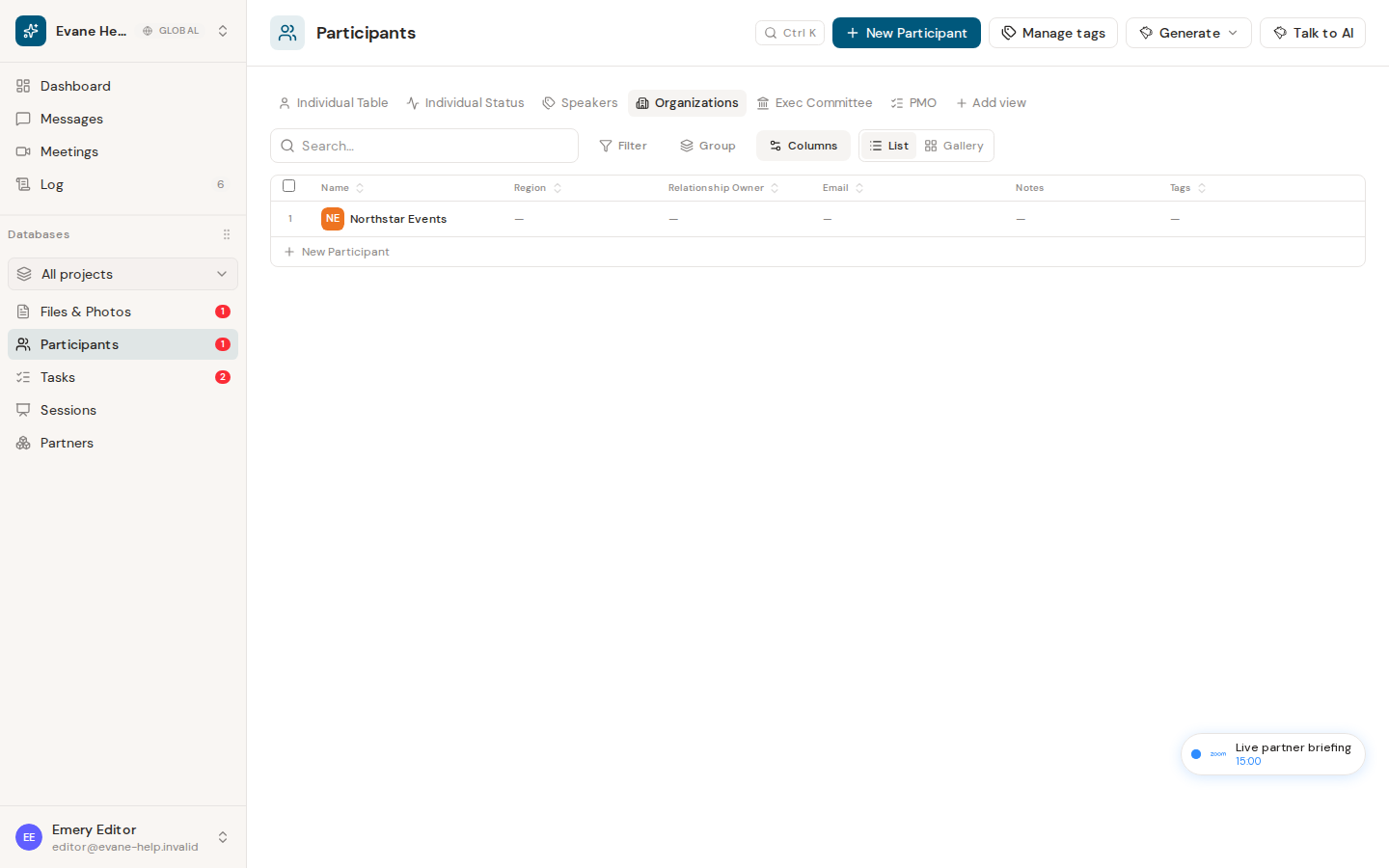
Create an organization
- Open Participants and select New Participant.
- Choose Organization.
- Enter the organization Name and, when available, add its logo, Relationship Owner, email, Status, Tags, and Notes.
- Save the record.
Organization records appear in the Organizations tab. Fields intended only for people, such as prefix, title, phone, and region, are not written for Organization records by the create form.
Associate an individual
Create or edit an Individual and choose the existing organization in the Organization field. The Evane service stores that relationship as the individual's parent_id; the frontend rebuilds the organization-to-people tree from the flat response.
The same Individual record can still appear in people-focused views. It is not copied into a second Participant record merely because it is shown under an organization.
The Organization tab shows organization rows, and individual rows resolve the referenced organization to its display name and logo. Changing or clearing the Organization updates that single relationship after save.
If an association is missing
The selected organization and individual must belong to the same workspace. If an old record contains an unresolved organization reference, Evane may show the raw legacy value until the relation is corrected.

