



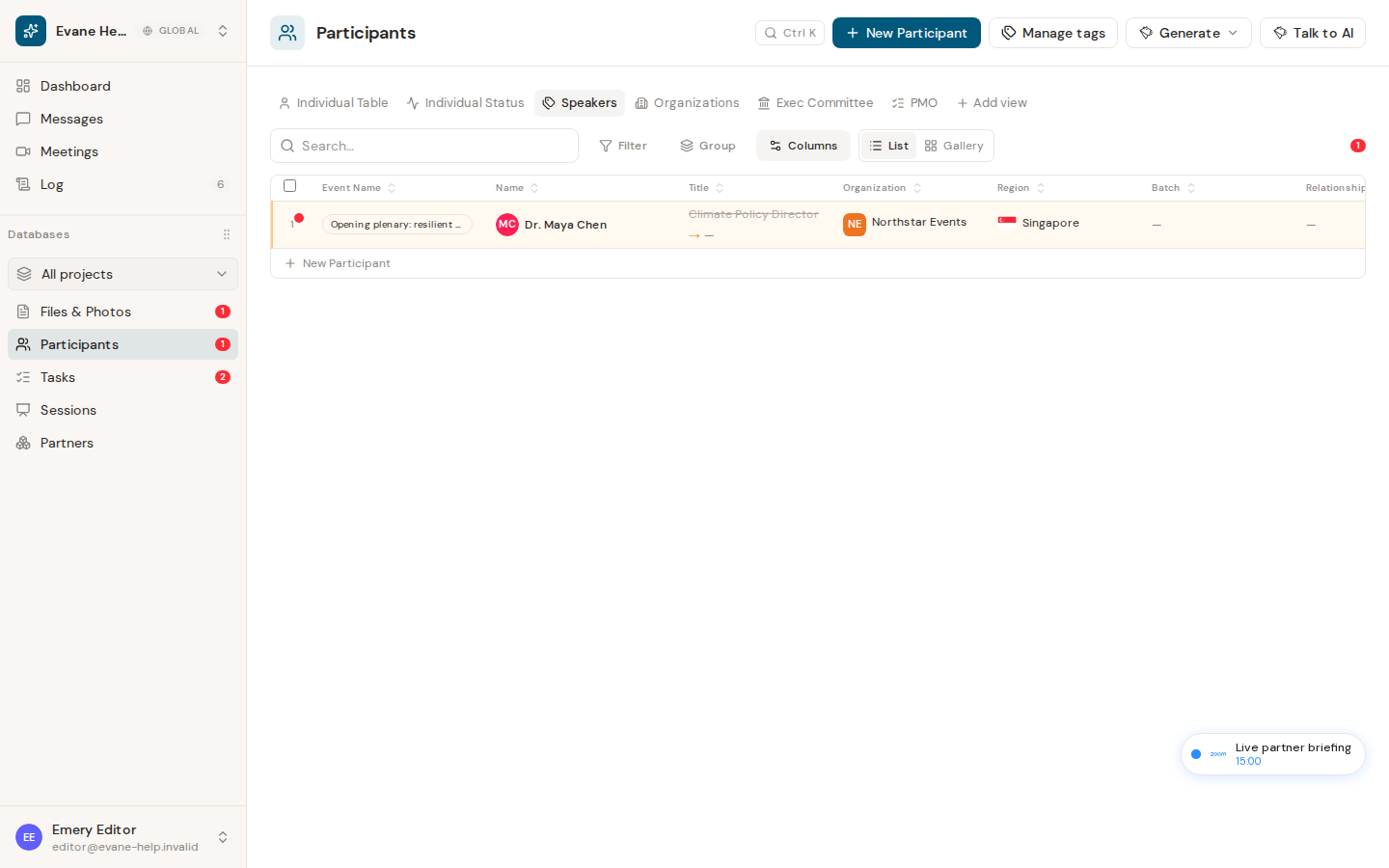
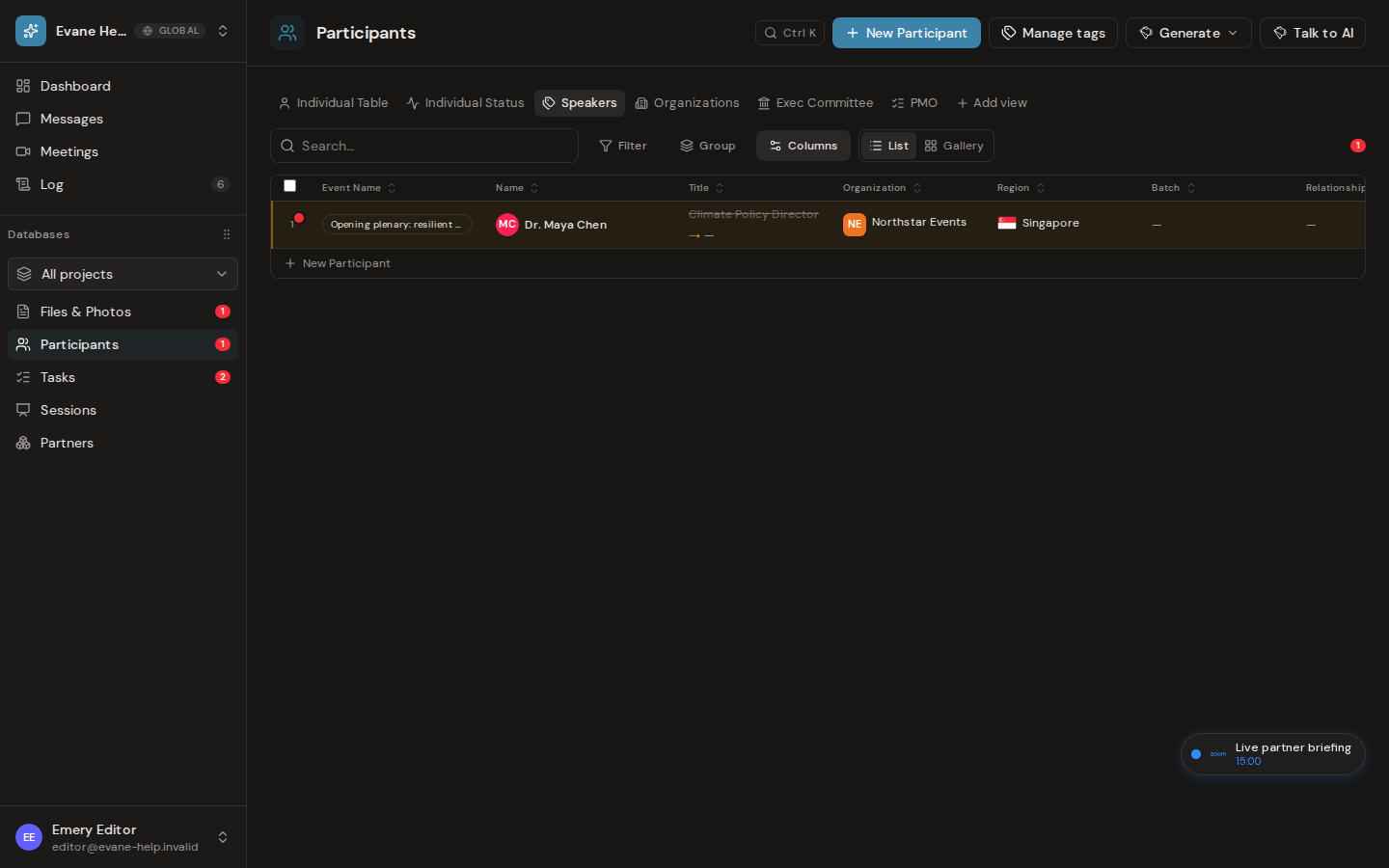
The fixed Speakers tab is relationship-based: it shows people linked to Sessions with the Speaker or Moderator role, plus anyone tagged Interested in Speaking, ordered by earliest qualifying Session and then alphabetically.
What the tab includes
The fixed Speakers tab includes Individuals who have at least one Session link with the role Speaker or Moderator, plus Individuals tagged Interested in Speaking — even if they have no Session link at all. A Participant tag named Speaker does not by itself place a person in this view; a Speaker or Moderator Session role link, or the Interested in Speaking tag, is what qualifies.
Rows are ordered in two groups: people with a qualifying Speaker or Moderator Session first, by the earliest such Session (Evane uses the Session start date and time when available, then the source order and Session name as stable fallbacks); then tag-only people (Interested in Speaking with no qualifying Session), ordered alphabetically by name.
Open a speaker or Session
- Open Participants > Speakers.
- Select a Participant row to open the Participant detail dialog.
- In the Event Name column, select a Session chip to open that Session's detail dialog.
One Participant can be a Speaker or Moderator in several Sessions. Session chips are de-duplicated, ordered by Session time, kept to a consistent width, and truncated visually when the name is too long.
If a speaker is missing
Open the Participant or Session detail and verify that the link role is exactly Speaker or Moderator, or that the Participant is tagged Interested in Speaking. The Panelist role does not qualify for this tab. A Session without a usable start value is sorted after dated Sessions.

