



Comments and files inherit access from both the workspace role and the record they belong to.
Comments
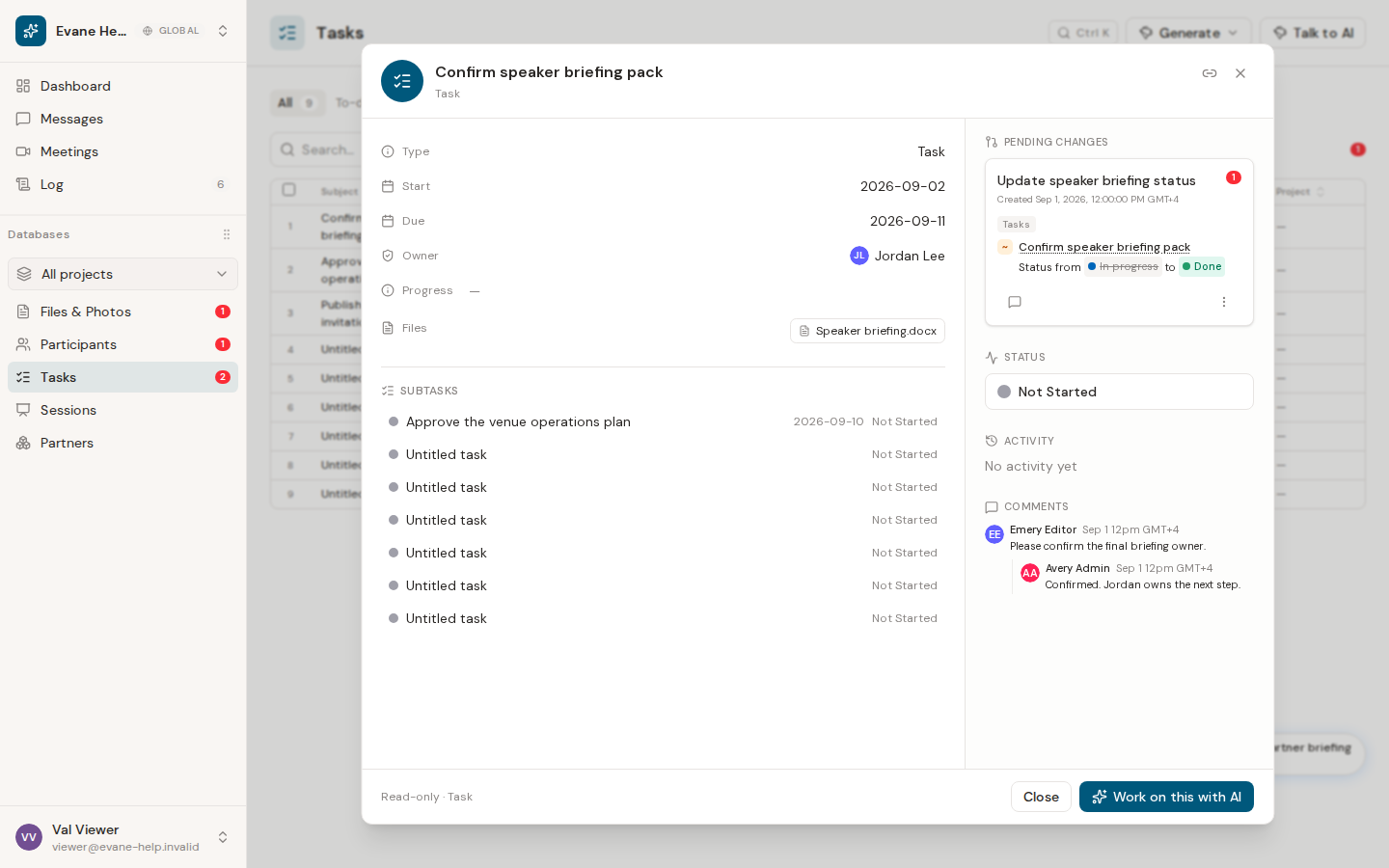
Members who can edit the related entity can post comments and reply to existing threads. A Viewer can read comments but cannot add or reply. Authors may delete their own comments; an Owner or Admin may delete any comment. Deletes are soft, so the discussion can retain a deleted-state marker instead of silently changing history.
Files
Project membership is the read boundary for files inside Evane, so members can read the active workspace's synchronized file corpus. Opening the original SharePoint, Google Drive, or Lark URL is separate, and the provider can still apply the individual's source-site permissions. Connected-provider files remain read-only in Evane.
Uploading, linking, unlinking, renaming, moving, or copying requires write access. An uploaded file can be deleted by its uploader or an Owner/Admin; generated and legacy files without a known uploader are Owner/Admin-only. Delete moves an Evane-owned file to Trash for 30 days. The current Log > Trash recovery view is available to Owner/Admin roles, and permanent purge is also Owner/Admin-only.
Removing a file link from an entity is different from deleting the stored file. If an action is missing, check both your workspace role and whether the file is provider-owned or Evane-owned.

