



Platform administration and workspace membership answer different questions. A Platform Admin manages installation-wide operations; a workspace role controls access to one workspace's records.
Do not treat them as interchangeable
The Admin area is available only to users with the platform-level flag. That flag does not automatically create membership in every workspace. Likewise, being a workspace Owner or Admin does not grant access to platform administration.
When investigating an access problem, first identify the surface involved:
- Use the platform role for global administration pages and system-wide operations.
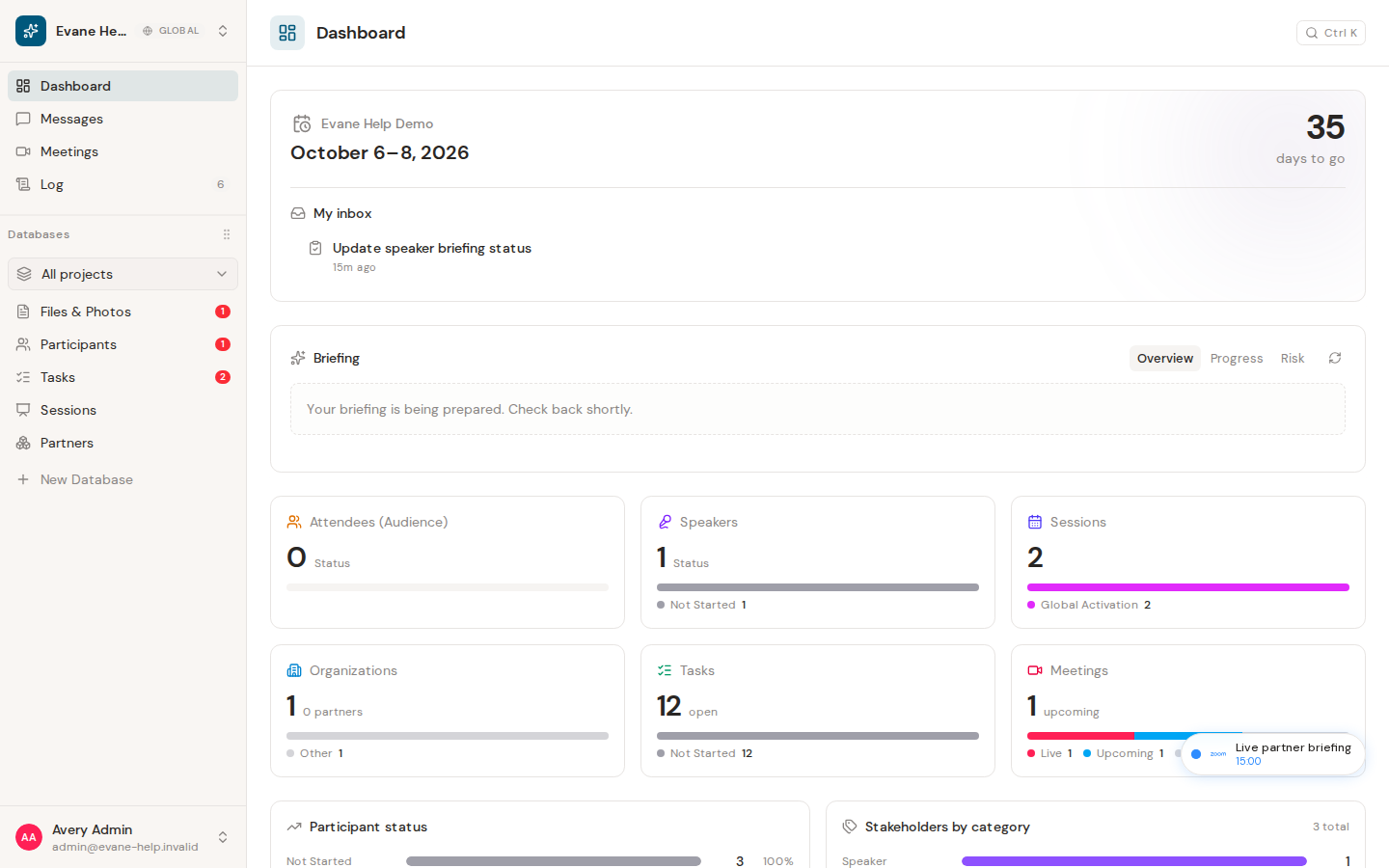
- Use the workspace role for Tasks, Participants, Sessions, Meetings, Files, settings, and Proposals inside a specific workspace.
What the Administration area covers
On the control-plane host and in local development, the Administration area has views for Users, Spaces, Access, Tokens, Alerts, Health, and WhatsApp. Platform Admins can manage users and spaces, inspect connector grants, review token-usage telemetry, follow operational alerts, compare regional health snapshots, and manage region-local WhatsApp devices.
On a regional host, only the region-local WhatsApp view is shown; the page links back to the control-plane Administration area for the global views. The interface gate is only a convenience: every administration request is checked again by the server, and global admin endpoints are not served by a regional backend.
If a Platform Admin cannot open a workspace record, add or restore the required workspace membership. If a workspace Admin cannot open the platform panel, a platform administrator must grant the separate global capability.

