



Workspace roles define what a member can do inside one workspace. The current roles are Owner, Admin, Editor, and Viewer; the former Editor & Approver role is no longer assignable.
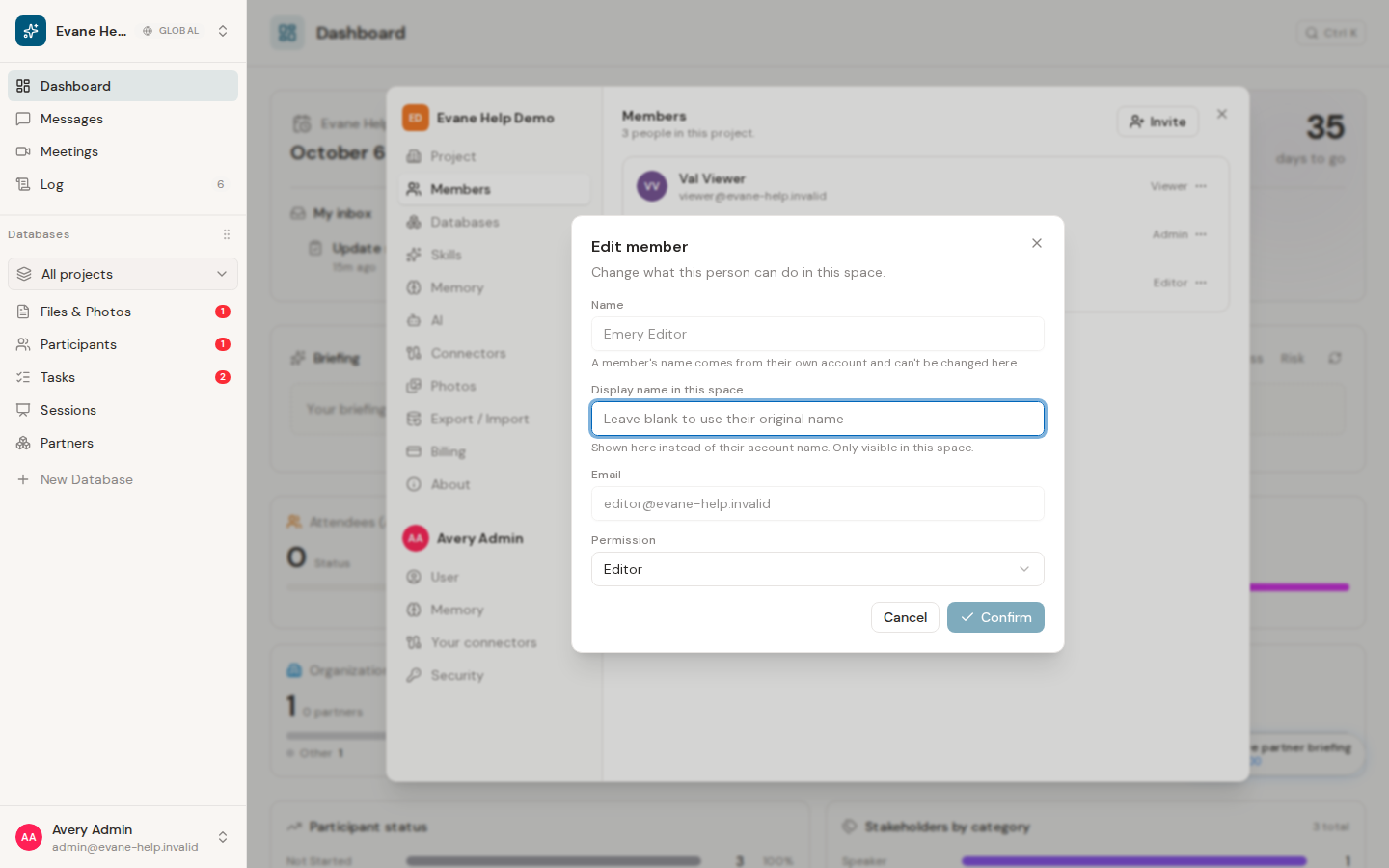
Role capabilities
- Owner has the workspace's highest authority and is assigned to its creator.
- Admin manages members and settings, edits records, and can decide pending Proposals, including changes restricted to administrators.
- Editor creates and edits workspace content and can approve or reject AI-authored Proposals when the target and fields are within the Editor write tier.
- Viewer can read accessible workspace content but cannot perform normal writes.
Proposal decisions do not use a multi-approver chain. One eligible decision applies or rejects the pending Proposal. A human-authored Proposal, a schema change, or another administrator-only change still requires an Owner or Admin even when an Editor can see it in the review queue.
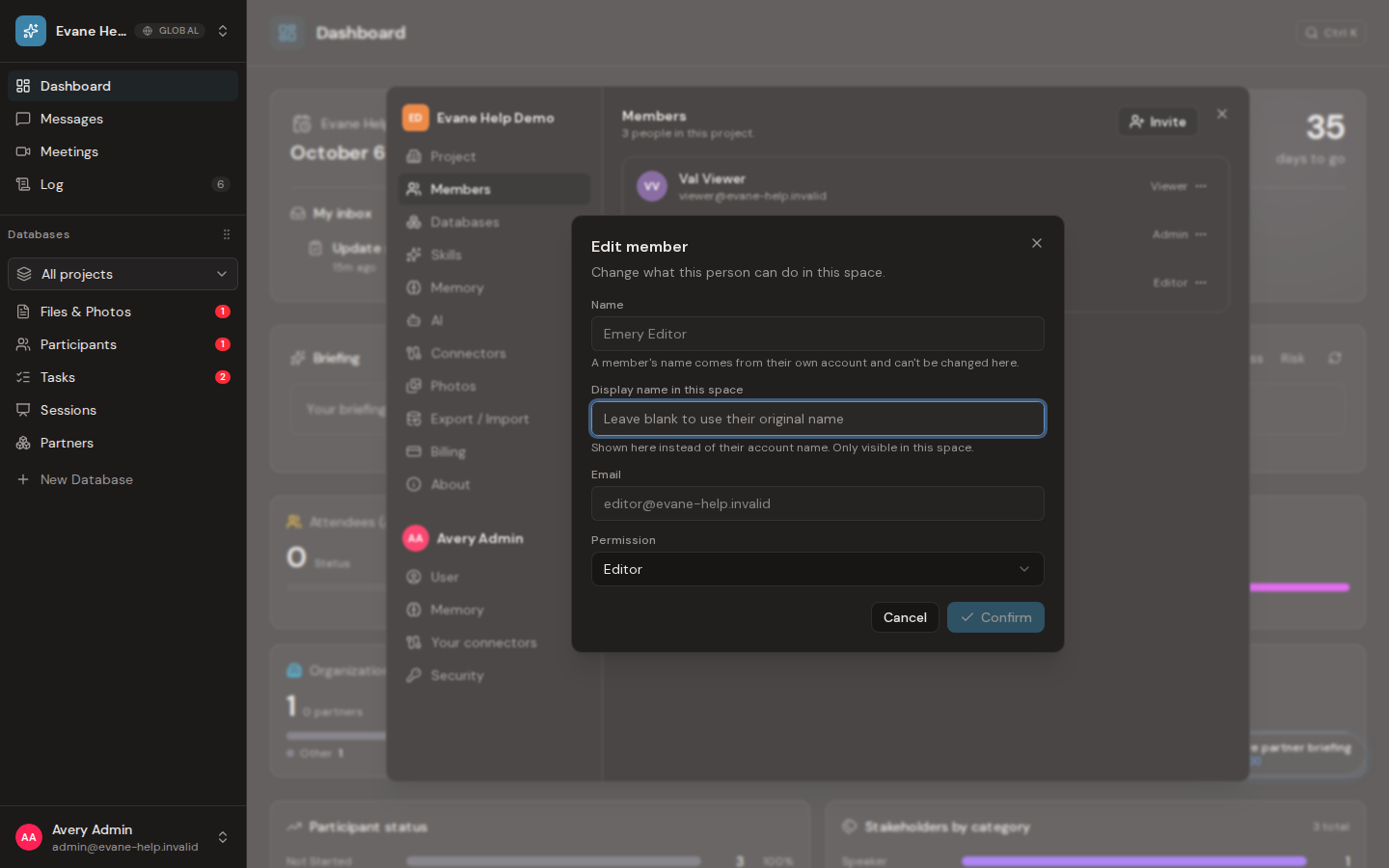
Owner is not offered as a normal member-management assignment. Changing a member's role requires administrative access and takes effect from the server; open sessions receive the updated permission state through realtime events.
The interface hides actions that are unavailable, but the server checks every protected request again. A visible button never overrides the saved role.

