



Notifications are concise pointers, not copies of the underlying work. Opening one marks it read and routes to the related record when that record still exists and is accessible.
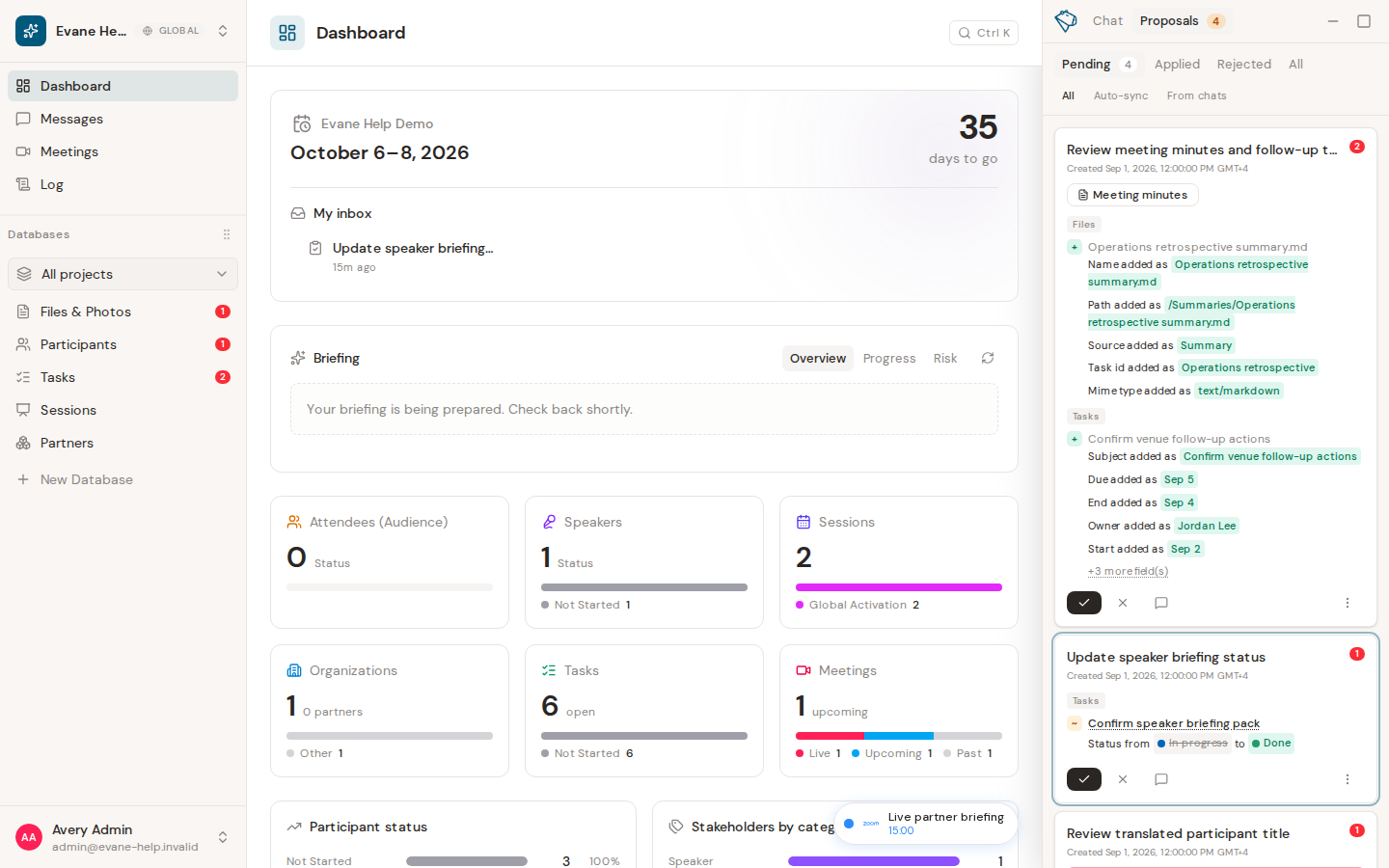
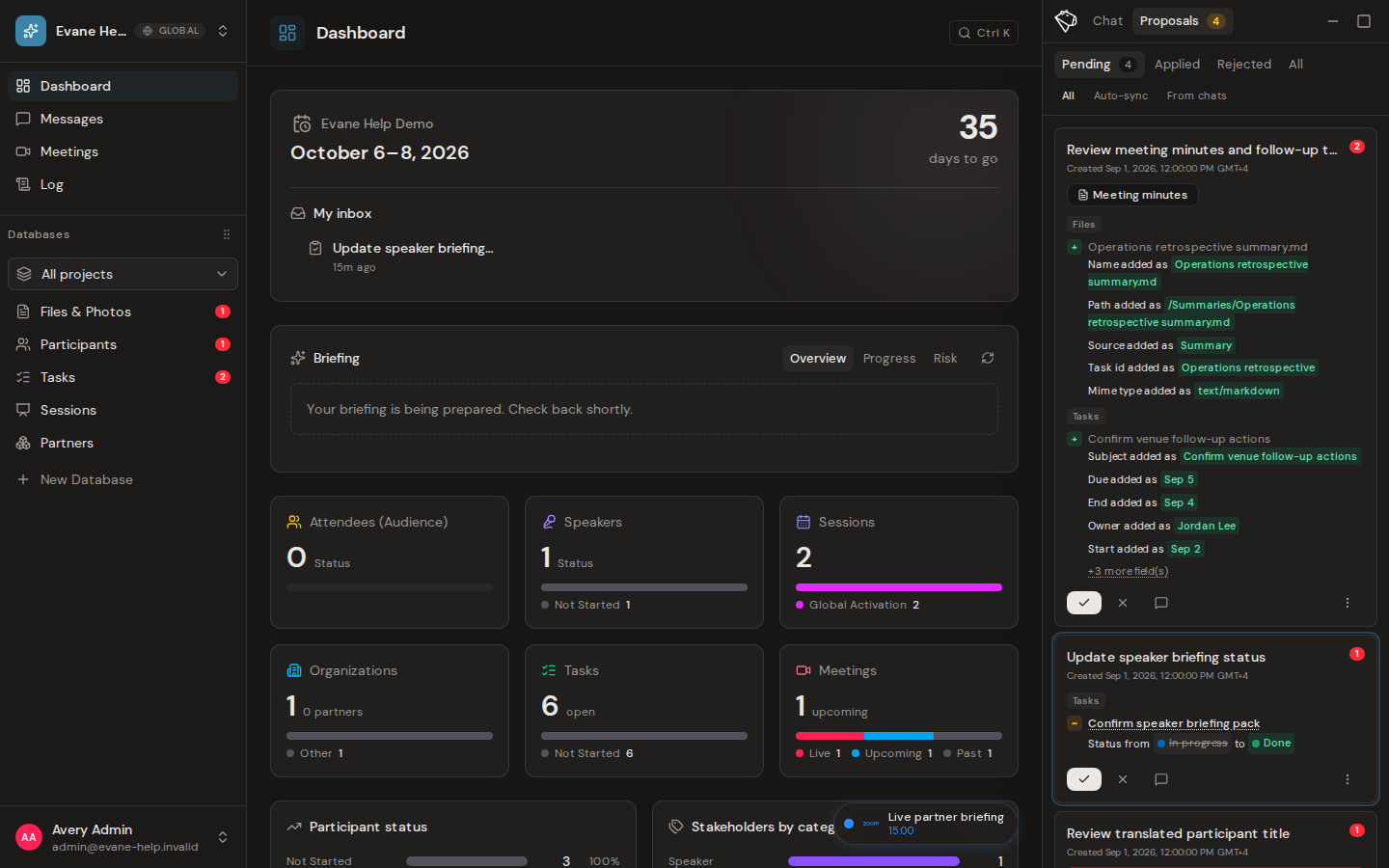
Review notifications
- Open Dashboard and find My inbox.
- Review each item's short title, relative time, and unread dot.
- Select an item to mark it read and open its related target when supported.
My inbox is personal and can include items from every workspace you belong to. The compact list shows only the information needed to identify and open the work; it does not copy the full business record into the notification.
Supported deep links
My inbox can open detail dialogs for related Tasks, Participants, Sessions, Meetings, Files, and Messages. A Proposal item opens the AI assistant at Proposals > Pending and targets that Proposal. If the item belongs to another workspace, Evane switches workspace context first.
The unread dot updates immediately, and the read state persists after reload. Durable notifications remain available even if you were offline when the corresponding real-time event occurred.
If a target is unavailable
- The related object may have been deleted, may not be loaded, or may not be a supported deep-link type.
- Evane shows a friendly unavailable message rather than opening an unrelated record.
- If marking as read fails, the UI restores the unread state and displays an error.
- Without the Evane service, My inbox has no durable notification source.

