



The Activity Log is the workspace-wide audit trail for meaningful changes. It complements each detail dialog’s Activity panel, which narrows the history to one record.
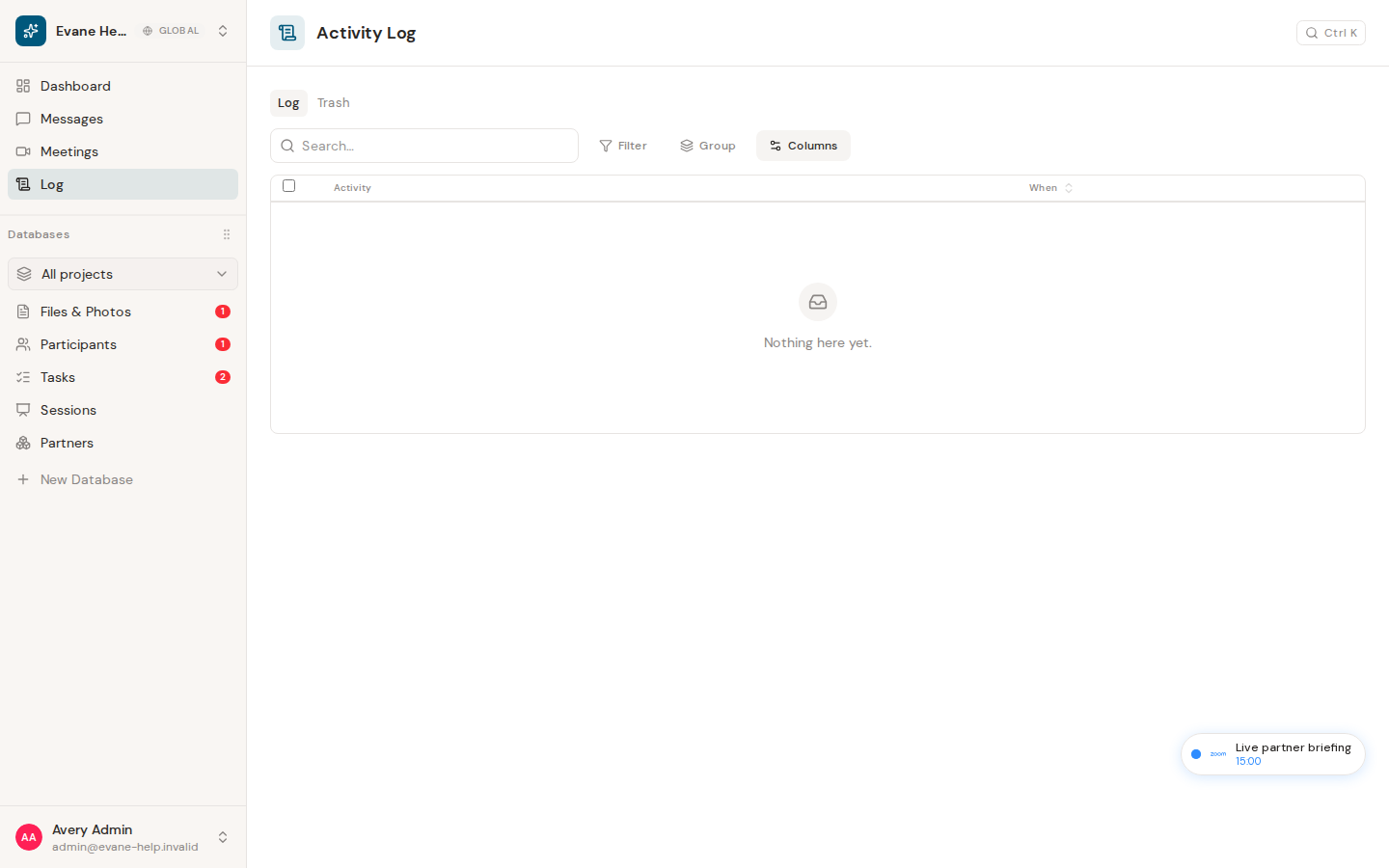
What the log contains
The Activity Log presents saved audit records for changes in the active workspace. A row can identify the actor, action, target, changed field, previous value, new value, summary, and creation time when those values are available.
Find a change
- Open Activity Log from the workspace navigation.
- Use table search to look for an actor, action, target, field, or value.
- Use Filter, column sorting, Group, or Columns to narrow and reorganize the list.
- Select a row whose target still exists in the loaded workspace to open that record's detail dialog.
The Evane service supports filtering audit records by target kind, target ID, actor type, action, and creation date. The page uses the common table controls for local presentation of the returned records.
Newest audit records are available from the Evane service, and the table displays the server-resolved actor and target labels. Records that are not tied to an openable entity can still be reviewed as log entries.
Recover deleted records from Trash
For Owner and Admin roles, Log also includes a Trash tab. Deleted supported records and Evane-owned files remain recoverable there for 30 days. Restore puts the original record and its retained relationships back; it does not create a replacement ID. Empty Trash and per-item purge are irreversible administrative actions.
If a target cannot open
- The target may have been deleted, may not be loaded in the current workspace, or may represent a project-level change rather than a record detail.
- A friendly unavailable message is shown instead of opening the wrong entity.
- If the whole log fails to load, verify Evane service connectivity and membership in the active workspace.

