



Quick Add and keyboard shortcuts reduce navigation for frequent actions. What appears depends on the active workspace, current page, and the operations allowed by your role.
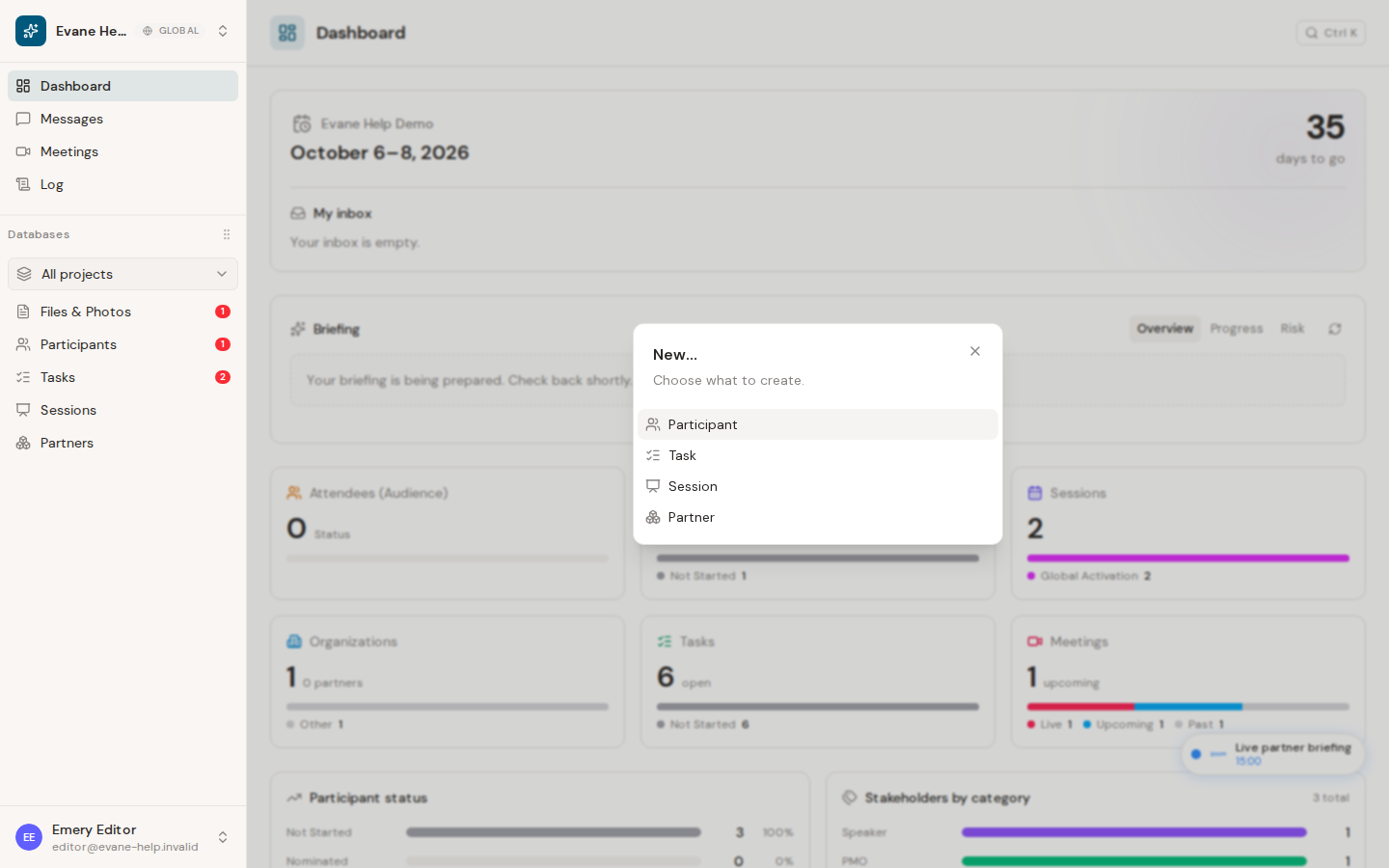
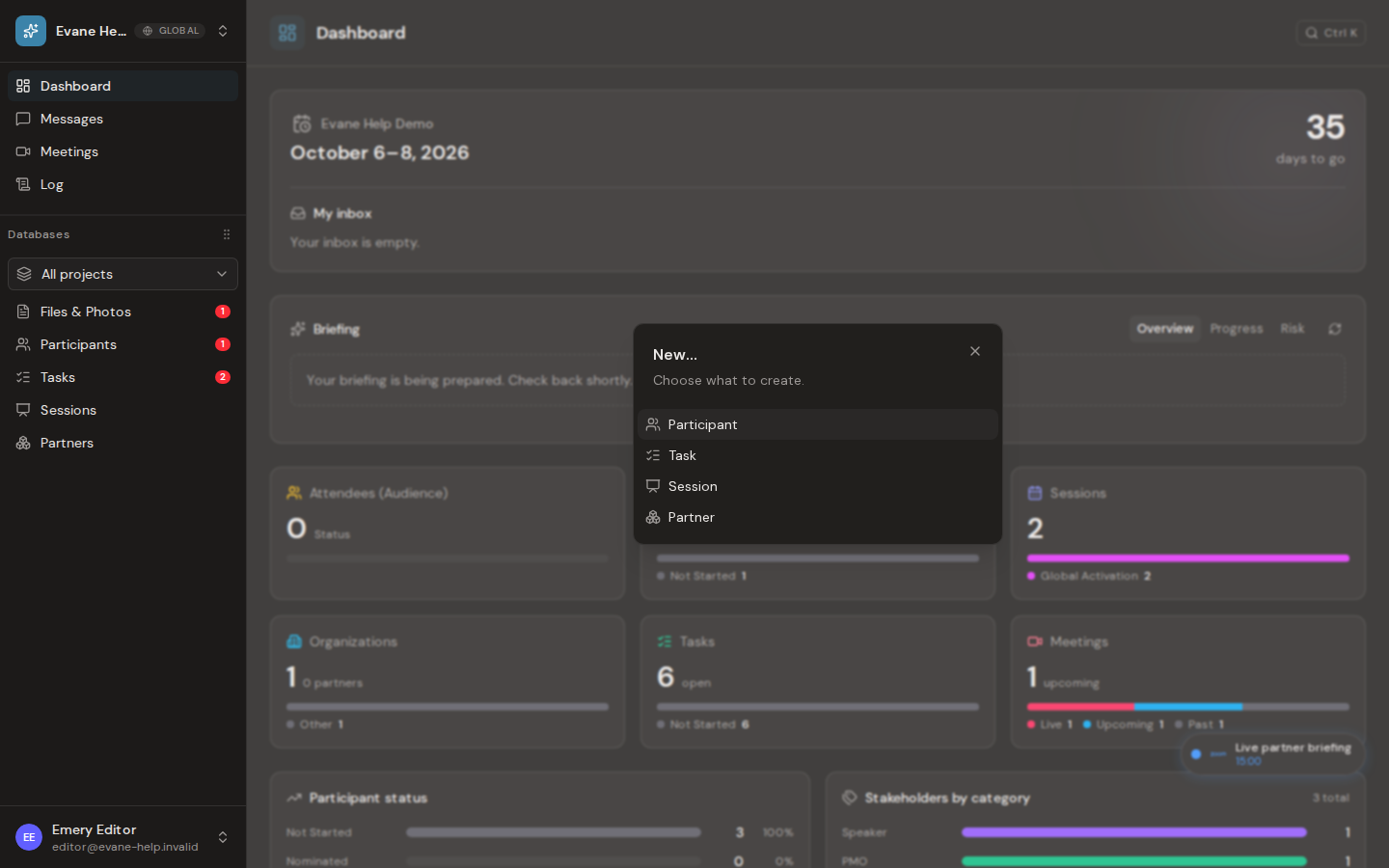
Quick Add
Press Cmd+N on macOS or Ctrl+N on Windows and Linux.
- On a view that maps to a creatable entity type, Evane opens that type's New dialog.
- Elsewhere, Evane opens a chooser containing the available creatable types.
- When focus is inside an input, textarea, or editable field, the global shortcut does nothing so normal typing is not interrupted.
Viewer access is read-only. If a Viewer invokes Quick Add, Evane shows the same read-only warning used by other blocked write actions.
View the shortcut reference
Press ? while focus is not in an editable field. The shortcut dialog lists only shortcuts that have active handlers:
Cmd/Ctrl+K: command palette;Cmd/Ctrl+N: Quick Add;Cmd/Ctrl+Enter: save in supported forms;Esc: close the current dismissible surface;?: open the shortcut reference.
The New dialog opened by Quick Add is the same creation flow used by the page's New button and the command palette, so validation and persistence behavior remain consistent.
If a shortcut does nothing
- Move focus out of the current text field and try again.
- Confirm that another browser or operating-system shortcut is not intercepting the key combination.
- If Quick Add shows a read-only warning, ask a workspace administrator to review your role.

