



Bulk edit applies one selected field value to several Sessions. The current menu supports Event Name, Date, Category, Location, and Tags; Status and start/end times must be edited through the appropriate record controls.
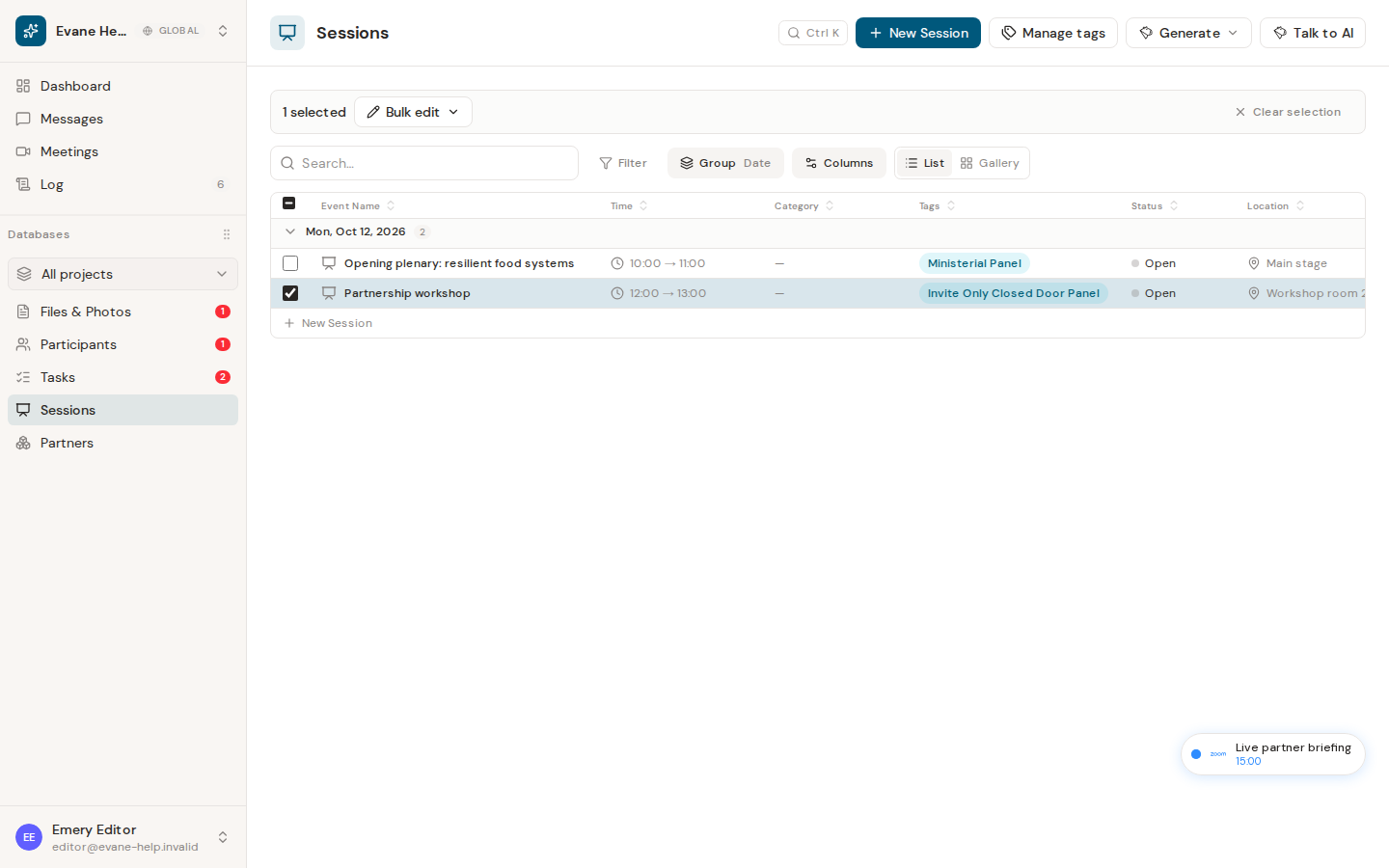
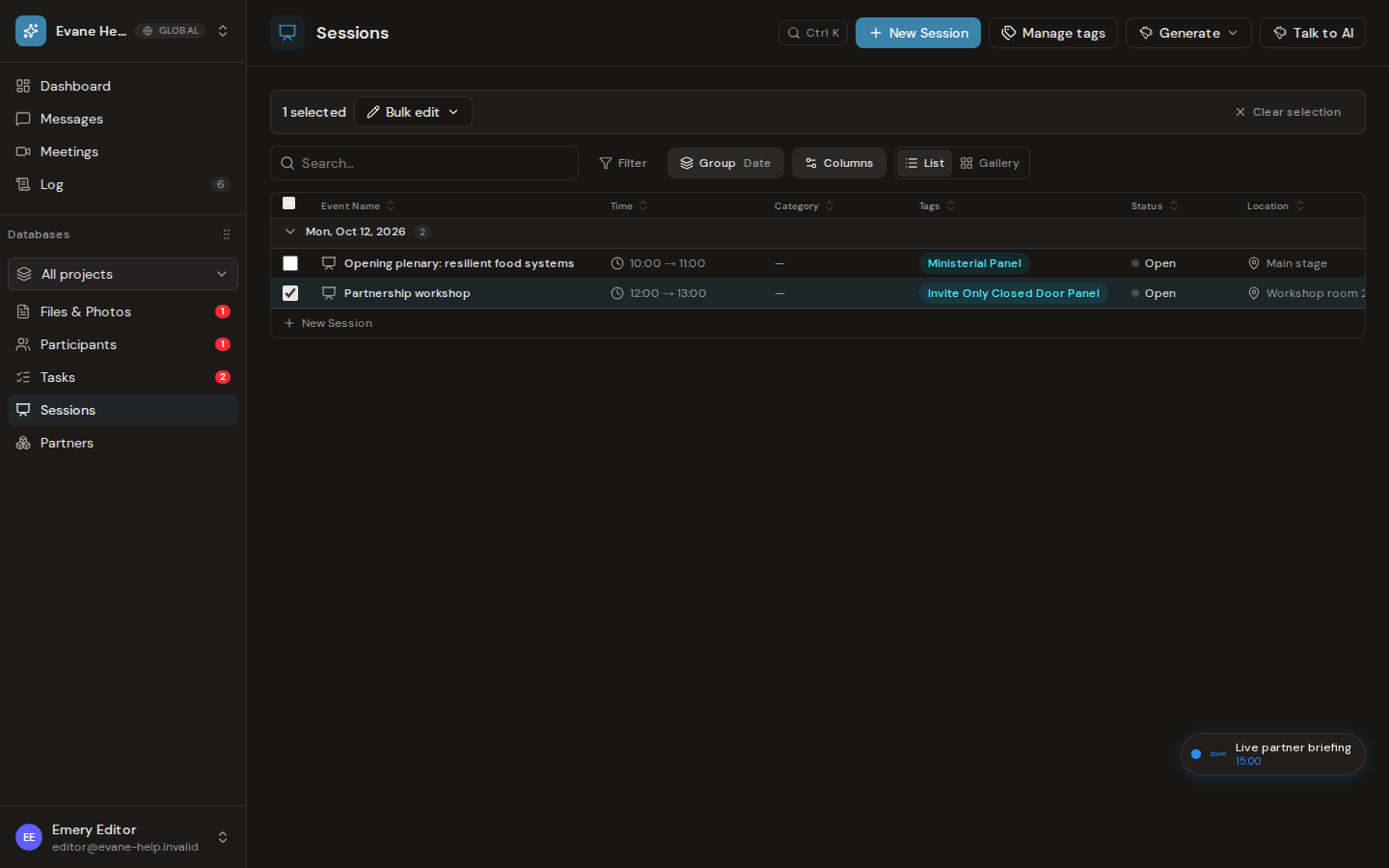
Apply one change to the selection
- Select the checkboxes for the Sessions you want to update.
- Open Bulk edit and choose a supported field.
- Enter or select the replacement value.
- Review the number of affected records and apply the change.
The operation is best-effort per row. Successfully updated Sessions refresh immediately; failed rows remain selected and the notification reports how many could not be changed. When offered, Undo applies the recorded previous values to the successful rows.
Bulk edit requires workspace write access. It does not merge different values: every selected Session receives the one value shown in the dialog, including a complete replacement of the selected Tags list.

