



The event album publishes images from the workspace Photos folder through a separate public link. Workspace members can review the settings; only an Admin can enable sharing or change them.
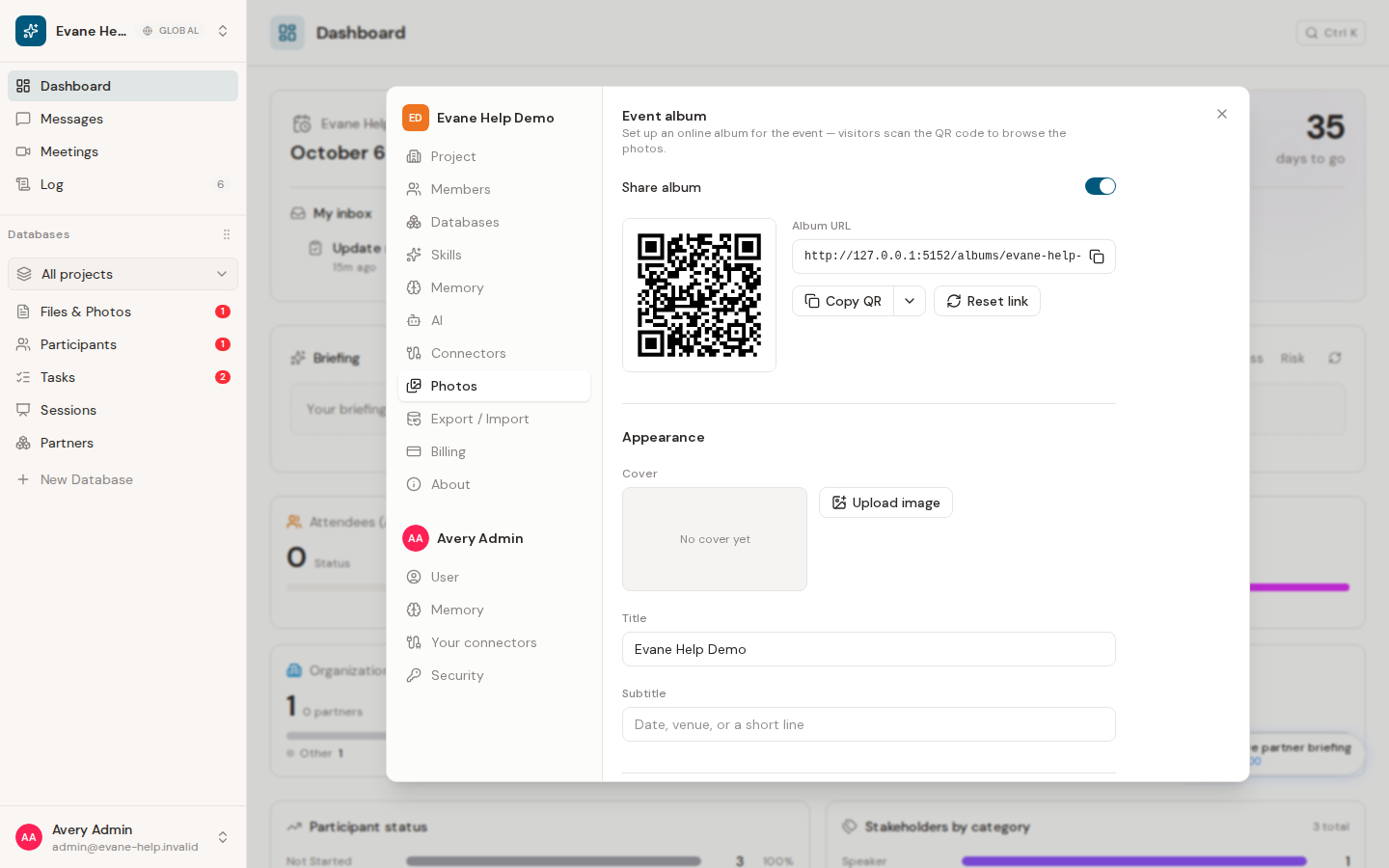
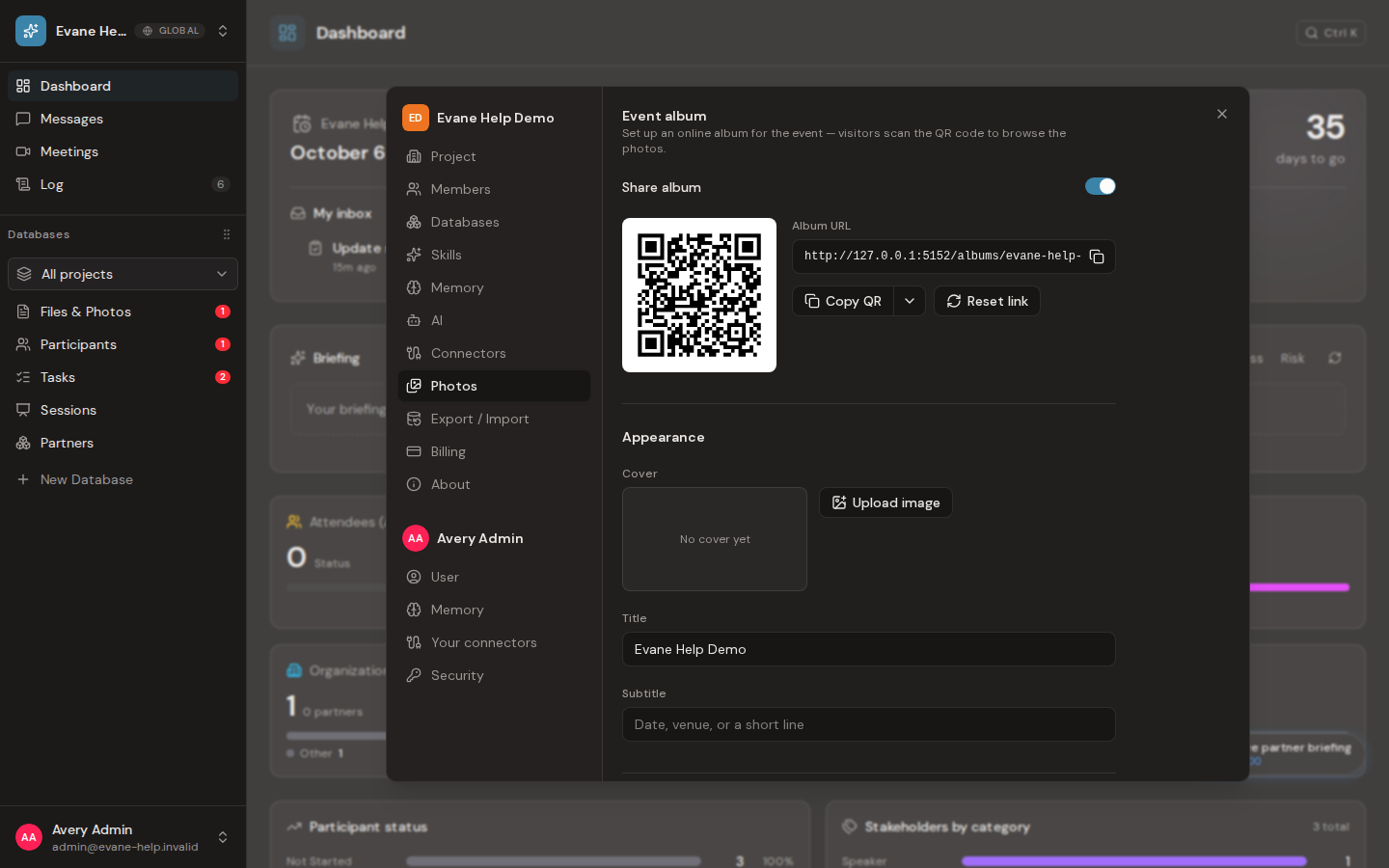
Turn sharing on
Open Settings > Photos and enable Share album. Evane then shows the album URL and QR code. Copy the link or QR image for attendees, or download the QR image for printed materials.
The album title defaults to the workspace name. An Admin can set a subtitle, choose or upload a cover image, and decide how photos are presented. Images uploaded to the Photos folder become album candidates; non-image files are not part of the public gallery.
Control public access
An Admin can require a password, prevent visitors from downloading full-size originals, and enable bot protection when the deployment supports it. These controls protect the public route; they do not change member access inside the workspace.
Select Reset link only when the existing public URL must stop working. After confirmation, Evane creates a new URL and QR code, and previously shared links no longer open the album.
If the album cannot be shared
The Photos settings appear only for products with the event-album feature enabled. A missing QR code, failed save, or unavailable bot protection is reported in the panel. Confirm that the workspace has image files and ask an administrator to check the deployment configuration before retrying.

