



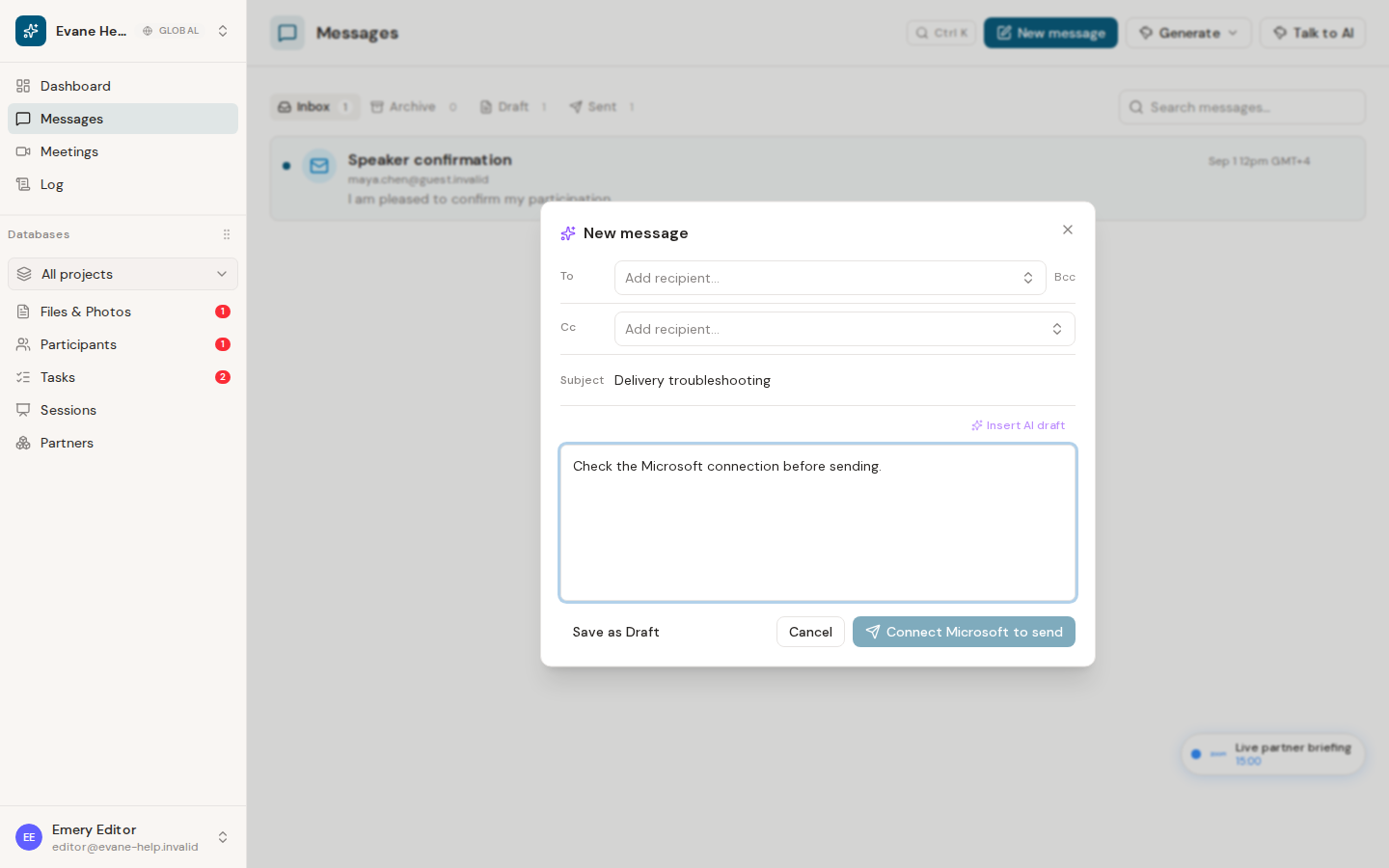
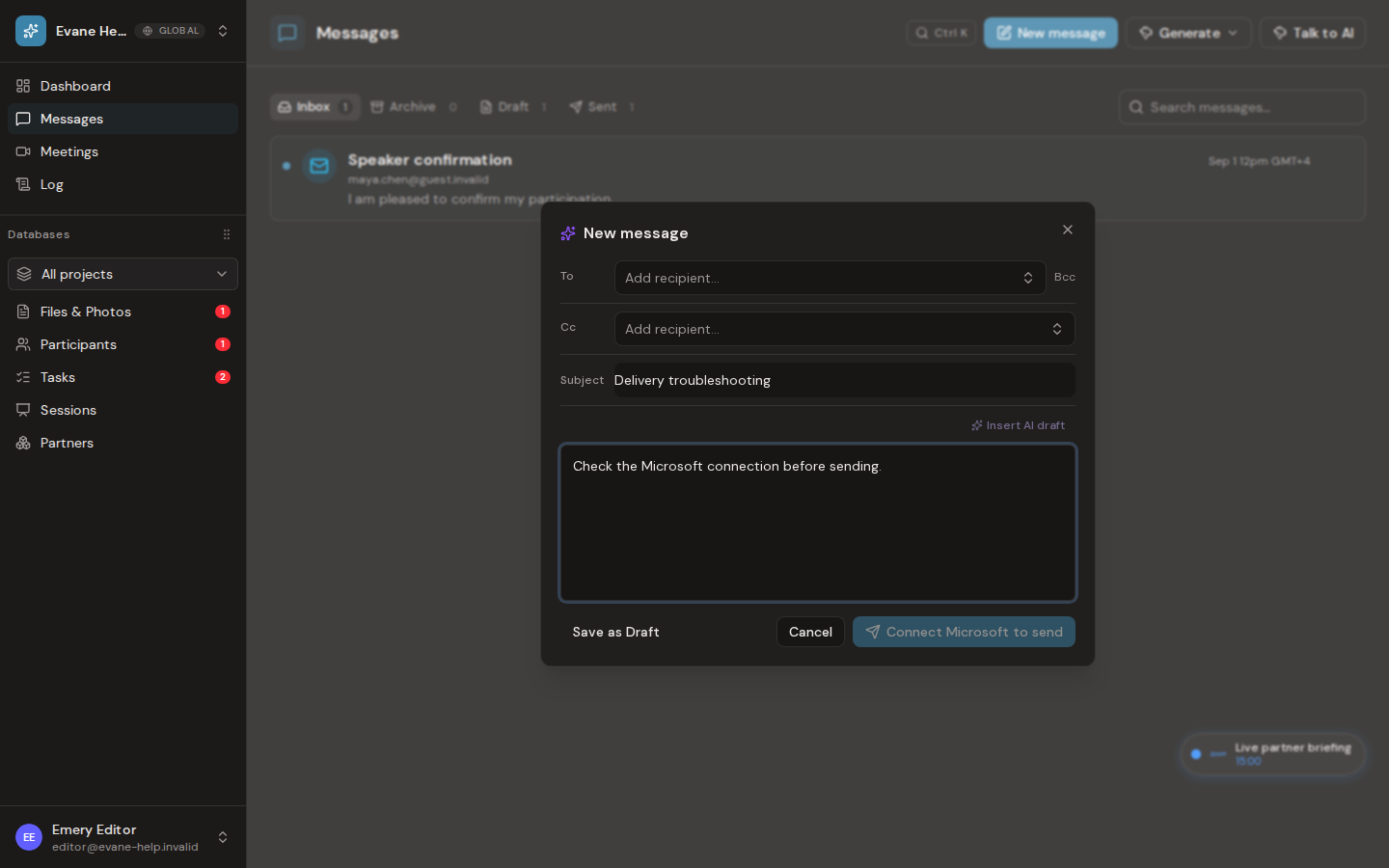
Saving a Message and sending an email are different operations. Evane persists the Message first, then sends through the signed-in user's Microsoft 365 mailbox.
Read the delivery state
- A draft exists only in Evane until you choose Send.
- A 403 or Microsoft permission error means the delegated mail grant is missing or expired. Reconnect from Security or Connectors when prompted.
- A 429 means the Evane send budget or Exchange throttling limit was reached. Wait for the retry period before sending again.
- An ambiguous send can occur when Microsoft accepted a request but the response was lost. Evane checks Sent Items before deciding whether to retry, which avoids duplicate mail.
Before retrying
Confirm To, Cc, subject, and body; verify the active mailbox; and check whether the message already appears in Sent Items. Do not create multiple copies while delivery is still being reconciled.
The email-code service used for Login is a separate transactional provider. A working Login email does not prove that Microsoft mailbox sending is configured.

