



Meeting automation spans the Evane scheduler, Attendee, the meeting provider, webhooks, and reconciliation. Identify the last confirmed stage before retrying.
Bot does not join
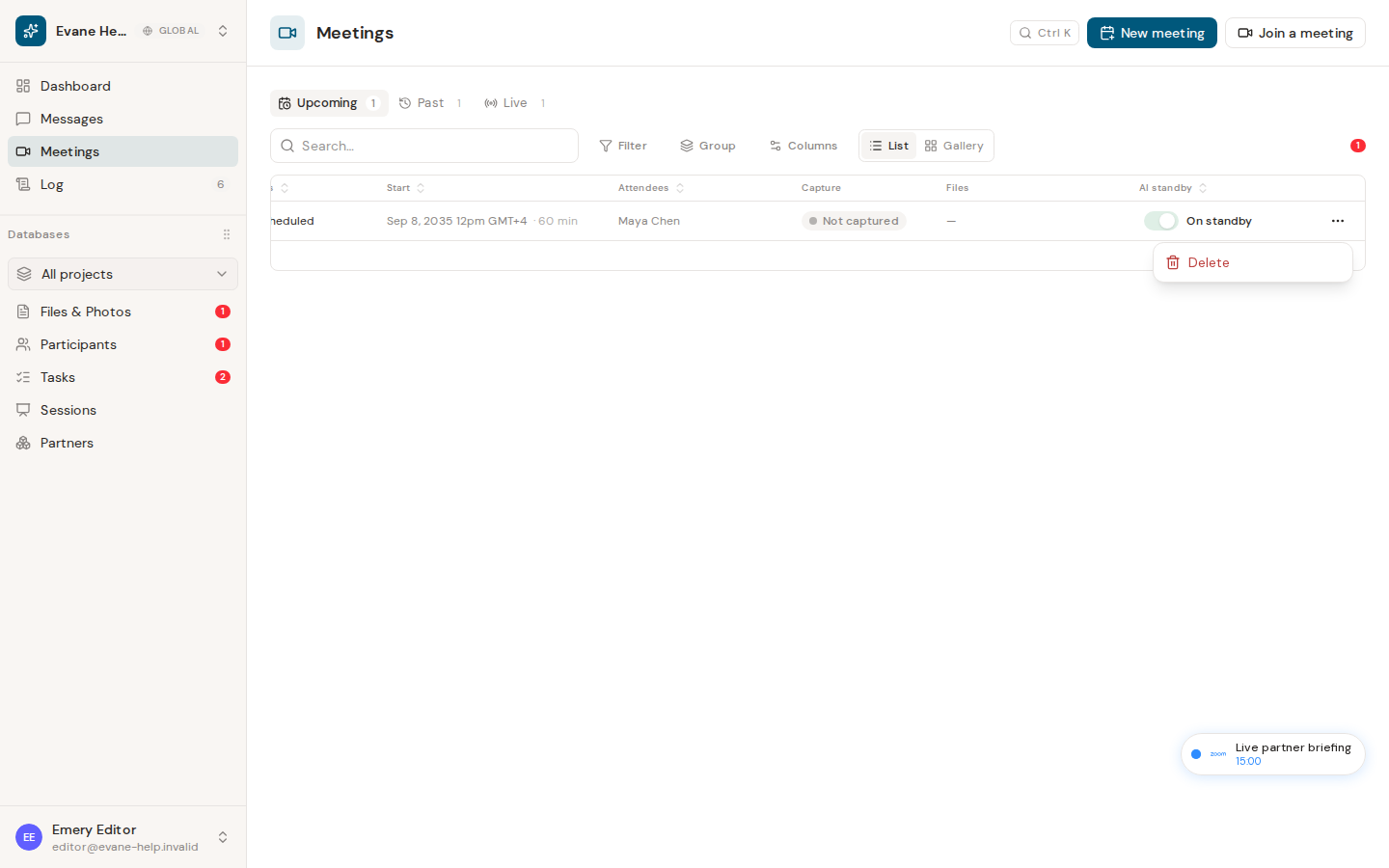
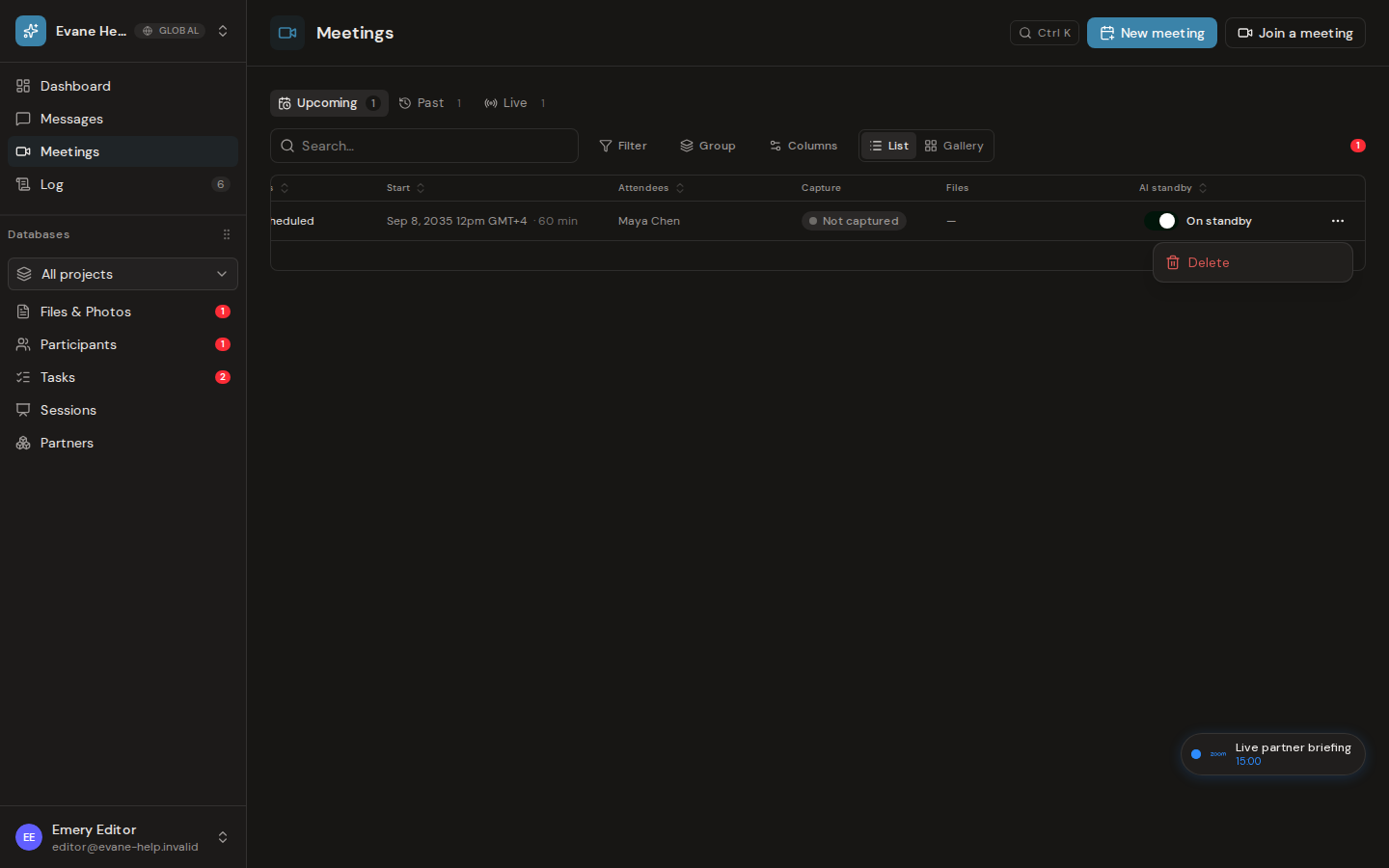
- Confirm AI standby is On and the Meeting has a supported join URL.
- For Scheduled Meetings, check the start time in the project timezone. The scheduler becomes eligible before the planned start, but external admission can still take time.
- Confirm Attendee is reachable and its workers are running.
- In Teams or another lobby-based provider, admit the Bot when prompted.
Status or captions are delayed
Attendee webhooks report Bot state and transcript updates. Evane also reconciles Meetings as a fallback. A webhook signature mismatch, blocked callback URL, buffered SSE connection, or unavailable caption producer can delay the UI.
If the Bot joined but no speech was captured, Elapsed can remain 00:00 before the scheduled start and the Meeting can finish as No content captured. A normal summary requires transcript content.
Safe retry
Do not dispatch multiple Bots to the same Meeting. Open the existing record, inspect its Bot state, and use the available rejoin action only after the previous Bot is terminal. Include the Meeting ID and Bot state in a support report, but never include webhook secrets.

