



“Backend unreachable” means the product could not complete the API requests needed to restore your workspaces. It does not mean the workspace was deleted.
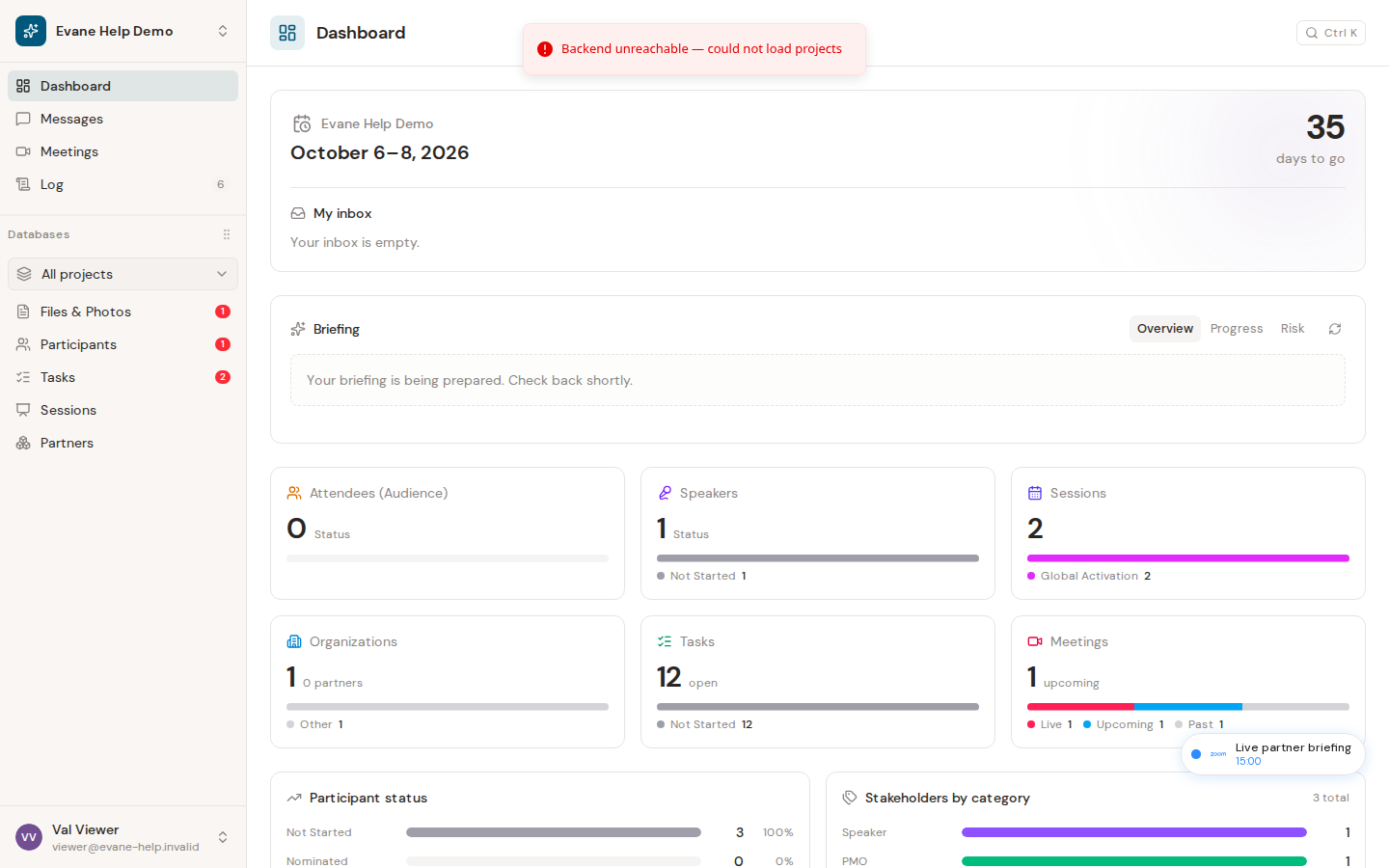
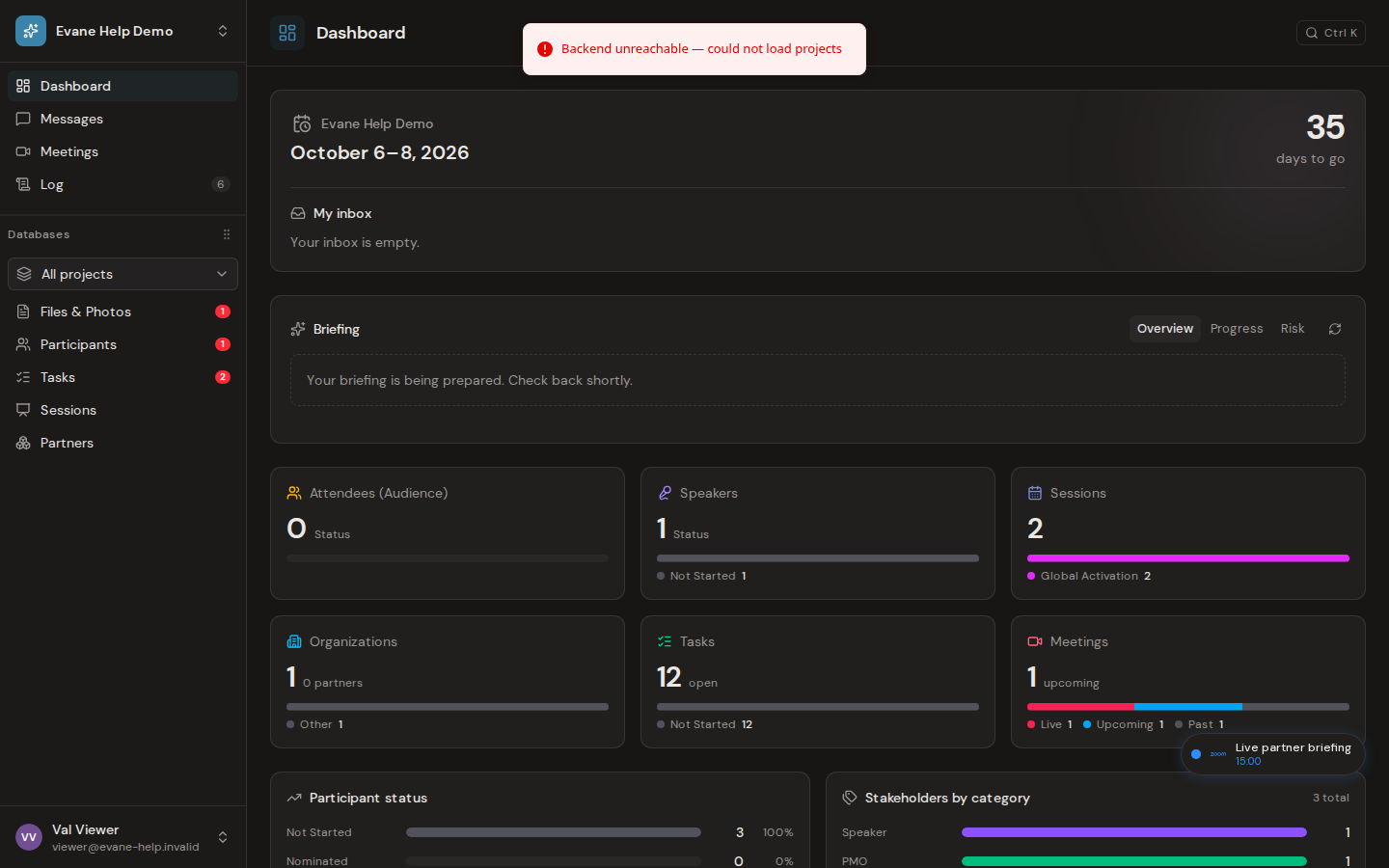
The example shows the workspace remaining visible while Evane reports that the project list could not be refreshed. Treat the message as a connectivity or backend-state problem, not evidence that the displayed workspace has been deleted.
Check the scope of the failure
- Open the public health page or the API health endpoint used by your deployment.
- Confirm that Login works and note whether all workspaces fail or only one.
- Verify that the frontend is using the correct API base for the selected region. Evane can route different workspaces to different regional backends.
- Retry after the backend, database, and Redis are healthy.
If one workspace fails
The workspace may point to an unavailable region, the membership may have changed, or a project-scoped request may be failing. Return to the workspace picker and try another accessible workspace. Ask an Admin to verify membership and regional routing.
Local development
Start PostgreSQL and Redis, apply migrations, start the API, then start Vite with its API base configured. Use a consistent loopback host for frontend and backend so session cookies and SSE use the same browser context.
Avoid creating replacement projects until the existing database and region have been checked.

