



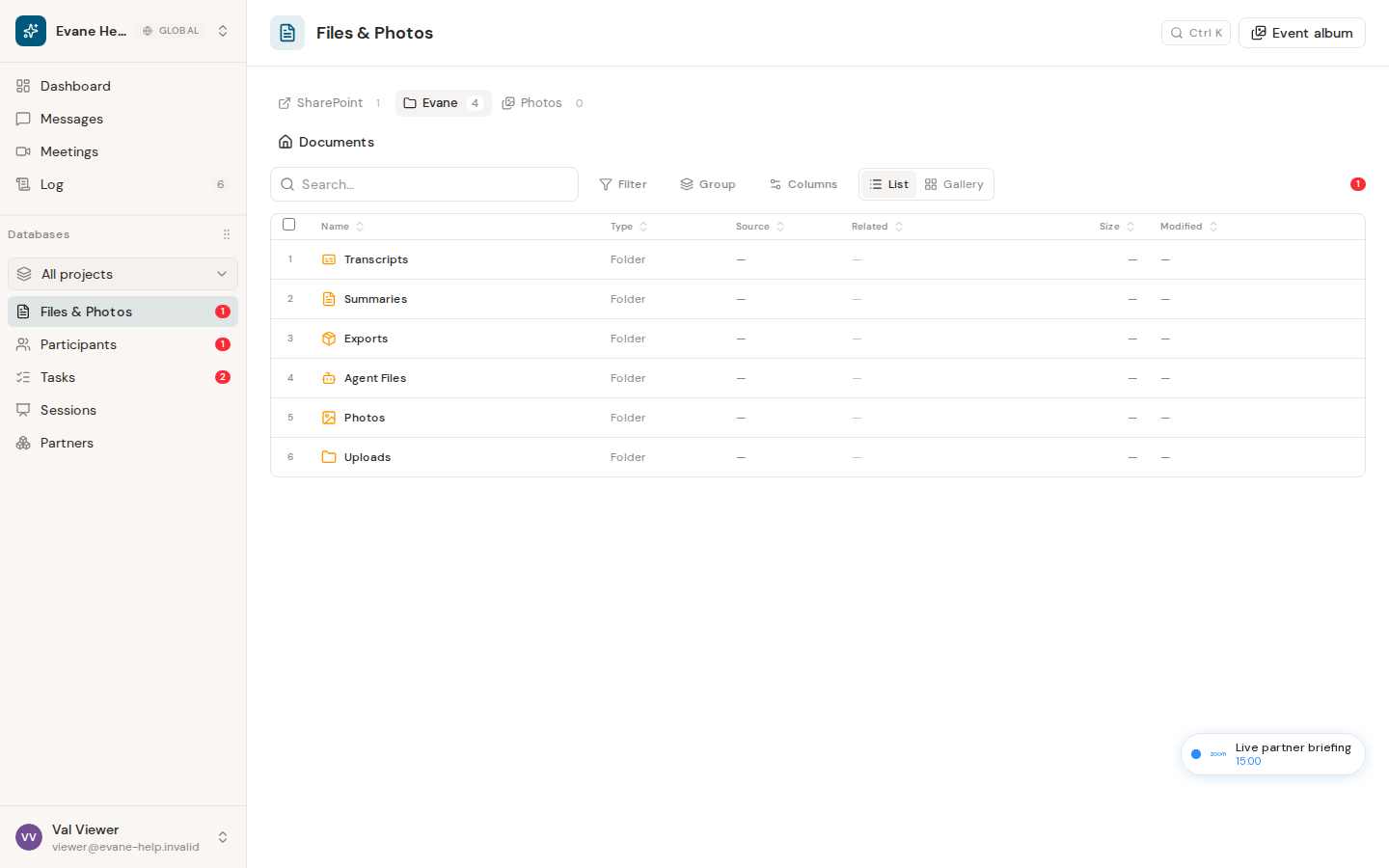
The Files library brings connected SharePoint documents and files created inside Evane into one place, but ownership still matters. The source badge and section tell you which actions are available.
SharePoint files stay source-owned
SharePoint files are synchronized into Evane so workspace members can find, open, and link them to Tasks, Sessions, Meetings, or Participants. Opening one follows its SharePoint URL and uses your Microsoft access. Evane does not rename, move, copy, or delete the remote document.
If a SharePoint item is missing from Evane, check the workspace connector and its latest sync before assuming the file was deleted. Synced content is readable to members inside the workspace; opening the original SharePoint page is a separate action and Microsoft may still require the individual member to sign in or grant access.
Evane files use workspace storage
Uploads and generated documents are stored through the workspace file service. They appear separately from the initial SharePoint collection and can support download, rename, move, copy, or delete when the file type and your role allow it.
Deleting an Evane-owned file hides it from normal views and moves it to Trash. Its bytes and entity links are retained during the 30-day recovery period; an Owner or Admin can permanently purge it sooner. Unlinking a file from one record removes only that relationship and leaves the file in the Files library.
Choose the right action
- Use Open in SharePoint for source-owned documents.
- Use Download or an Evane preview for uploaded and generated files.
- Use Link files inside a detail dialog when the same file belongs with another record.
- Ask a workspace administrator to review connector scope and sync status when expected SharePoint files are missing from Evane. Check your own Microsoft access only when opening the original SharePoint page fails.

