



Use New Meeting for a meeting that should start immediately or for one that Evane should track at a future time. Both modes create a Meeting record before any bot is dispatched.
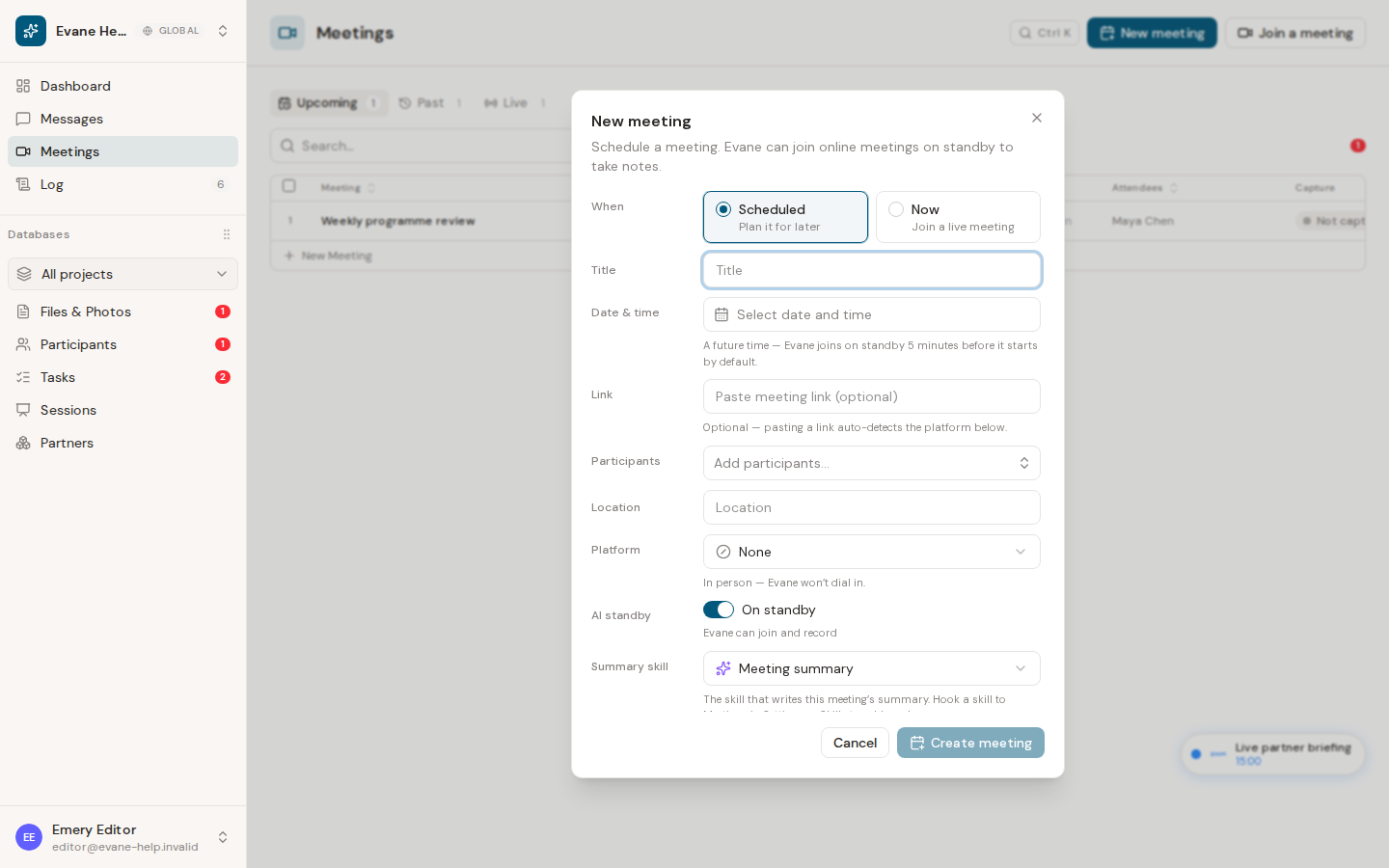
Choose Now or Scheduled
Choose Now when the call is ready to join. Add the meeting link, confirm the detected platform, select Participants, and decide whether AI standby is on. With standby off, the Meeting remains visible but Evane does not send a bot until you turn it on.
Choose Scheduled for a future meeting. Enter the date and time in the workspace time zone, add the platform link and Participants, and select the Meeting Summary Skill if one is available. A scheduled meeting belongs in Upcoming until its saved time or bot activity moves it forward.
Before you create it
The link must resolve to a supported Teams, Zoom, or Google Meet platform. A duplicate active link is reused or rejected rather than creating competing live captures. Creating and editing meetings requires workspace write access; dispatching a bot also requires the Attendee service.
After saving, open the row to confirm its start time, platform, Participants, AI standby setting, and selected summary Skill.

