



AI standby controls whether Evane may dispatch the Meeting Bot. It does not mean the meeting has started and it does not start the elapsed clock by itself.
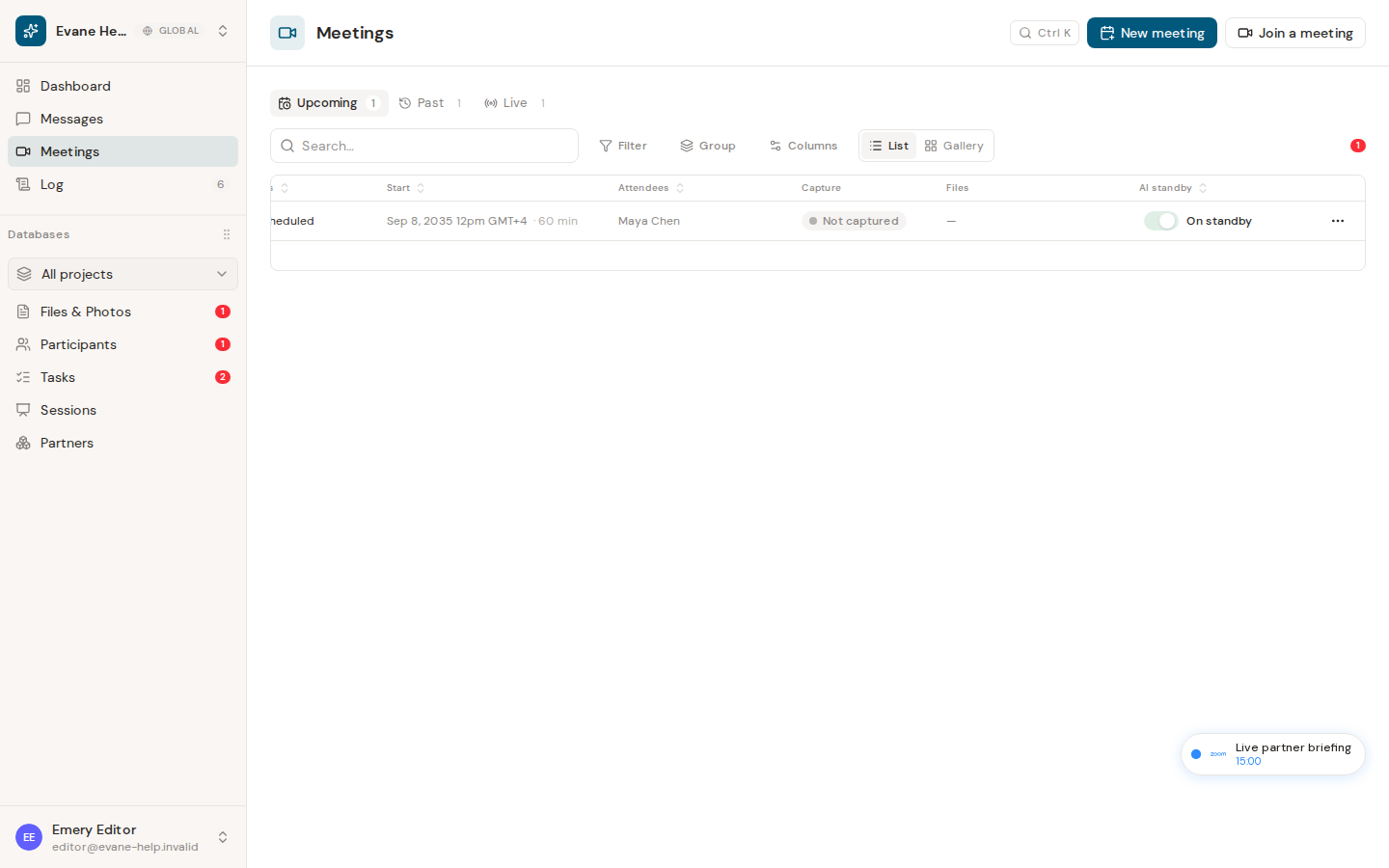
Scheduled meetings
With standby on, a supported online meeting becomes eligible for automatic joining during the configured lead window, which is five minutes by default. The row can move to Live when the bot is dispatched or joins, while Elapsed stays at 00:00 until the scheduled start or the first captured speech.
With standby off, the Meeting remains in Upcoming and no automatic bot is sent. You can turn standby on from the list while the meeting is still eligible.
Meetings created for Now
A Now meeting is listed as Live immediately. With standby off it is only a record—there is no bot, recording, or transcript. Turning standby on dispatches the bot, and its join or first-content time becomes the meaningful start for capture.
Past meetings show the saved standby value but do not allow it to be changed. If dispatch fails, review the visible capture error and the Attendee connection before toggling repeatedly.

