



Meeting tabs reflect saved lifecycle data, not the tab where a row was created. Evane recalculates the phase from the scheduled time, bot state, captured speech, and end state.
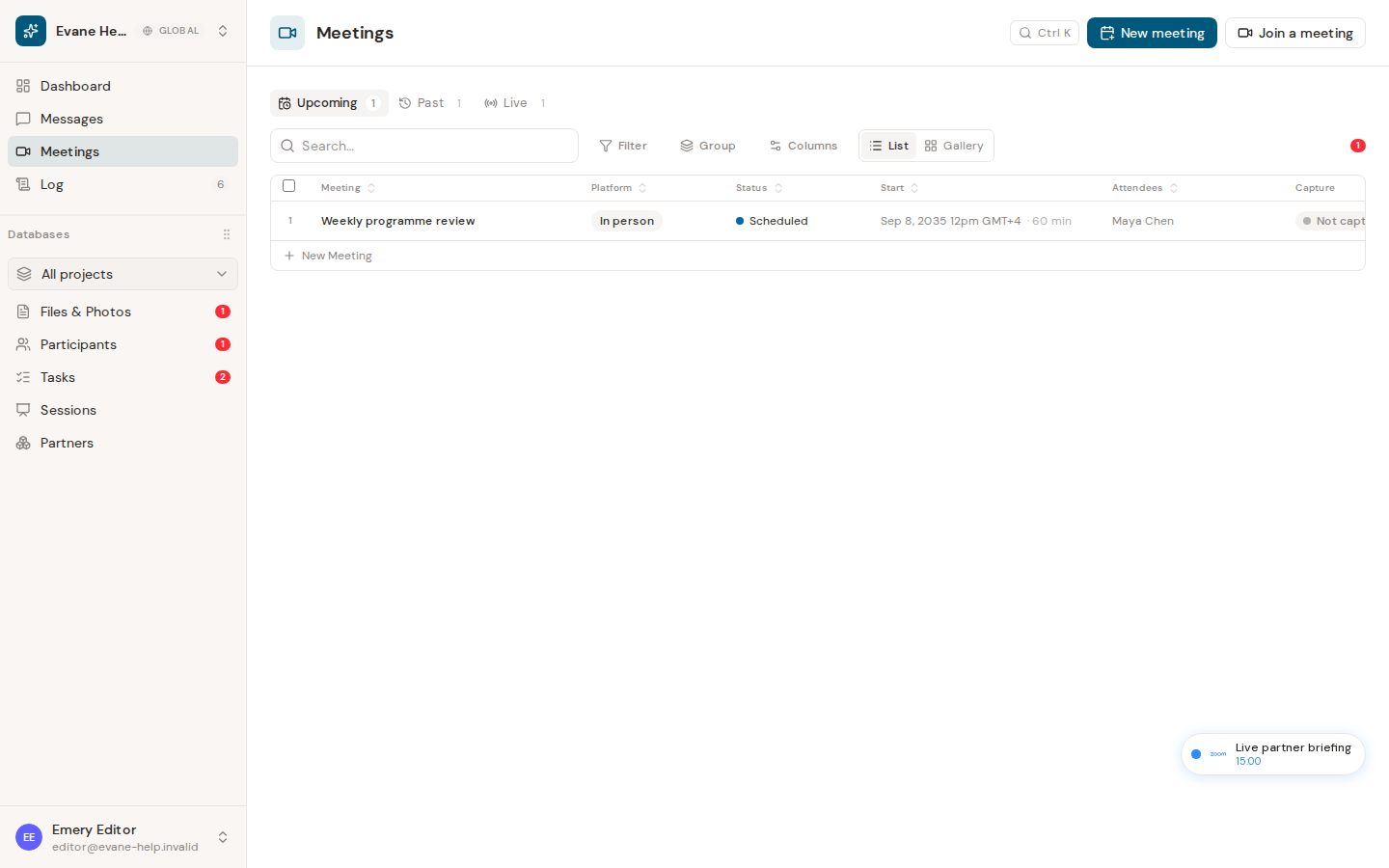
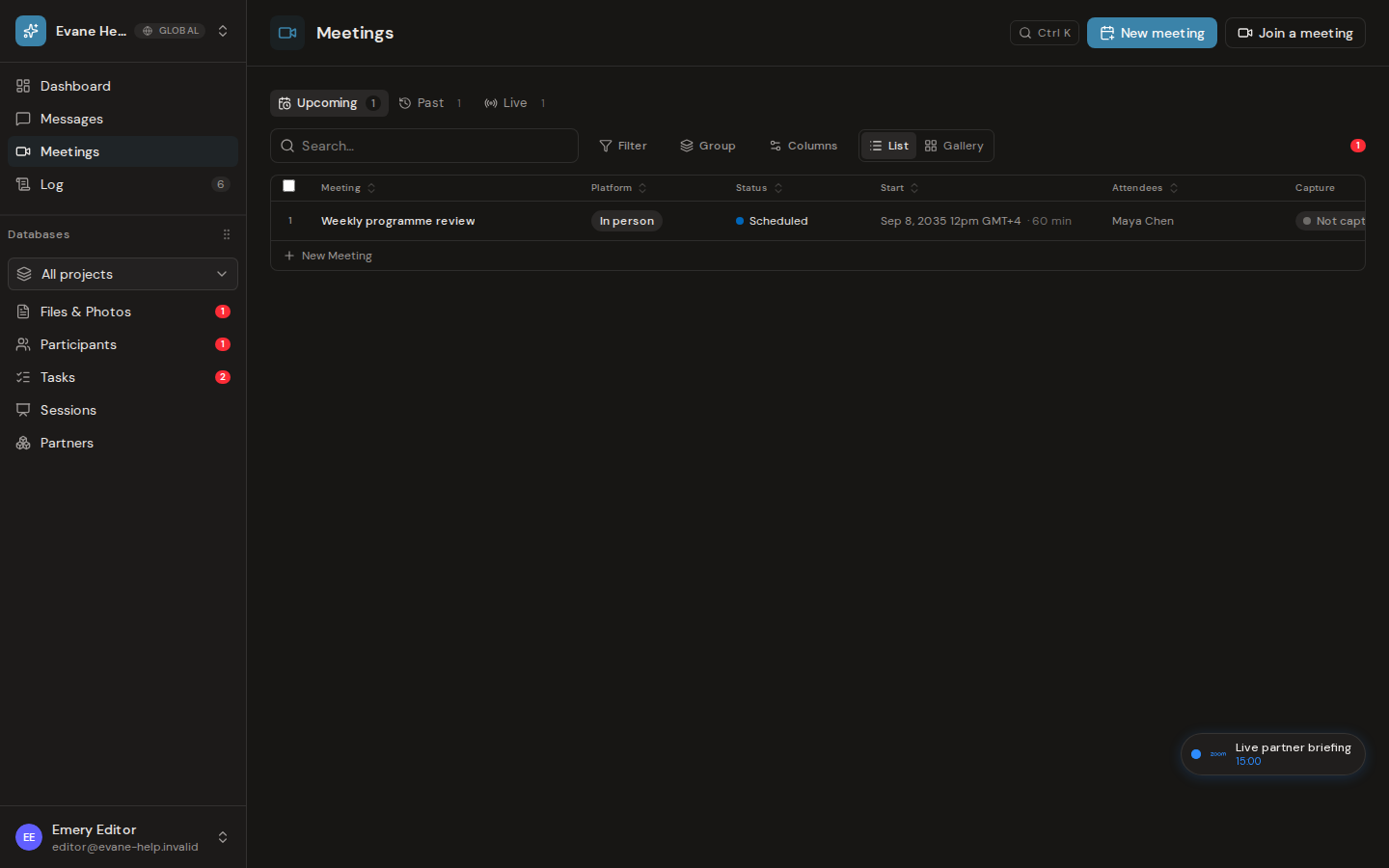
Upcoming
A future Scheduled meeting stays in Upcoming. When AI standby is enabled, it becomes eligible for bot dispatch shortly before the saved start time. Changing the space time zone changes how the same stored instant is displayed; it does not move the meeting itself.
Live
A Now meeting appears in Live even when standby is off. For scheduled meetings, a dispatched or joined bot can move the row to Live before the official start. Elapsed remains 00:00 until the scheduled start unless Evane captures real speech first; captured speech establishes the actual start time.
Past
An ended bot or a completed meeting moves the row to Past. If content was captured, duration uses the actual start and end times and the transcript can continue into summary processing. A meeting that ends without speech remains a Past record with no captured content and should not create meeting-minutes or Task proposals. If the meeting host declined the Bot in the lobby, the row shows Rejected instead; see Meeting Bot cannot join or status is delayed for what to do.
Recurring meetings and renamed titles
A meeting created from a recurring calendar series gets one record per occurrence, each with its own correct date and time instead of all of them collapsing onto the series' first date. A Recurring badge next to the title marks it as part of a series, both in the meeting list and inside the detail dialog. If the organizer cancels one occurrence on the calendar, Evane turns off AI standby for that occurrence instead of silently dropping it, so no bot is dispatched for a meeting that will not happen; anything already captured for it stays untouched.
Anyone with edit access can rename a meeting by selecting its title in the detail dialog. Once a person renames it, later calendar syncs keep refreshing the time, location, and join link but never overwrite that title again.
Lifecycle events update open lists in real time. If a row remains in the wrong tab, reopen the Meeting and check its bot, capture, and end state before creating a replacement.
Frequently asked questions
Why did my scheduled meeting move to Live before its start time?
A dispatched or joined bot can move a scheduled meeting to Live ahead of its official start; the saved start time by itself does not do this.
If I change my space time zone, does that move the meeting?
No. It only changes how the same saved instant is displayed; the meeting's actual scheduled time does not change.