



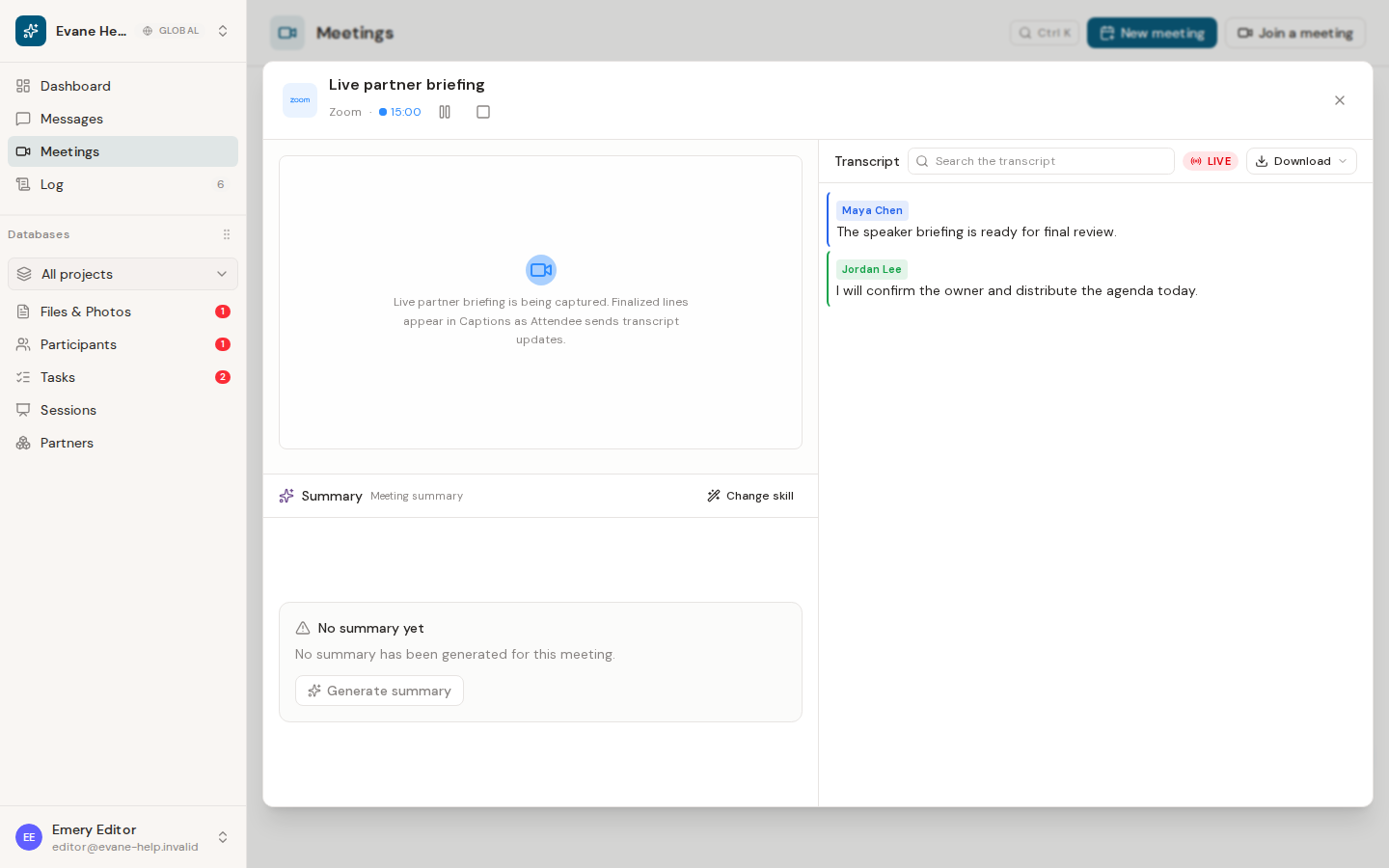
When the Meeting Bot sends transcript events, Evane stores each utterance and streams it into the open Live Meeting dialog. Closing the dialog does not stop capture.
During the meeting
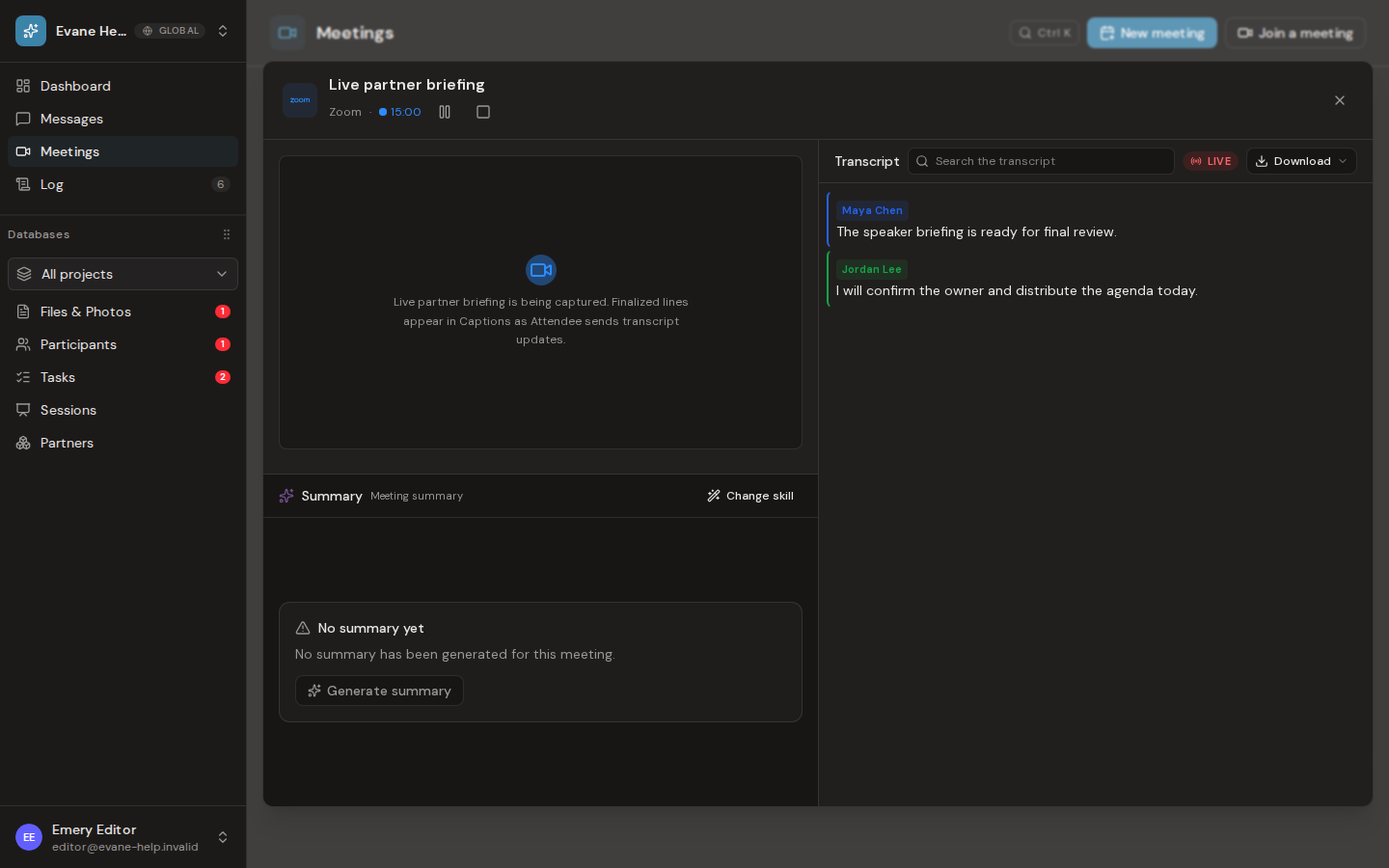
Open the Live row to follow the transcript. New lines appear in speaking order and use the speaker identity supplied by the meeting platform when available. The elapsed clock starts from the first captured speech for an early meeting, or from the scheduled start once that time arrives.
You can close and reopen the dialog without losing earlier captions. Evane reloads the saved transcript and continues from the latest position instead of starting a second transcript.
While the Bot is recording, the Live Meeting header offers Pause recording or Resume recording according to its current state. Stop and save meeting asks for confirmation, then ends the capture and keeps everything recorded up to that point. Closing the dialog alone does not pause or stop the Bot.
If captions are delayed
Confirm that AI standby is on, the bot has joined, and the capture state has progressed beyond dispatched or joining. Captions depend on Attendee webhook delivery and the live event stream; a connected bot can still show no content when nobody has spoken.
After the meeting ends, the finalized transcript may replace sparse live captions when Attendee provides a more complete record.

