



A Past Meeting keeps captured content together: the finalized transcript, recording availability, and the current summary state.
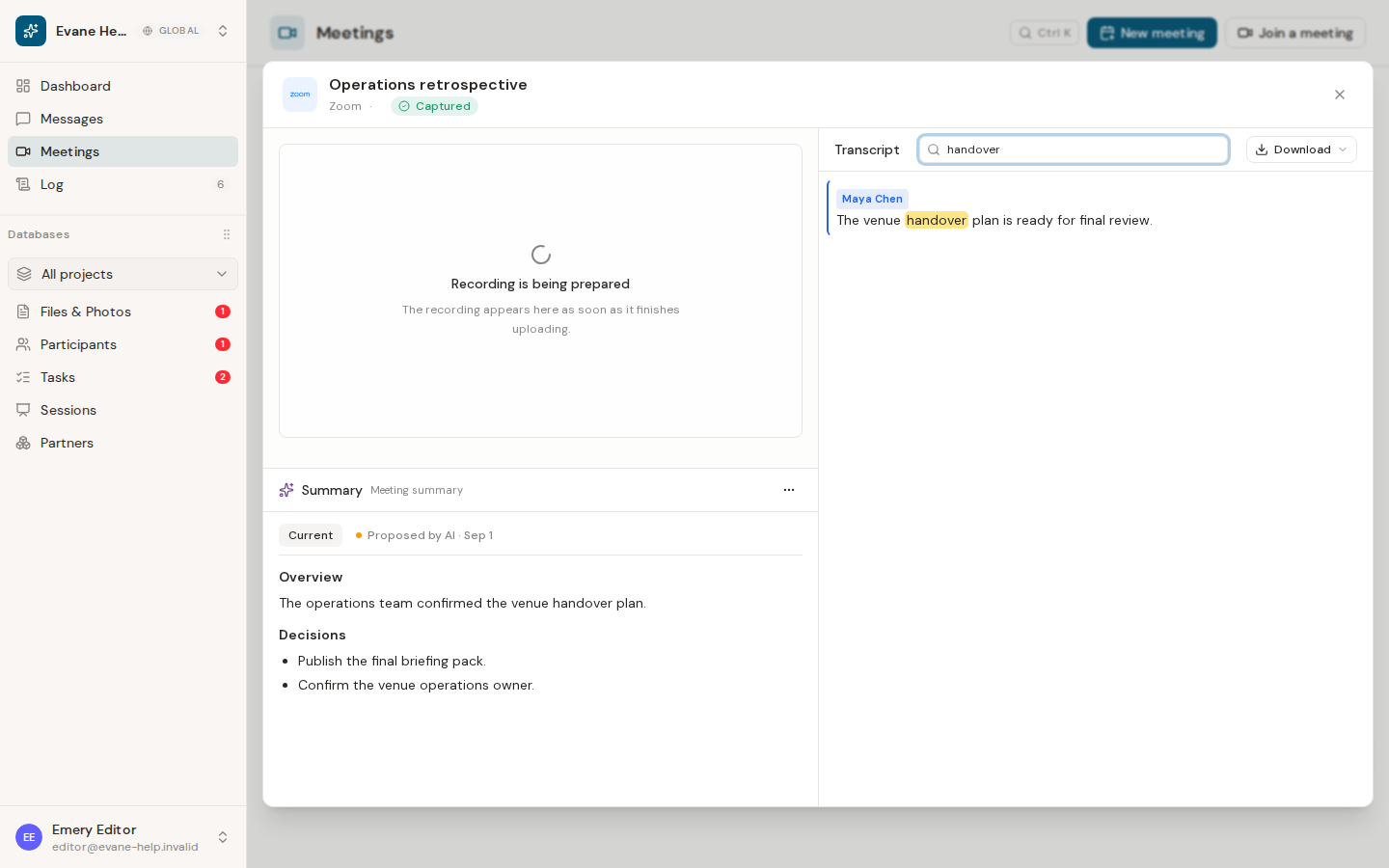
Read the transcript
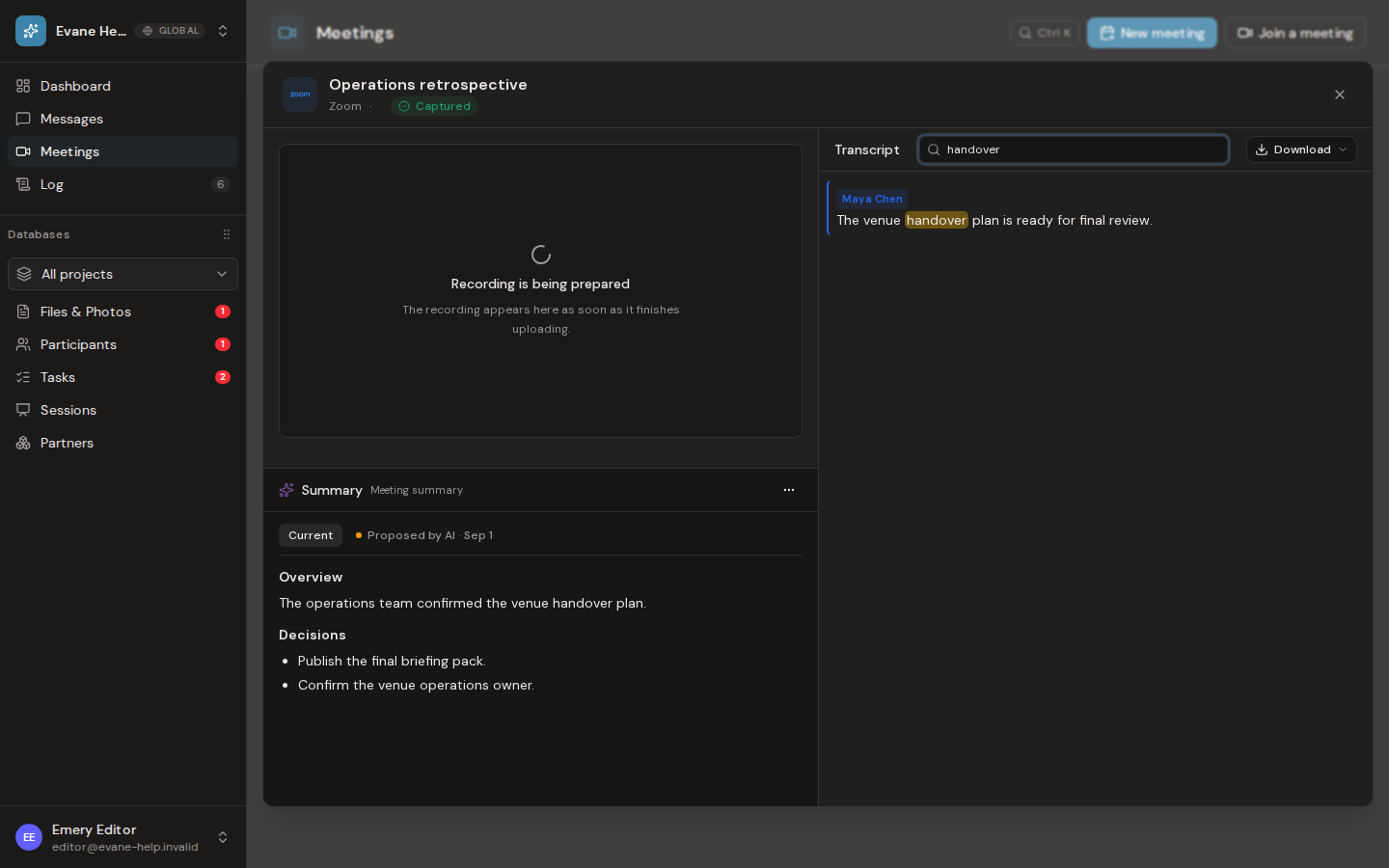
Open the Past row and select the transcript view. Search filters visible matches and highlights them without changing the stored transcript. Export options include PDF, Word, Markdown, and CSV; CSV is retained for speaker-and-utterance data.
Review the summary
The summary pane shows the generated meeting minutes and the Skill used to create them. Summary exports include PDF, Word, and Markdown. If a transcript exists, an authorized user can regenerate the summary or choose another Meeting Summary Skill.
The first generated or pasted summary is stored directly as an Evane-managed Summary file and linked to the Meeting. Regenerating the summary updates that generated output. If someone proposes a manual or AI-assisted rewrite, the workspace's AI approval policy decides whether the revision is applied immediately or appears as a pending version in Proposals.
Pending revisions are shown as separate versions in the Summary pane. The current version remains unchanged until a pending revision is approved; rejecting a revision keeps the current Summary file.
If the panes are empty, check the capture state. A meeting that ended without transcript content cannot produce a grounded summary.

