



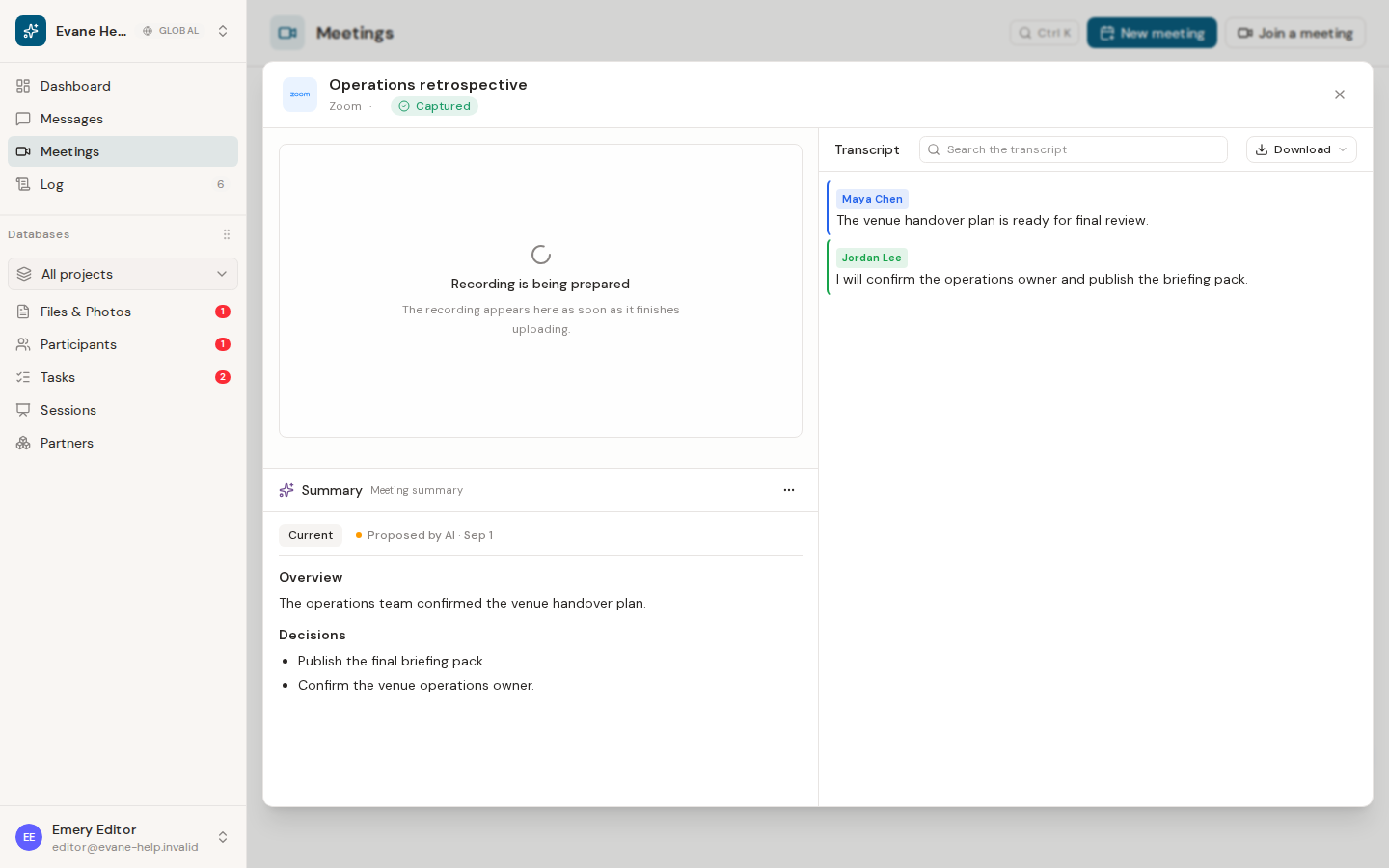
Evane can display a recording after Attendee reports that capture is complete, but the recording is not stored as a permanent Evane file by default.
When playback is available
The Past Meeting detail requests recording metadata from Attendee and opens the media through Evane's authenticated proxy. This keeps the upstream recording URL private and supports normal browser range requests for playback.
A recording indicator means a bot was dispatched; it does not guarantee that bytes are still available. Processing may continue briefly after the meeting ends, and Attendee can remove recordings according to its own retention policy.
Plan for long-term retention
Download or move required recordings into an approved long-term store before the Attendee retention window expires. The current product does not promise a fixed retention duration in the Meeting UI.
If playback returns unavailable, confirm that capture completed and that Attendee still holds the recording. A deleted upstream recording cannot be restored by refreshing Evane.

