



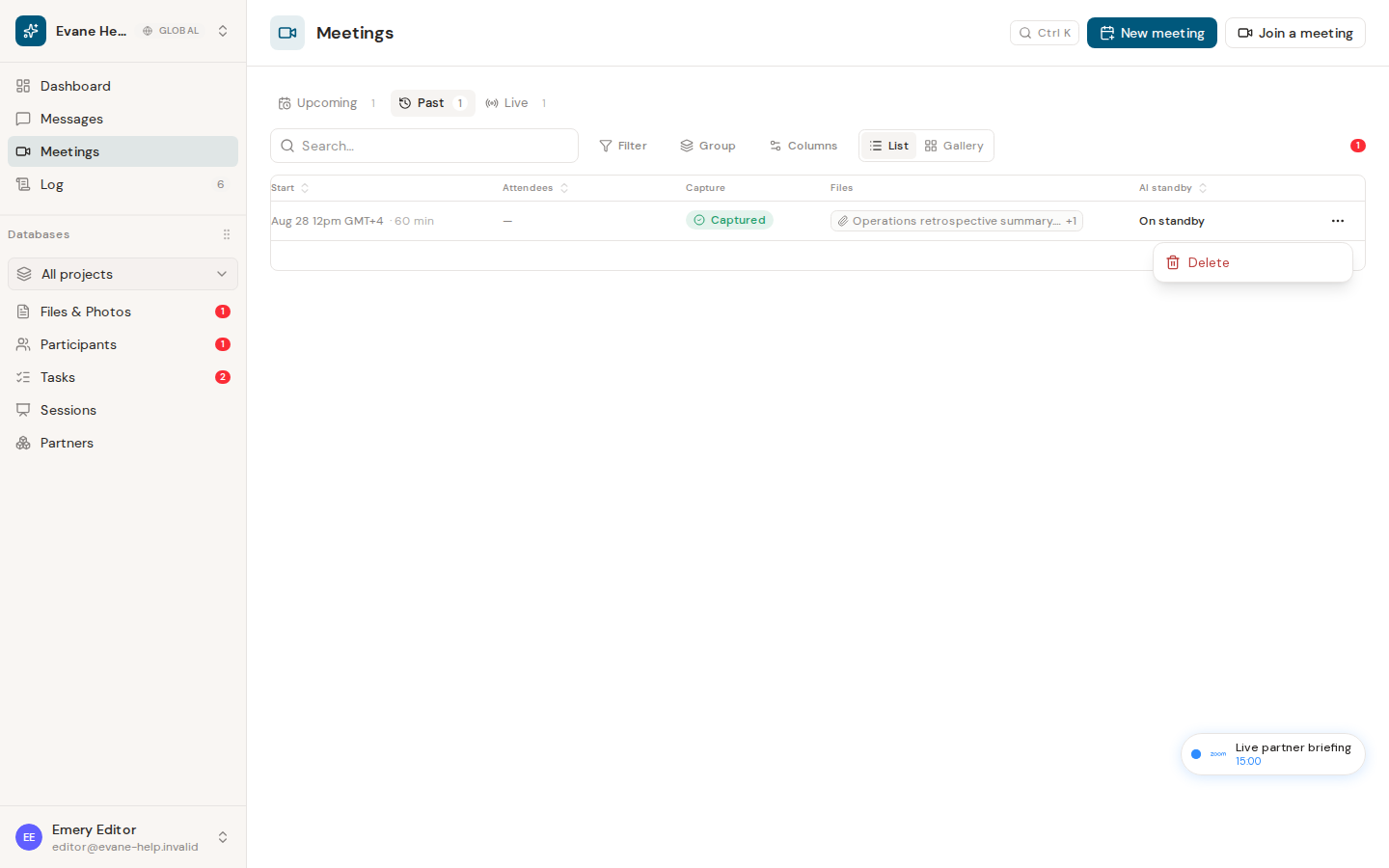
Use Rejoin when the same online meeting resumes after Evane has already marked it Past. Rejoining continues the existing Meeting record instead of creating a second row for the same call.
What Evane preserves
Before dispatching a new bot, Evane freezes the best transcript from the completed capture session. The new session receives its own bot state, while the Meeting keeps a continuous transcript assembled from all sessions.
- Open the ended Meeting and choose Rejoin.
- Confirm that its original meeting link is still valid.
- Wait for the new bot to join, then admit it if the platform requires approval.
- Reopen the Live Meeting dialog to follow new captions.
When additional transcript content arrives, the existing summary is marked stale so a later summary covers the full conversation. Rejoin is unavailable while the Meeting already has an active bot, and a missing or expired meeting link must be corrected before retrying.

