



Sign-in depends on a completed authentication challenge and a browser session cookie. Start with the method you used rather than repeatedly requesting a new code.
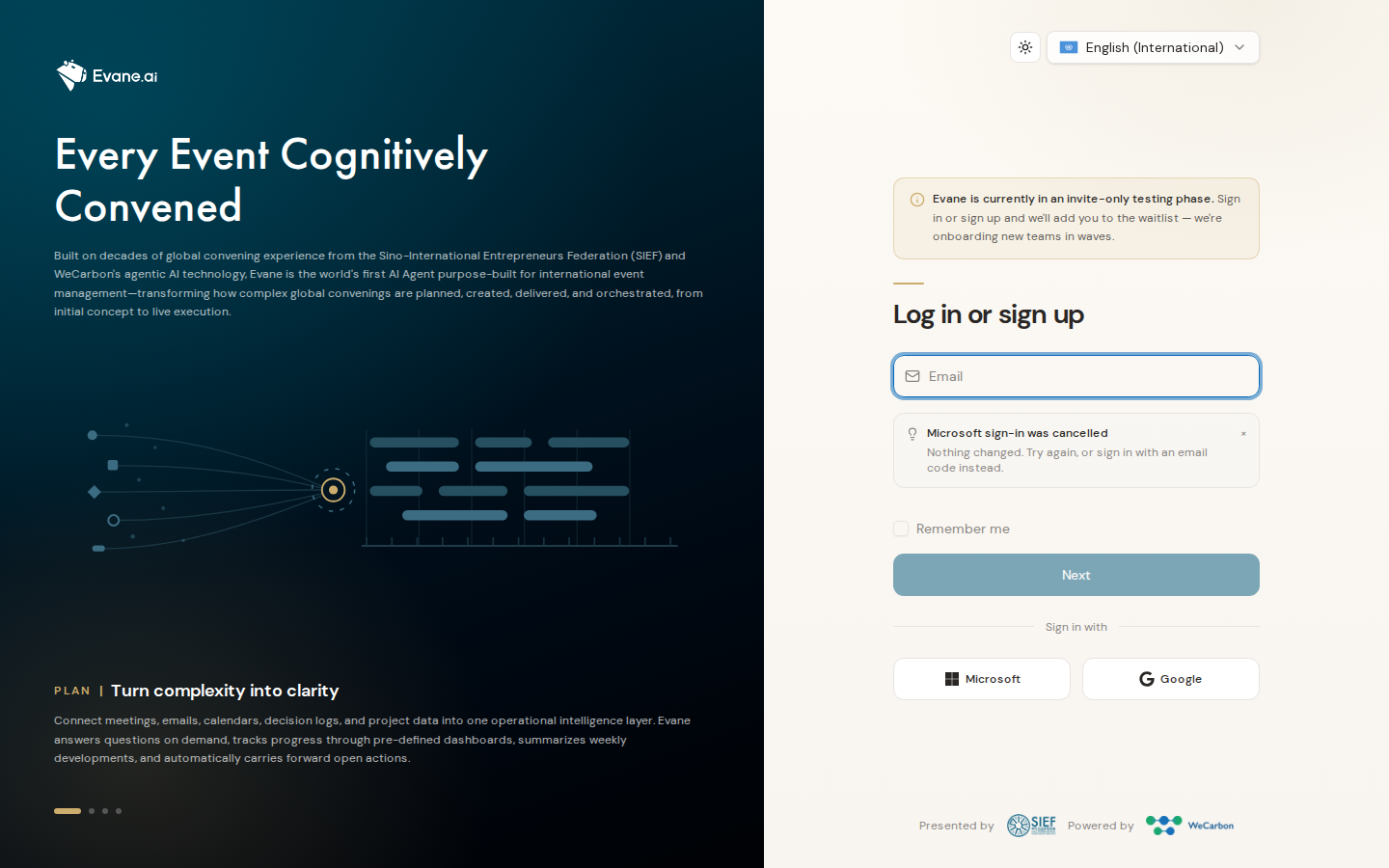
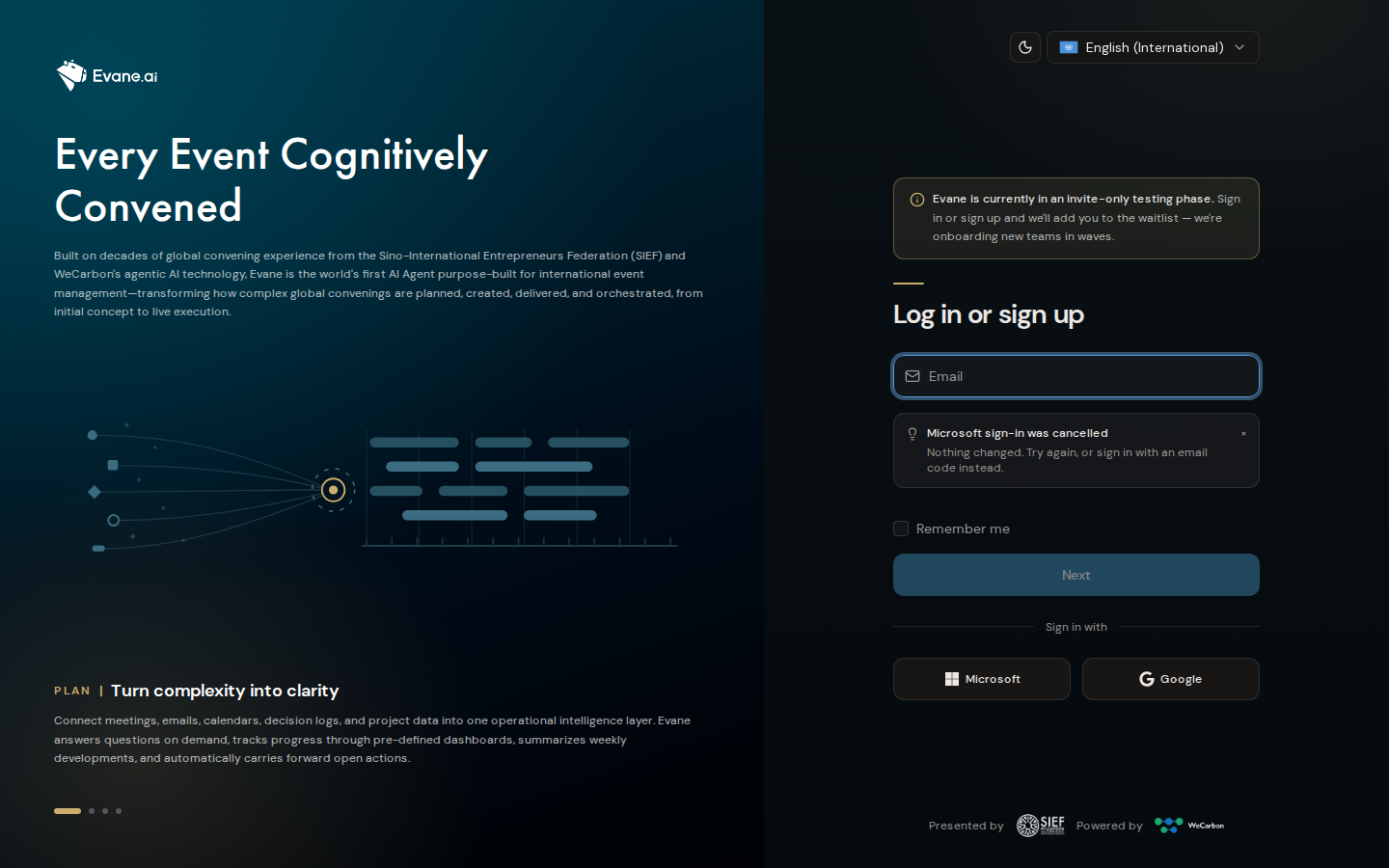
Email code problems
- Confirm the email address is exact and check the newest message only.
- Request one code, then enter it before it expires. Requesting another code can invalidate the earlier one.
- If no email arrives, the deployment may be using the development mail logger or an unconfigured ACS/SMTP provider. An Admin must check the mail service; the UI cannot recover a code that was never delivered.
- After verification, reload /app. If you return to Login, check that the frontend and API use compatible origins and that cookies are allowed.
Passkey problems
Passkeys require HTTPS outside local development, a supported authenticator, Redis for the short-lived challenge, and WebAuthn RP/origin settings that match the page domain. If Add passkey fails, retry once from the same browser tab. A domain mismatch must be corrected by an operator; recreating the passkey will not fix it.
Microsoft, Google, or Lark problems
Use only a provider button offered on the current login page. A denied consent screen changes nothing; start again or use email when that method is offered. If the provider returns to Evane with a link-confirmation prompt, verify the same email address to attach that identity safely. Repeated redirect or unavailable-provider errors require an operator to check the provider credentials, cloud setting, and exact callback address.
When to contact support
Share the sign-in method, time, browser, visible error, and whether the problem occurs before or after verification. Never share a verification code, cookie, or passkey credential.

