



A document-producing Skill needs both an enabled definition and a real attached file. Naming a filename in the Skill's own instructions is not the same as a File actually being attached to it.
Template unavailable
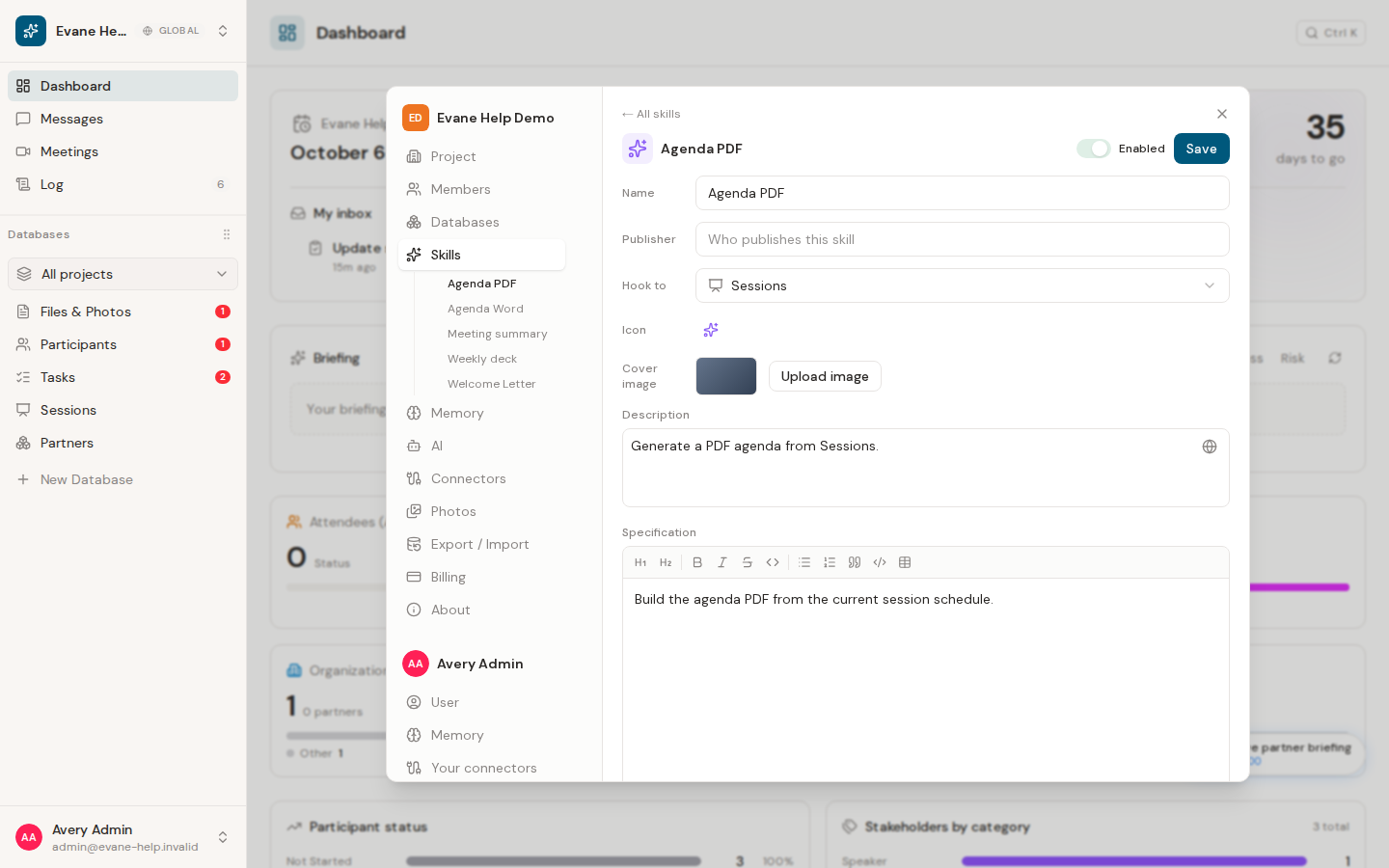
- Open Settings > Skills and select the Skill that failed.
- If it is a manual Skill, confirm it is enabled and has a template file attached, not just described in its text.
- For a manual Skill, check that the attached file is the type its instructions expect, such as a Word or PowerPoint file.
- Wait for any manual attachment upload to finish, save, and run the Skill again.
Every document-producing Skill resolves its own attachment by the Skill's id, whatever the file happens to be named. If a Skill has no attachment at all, the chat says so rather than producing an empty document.
For a manual Skill, an Admin or Owner can replace the attachment in the editor. A Skill installed from the Skill Library is package-managed: its specification and attachments are not visible or editable in the workspace editor. Update or reinstall that package from the library, or ask an operator to repair the package, instead of trying to attach a divergent local template.
Response without a file
A successful document Skill returns a stored File and a download URL. If the assistant only describes a path or an outline in the chat, the document was not actually produced. Check the run for an error and do not present that description as a generated artifact.
The produced file looks wrong
Evane checks that a produced document actually differs from the untouched template before saving it, and, where the Skill's own instructions ask for it, that leftover sample text from the template is gone. If either check fails, the chat names which one and the file is not saved. Fix the Skill's instructions or its template, then run it again.
Generated file is partial or missing from Files
Review any reported reason in the chat, plus storage or conversion errors. The Files list should update from the file-created event; if a manual refresh reveals a file the list did not show, also report that as a separate real-time update issue.

