



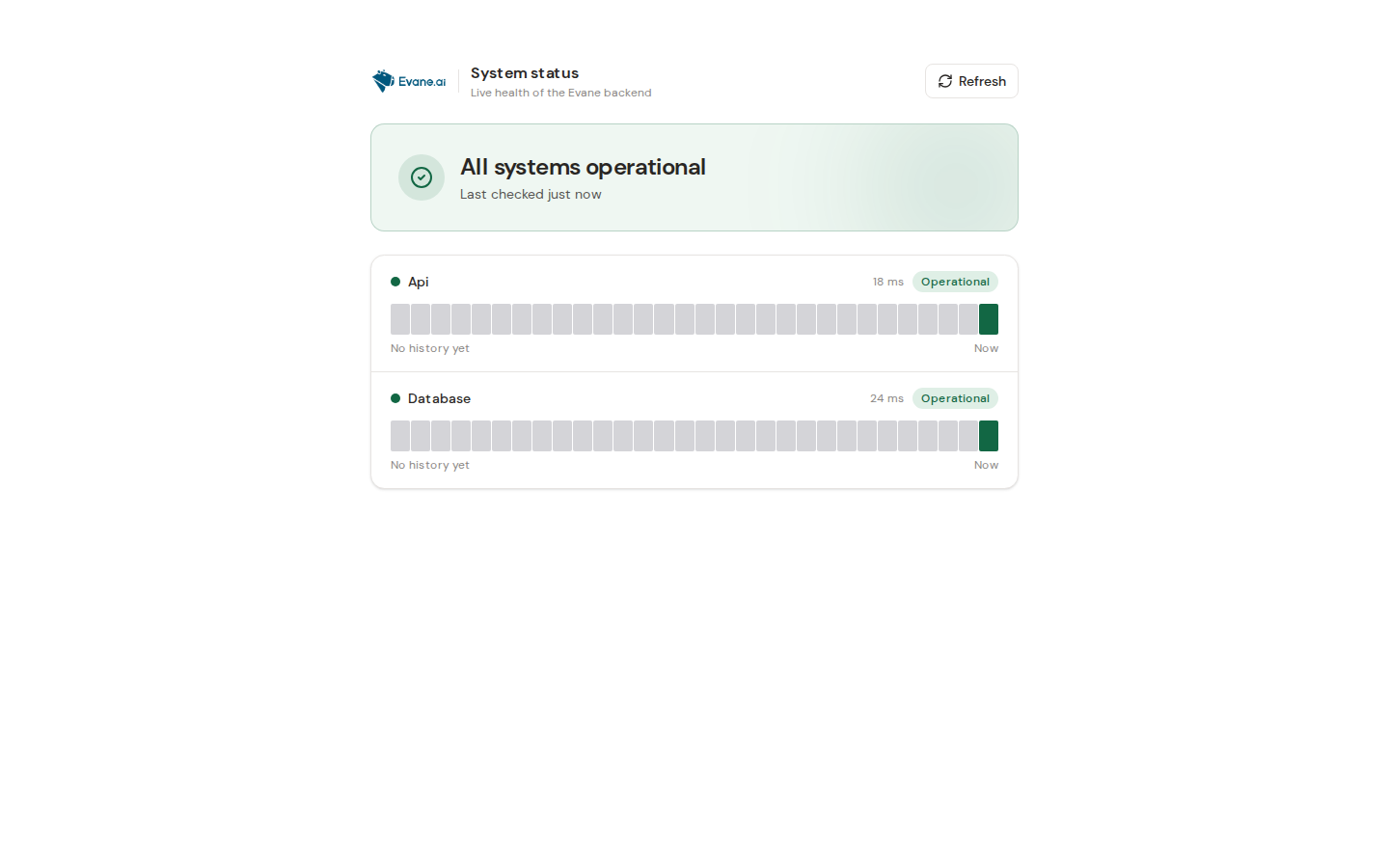
The public health page summarizes registered platform checks without requiring access to a workspace. Use it to distinguish a broad service incident from a record-specific error.
Read the result
- Healthy means the health registry completed its required checks successfully.
- Degraded means the service is responding but one or more dependencies or optional capabilities are impaired.
- Unavailable or an unreachable page means the API or its route cannot respond.
Health is a snapshot, not proof that every connector or user-specific Microsoft permission works. A green platform check can coexist with an expired SharePoint grant for one user.
Next steps
- Note the failing component and timestamp.
- Retry the original operation once after the component recovers.
- If only one workspace or account fails, investigate its region, membership, connector, or permission instead of treating it as a platform outage.
- For local development, verify PostgreSQL, Redis, migrations, API, and frontend in that order.
Share the health component name and time with support, not environment values or credentials.

