



AI runs can fail before a model call, during provider execution, or while saving the result. The visible error identifies which layer to check.
Quota and rate limits
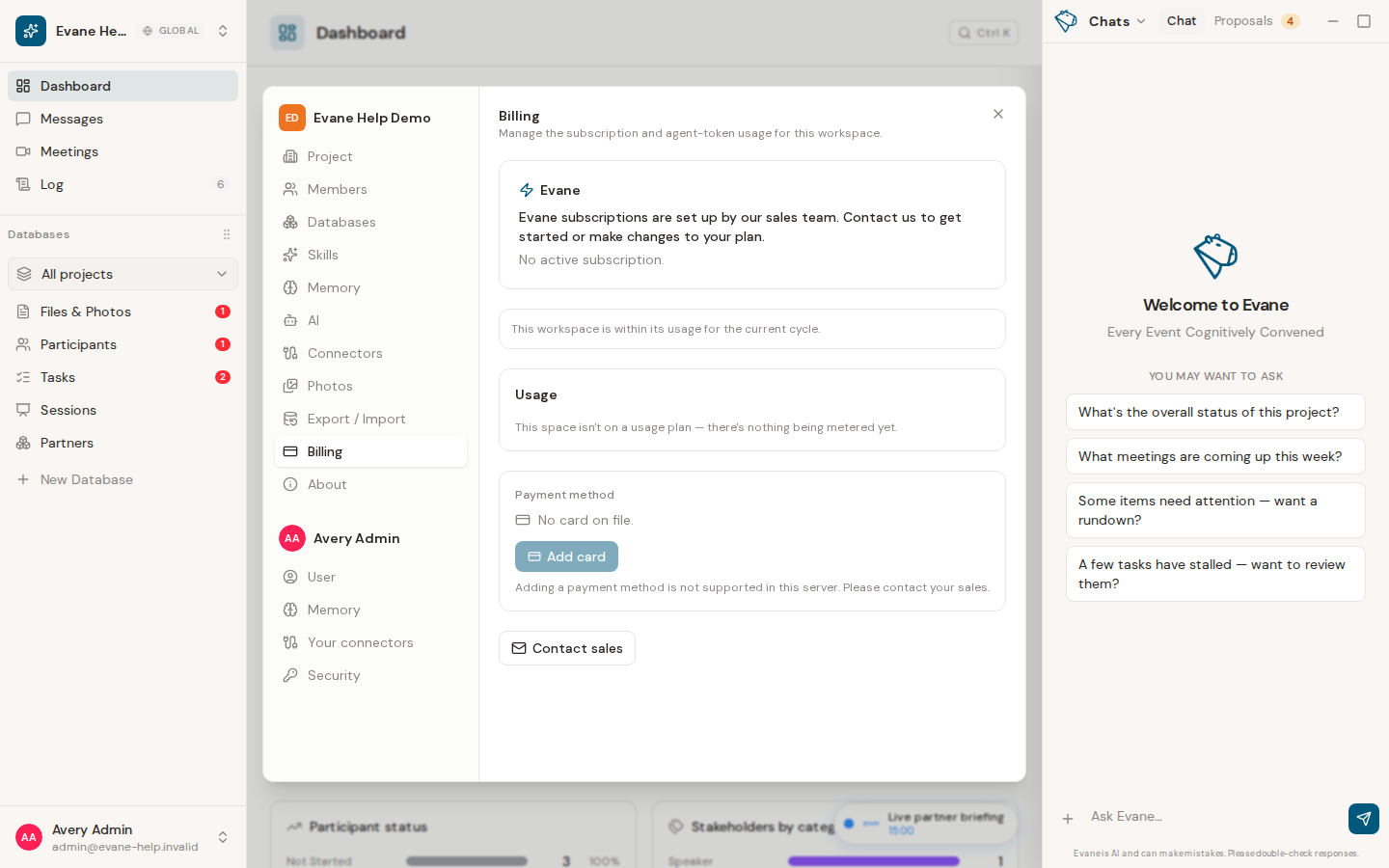
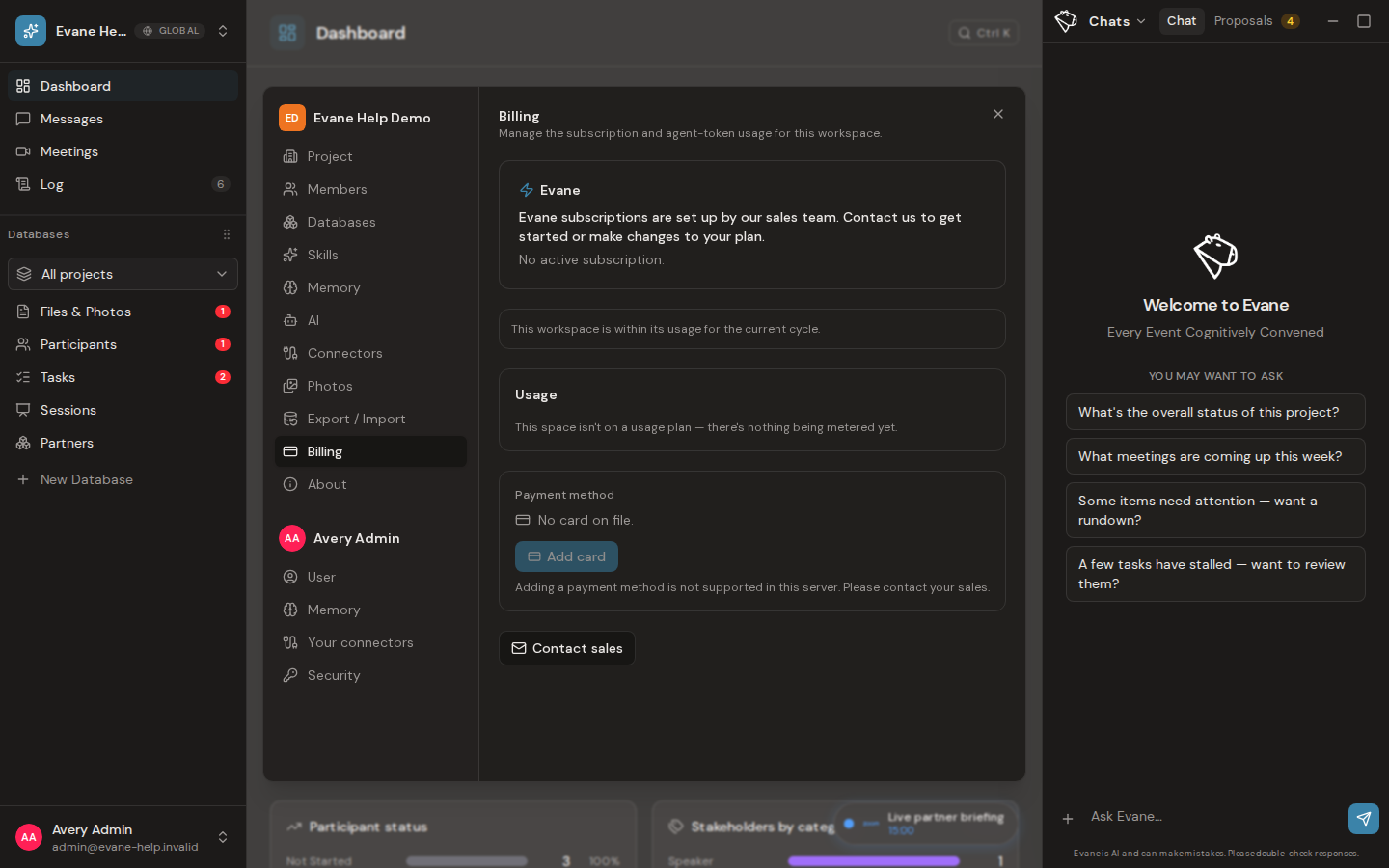
Evane applies project limits for concurrent runs, hourly runs, and monthly tokens. Provider services can impose their own rate or credit limits as well. When a retry time is shown, wait for it; clearing browser data does not reset server-side usage.
Model availability
Confirm the selected model is enabled for the configured provider and deployment. A model name can be valid in the UI but unavailable in the current Azure/OpenAI/Anthropic account or region. An Admin should use the provider probe or model settings rather than exposing credentials in chat.
Empty or incomplete answers
A run can exhaust its output budget during reasoning and return little visible text. Evane should report truncation rather than treating that as a valid empty result. Retry with a narrower request, or ask an Admin to review model-aware token limits.
Preserve evidence
Keep the run ID, selected model, time, error name, and whether the run appears in conversation history. Never paste API keys or provider tokens into a support request.

