



Once your account is linked, you can message the bot directly on WhatsApp or Feishu and ask the same kind of question you would type into the AI pane. Each reply is grounded in one space you are a member of, and your access to that space is checked on the server for every message, exactly as it is inside Evane.
Choosing which space you mean
If you belong to only one space, the bot answers directly. If you belong to more than one and none is selected yet, it asks you to pick first:
Please choose a space:
1. Product Launch
2. Ops Workspace
Reply with a number or the space's name (or send /space N). Later, send /spaces to switch or /exit to leave.
Reply with the number, or type the space's name; a close match is recognized too. Once you answer, the bot confirms the choice and goes on to answer the question that made it ask in the first place, so you never have to repeat yourself.
It stays on that space until you switch
The space you pick stays in effect for every later message, not just the first one. To change it:
- Send
/spacesto see the list again and pick another number. - Send
/space 2to jump straight to the second space in that list. - Send
/exitto leave the current space; your next question will ask you to choose again. - Send
/clearto start a fresh conversation in the same space, without changing which space you're in.
Chinese speakers can use 切换空间 in place of /spaces and 退出空间 in place of /exit. The bot also replies in whichever language you write in: a message with Chinese characters gets Chinese prompts and confirmations back.
You don't have to remember the commands either. Plain sentences such as "Can you switch to the Ops Workspace?" or 「切换到 Ops Workspace」work the same way: the bot matches the name against your own spaces and moves the chat there, confirming which space it switched to before answering anything else. You can also just ask which space the chat is in now, or ask it to list your spaces.
Which space answered
Once you belong to more than one space, every answer opens with a line naming the space it came from, such as [Product Launch] (or (Product Launch) for a Chinese reply). An account with only one space skips that line, since there is nothing to tell apart.
Link your account first
A direct message only works once the channel account is linked to your Evane account.
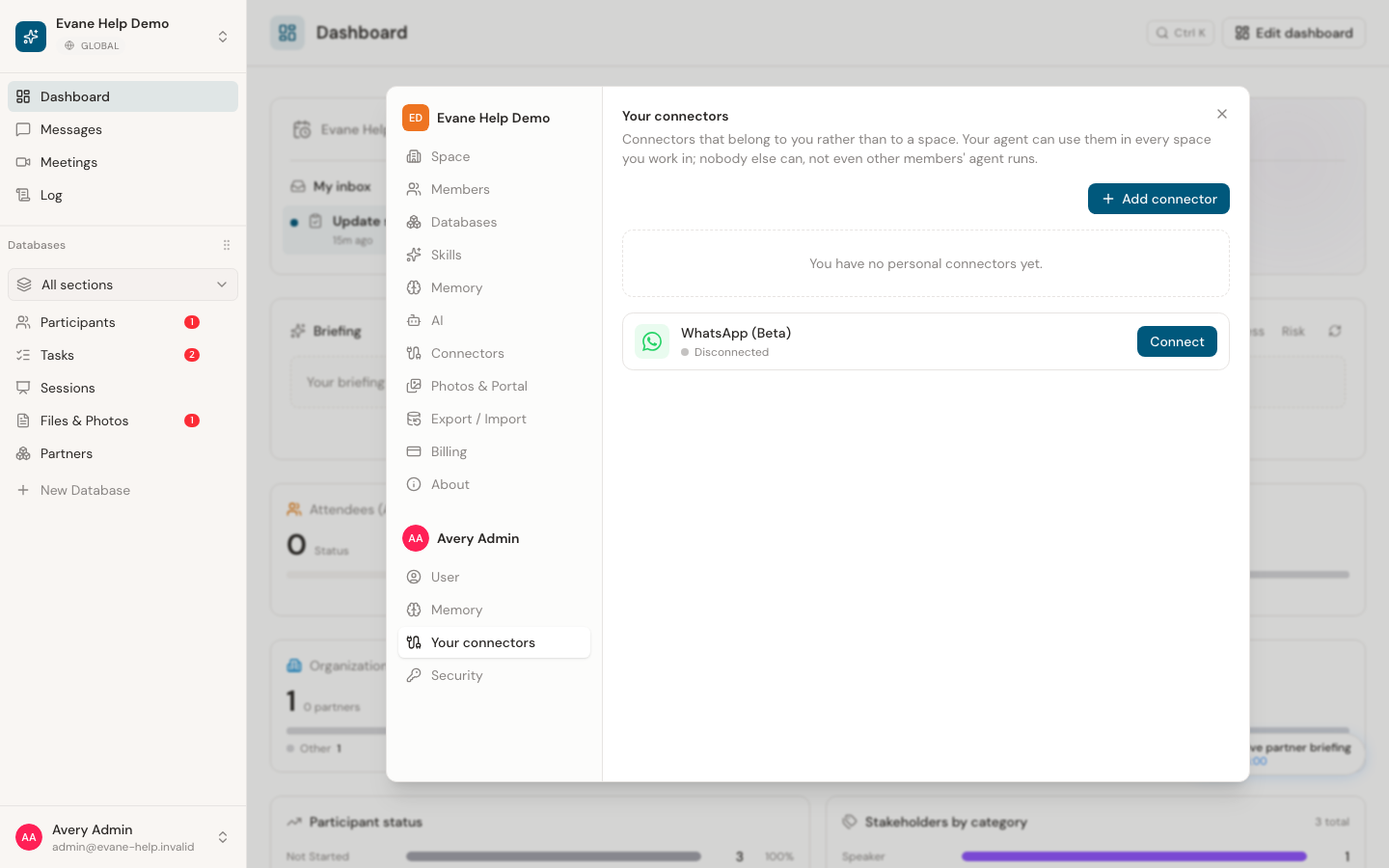
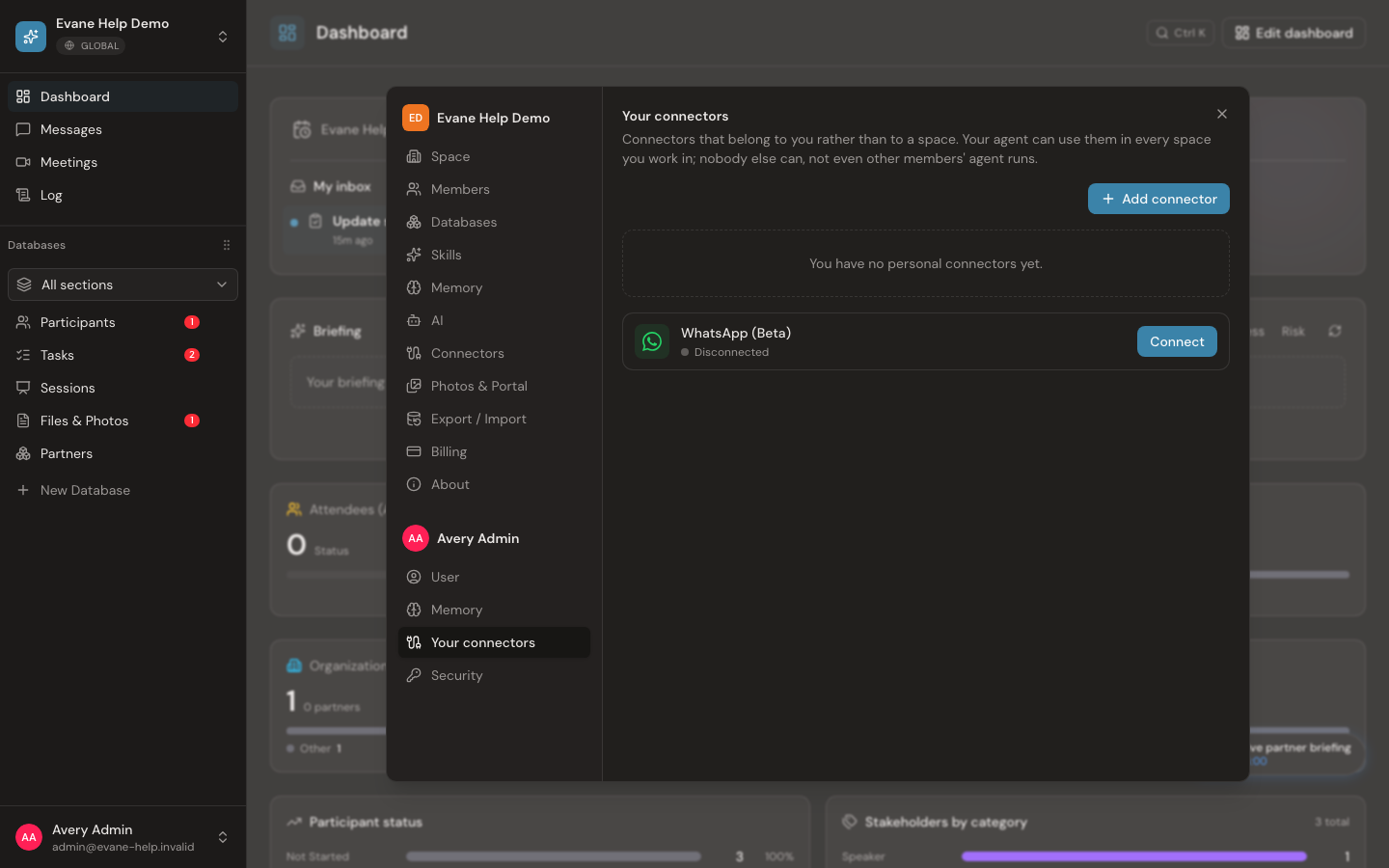
For WhatsApp, see Manage personal connectors and MCP access for the linking steps.
Feishu messaging applies only when the deployment enables the Lark group connector. Where it is, open Evane → Settings → Security and connect your Feishu account, the same way you would connect a sign-in method. If you would rather message the bot first, reply with your Evane account's email address; it emails a one-time code to that address, and replying with the code links the chat to your account.
When a space is in another data region
Spaces can be hosted in different data regions. If the space you pick turns out to be hosted in a region this chat cannot reach, the bot cannot run the question there. It tells you so, and names that region's own bot for the channel when the deployment has configured one; otherwise, it asks you to open that space in Evane directly instead.
A bot answering from another data region never offers to link by an emailed code: if your account is not yet linked, it tells you to link Feishu in Evane → Settings → Security instead. If that region also requires a verified phone number on your account, or its sign-in service is briefly unreachable, it tells you so rather than answering.
Files and web search on WhatsApp
On WhatsApp, the assistant can also hand you a file. Ask for a new or changed document, for example the same PDF with two names replaced, a filled-in spreadsheet or a Word file converted to PDF, and it works on a copy in a private code sandbox for this chat, then sends the result into this same chat right after its reply. It can also send you a file that is already in the space. It only ever sends into the chat you asked in, never anywhere else.
- The sandbox has no internet connection, and it starts empty: the assistant copies in only the space files it needs.
- A file made in WhatsApp is not saved into the space's Files library. Any change to the space's own records is still a proposal for someone to review.
- Each file has a size limit, and each chat has a daily limit on how many files it can receive. When a limit is reached, the assistant says so instead of sending.
- In a WhatsApp group linked to a space, the assistant sends files only when the person asking is a member of that space. Other people in the group still get answers in text.
- Every file it sends appears in the space's Activity Log as "sent a file to a WhatsApp chat".
- If the sandbox is not available at that moment, the assistant still answers and tells you it cannot make a file right now.
When the space's Internet access switch is on (Settings > AI assistant), the assistant can also search the web and read pages over WhatsApp, the same way it does inside Evane. With the switch off, it has no web tools there either.
Feishu does not handle files or web search this way yet.
What a direct message can't do yet
A direct message only reads plain text, plus Feishu's simple rich-text messages. Voice notes and videos are not read on either channel; type the question instead, or use Evane directly for anything that needs a recording.
Frequently asked questions
Does the first message always show a numbered list of spaces?
No. The list only appears when you belong to more than one space and none is selected yet; an account with a single space gets a direct answer instead.
What happens if I'm removed from the space I had selected?
Your next message is told you're no longer a member and is asked to pick another space from the current list; nothing from the old space answers after that.